EasyManua.ls Logo

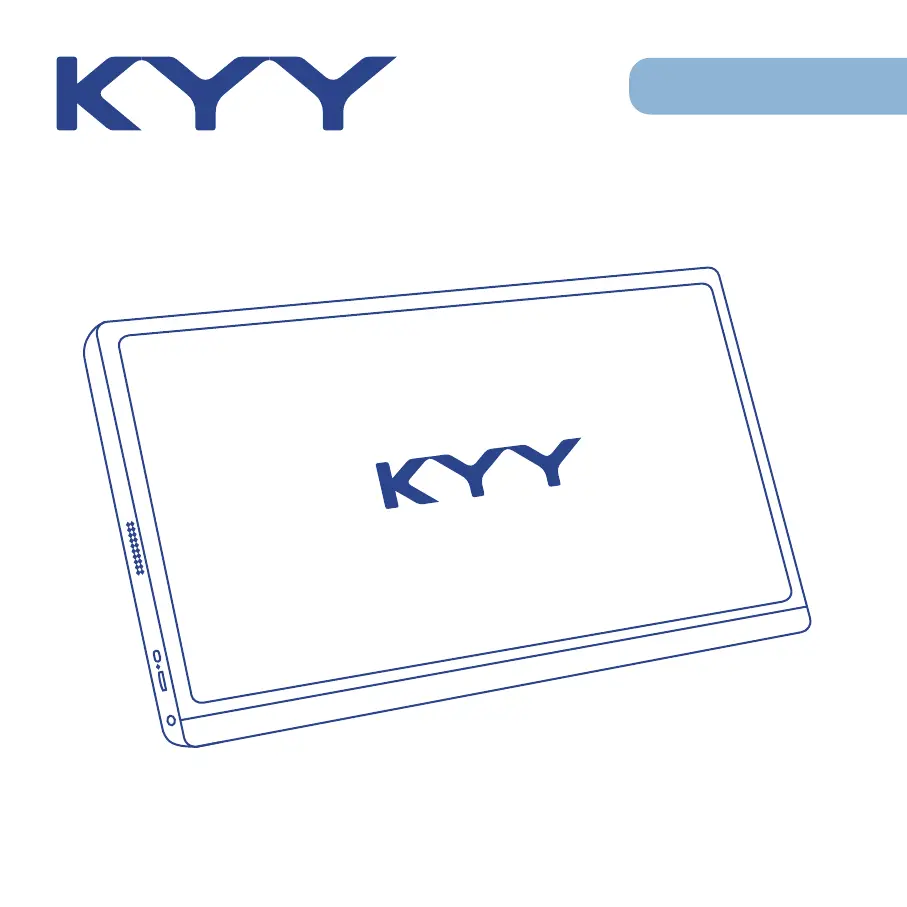
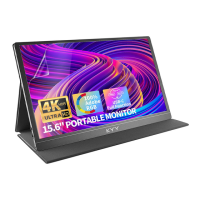
KYY K3-1 - User Manual

KYY K3-1
26 pages
Print Icon
To Next Page IconTo Next Page
Loading...
15.6
"
Full HD
Portable Monitor
K3-1
User Guide
Note: Any technical problem pls contact support team
[support@kyytech.com]

Questions and Answers

Summary

Package List

Introduction

Smart Cover Usage

Connecting Your Monitor

External Power Supply

Connect the monitor using the provided power adapter or USB-C cable for power.

Direct USB-C Connection

Connect directly via USB-C for power and video if the device port is fully functional.

USB-C Laptop Connectivity

Connect a USB-C laptop to the monitor, noting power supply needs for high brightness.

USB-C Phone Connectivity

Connect a USB-C phone; monitor may use phone power or reverse-charge the phone.

HDMI PC;Laptop Connectivity

Connect PC or laptop via HDMI, requiring separate power supply or USB-C cable.

HDMI Other Devices Connectivity

Connect other devices like game consoles via HDMI, ensure power supply first.

Display Mode Settings

Windows Display Setup

Configure display resolution, orientation, and extend/duplicate modes in Windows.

Mac Display Setup

Arrange multiple displays, change positions, and manage menu bar on Mac.

OSD Menu Customization

Adjust brightness, contrast, color, language, and other display settings via OSD.

Supported Devices

Compatible Phone Models

List of supported phone brands and models for connectivity with the portable monitor.

Compatible Laptop Models

List of supported laptop brands and models for connectivity with the portable monitor.

Product Specifications

Important Notices

Troubleshooting Guide

Contact Information

KYY K3-1 Specifications

General IconGeneral
BrandKYY
ModelK3-1
CategoryMonitor
LanguageEnglish

Related product manuals