38
Read all instructions before installing or using this appliance.
Installation Instructions
Save these instructions for future reference.
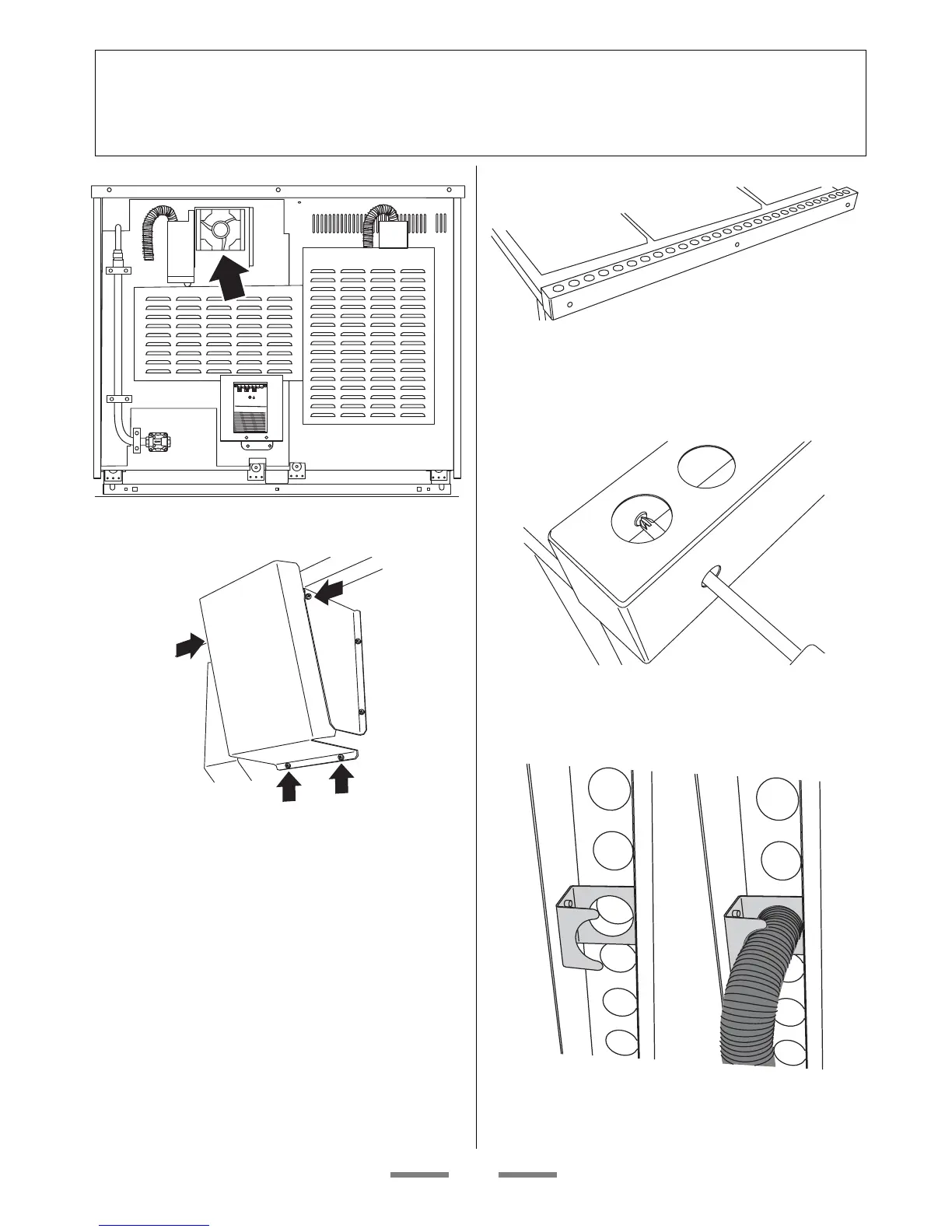
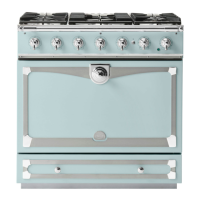
Installing the cooling fan cover
Back of range showing cooling fan position
Attach the cooling fan cover in position (4 screws)
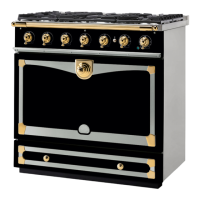
Installing the flue grille
The fl ue grille is packed separately.
The larger of the holes along the sides are for
screwdriver access and should face to the rear. Use
the screws and nuts supplied to hold the grille in
place.
View from above
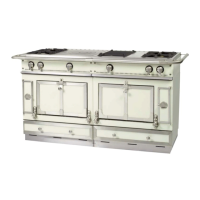
Clip the fl exible extensions of the oven fl ues to the
fl ue grille using the clips provided inside the fl ue
grille.
View from below


 To Next Page