4
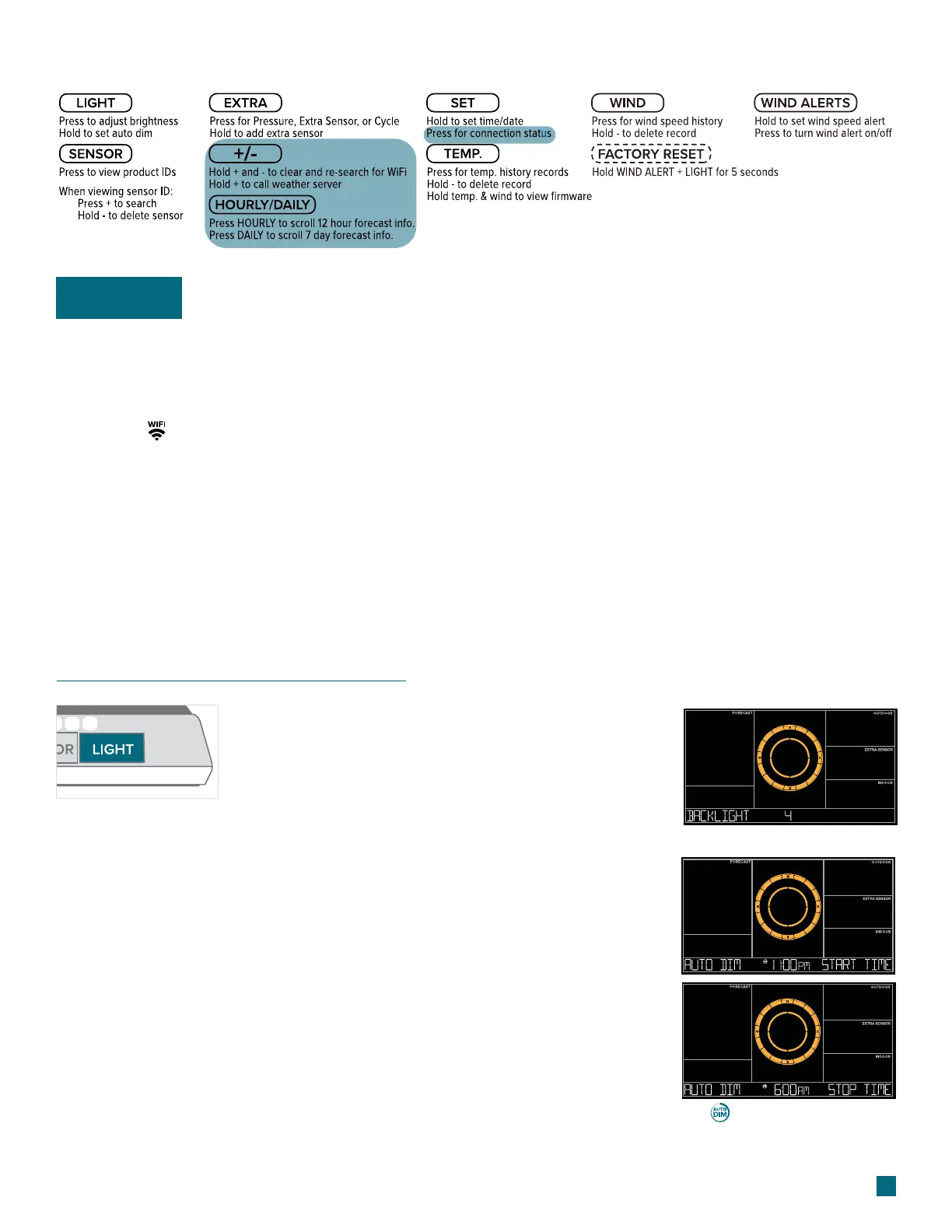
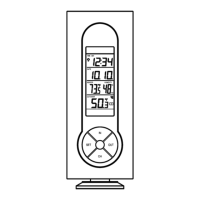
Please disregard these highlighted button functions on the back of your display:
Important
LCD Display Brightness
Adjusting the LCD Display Brightness
Auto-Dim Settings
Press the LIGHT button to adjust the backlight
intensity. There are 4 levels, plus an o option.
1.
2.
3.
4.
Hold the LIGHT button to enter the Auto-Dim Settings Menu.
Program your display to automatically dim during preselected times.
Press the +/- buttons to turn the Auto-Dim feature on or o. Press
LIGHT to confirm.
Press the +/- buttons to adjust the starting hour. Press LIGHT to
confirm.
Press the +/- buttons to adjust the stopping hour. Press LIGHT to
confirm and exit.
The icon will appear on the
LCD when the Auto-Dim feature
activated.
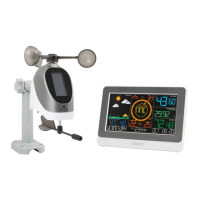
This station does not support connected features and will not connect to WiFi. Some of the on-screen
elements may not apply.
Please disregard the following items and messages:
• WiFi Icon
• SEE APP TO CONNECT
• LOST WIFI
• CONNECT TO WIFI
• WAIT FOR WEATHER
• CHECK APP


 To Next Page