EasyManua.ls Logo

La Crosse Technology WS-7215U-IT - User Manual

La Crosse Technology WS-7215U-IT
25 pages
Print Icon
To Next Page IconTo Next Page
Loading...
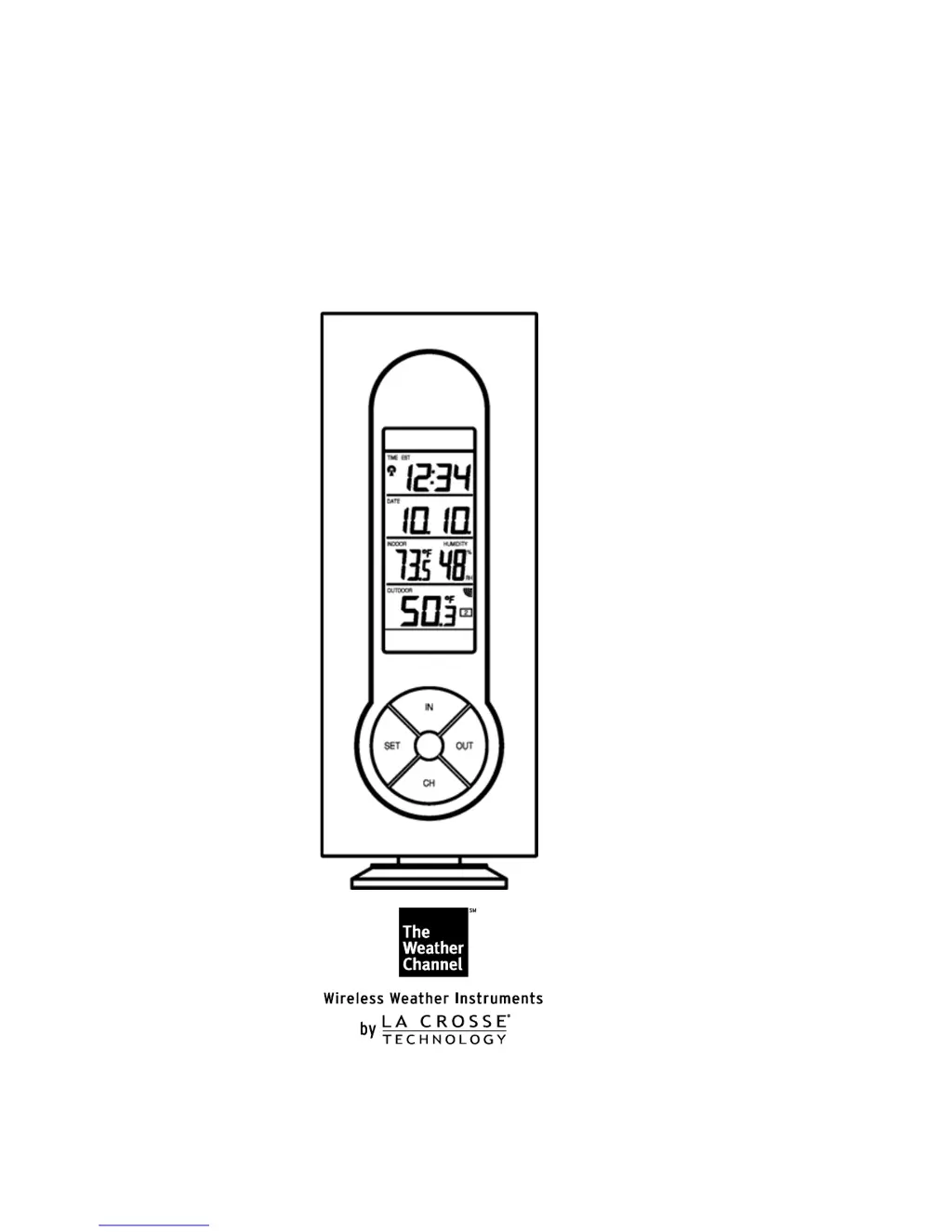
WS-7215U-IT
Wireless 915 MHz
Radio-controlled Temperature Station
Instruction Manual

Questions and Answers

  • K
    Katherine BakerJul 30, 2025
    What to do if La Crosse Technology Weather Station shows no outdoor temperature?
    • B
      bwongJul 30, 2025
      If your La Crosse Technology Weather Station isn't displaying the outdoor temperature, try the following: 1. Remove all batteries and reinsert them, starting with the remote temperature sensor, then the display unit. 2. Move the remote sender closer to the display. 3. Ensure all batteries are new. 4. Position the remote temperature sensor and the Weather Station so the signal path doesn't go through more than two or three walls.
  • A
    Amanda SmithAug 4, 2025
    Why is my La Crosse Technology Weather Station not receiving the WWVB time signal?
    • M
      Mrs. Ashley Soto MDAug 5, 2025
      If your La Crosse Technology Weather Station isn't receiving the WWVB time signal, here are a few things to try: 1. Wait overnight for the signal to come in. 2. Ensure the Weather Station is at least 6 feet away from electronic devices like TVs, computers, or other radio-controlled clocks. 3. Remove the batteries for five minutes, then reinsert them and leave the unit alone overnight without pressing any buttons. 4. If problems persist, contact La Crosse Technology.
  • C
    cheryl59Aug 11, 2025
    Why is the hour incorrect on my La Crosse Technology WS-7215U-IT Weather Station?
    • R
      Richard PetersAug 11, 2025
      If the hour is incorrect on your La Crosse Technology Weather Station (but the minute and date are correct), make sure the correct time zone and daylight saving time settings are selected.
  • B
    Beverly MartinezAug 17, 2025
    Why don't the temperatures match on my La Crosse Technology WS-7215U-IT Weather Station?
    • A
      Anna WalshAug 17, 2025
      The temperature sensors in your La Crosse Technology Weather Station are designed for different working environments. Each sensor is manufactured to be accurate to within 1 degree plus or minus under normal conditions, so two sensors could show a difference of up to 2 degrees.
  • S
    samantha10Aug 22, 2025
    How to fix faint LCD on La Crosse Technology WS-7215U-IT?
    • L
      Latoya CurtisAug 23, 2025
      If the LCD on your La Crosse Technology Weather Station is faint: 1. Increase the LCD contrast to a higher number. 2. Try replacing the batteries.

Summary

Detailed Set-Up Guide

Battery Installation Procedure

Step-by-step guide for installing batteries in both the sensor and the station.

Sensor and Station Initial Setup

Instructions for preparing and installing batteries in the remote sensor and main station.

Programming Basics

Programming Sequence and Defaults

Overview of the unit's programming order and initial factory settings.

Time and Date Configuration

Product Features Overview

Min;Max Temperature Records

How the unit tracks and displays minimum and maximum temperature readings.

Adding and Viewing Multiple Sensors

Instructions for setting up and managing multiple remote temperature sensors.

Mounting Instructions

Troubleshooting and Maintenance

Common Troubleshooting Tips

Solutions for common issues like signal reception and display problems.

La Crosse Technology WS-7215U-IT Specifications

General IconGeneral
Display TypeLCD
Indoor Temperature Range32°F to 122°F (0°C to 50°C)
Outdoor Temperature Range-40°F to 140°F (-40°C to 60°C)
Wireless Range330 feet (100 meters)
Power Source (Sensor)2 x AA batteries
Humidity Resolution1%
Power Source (Display Unit)2 x AA batteries
Temperature Resolution0.1°F / 0.1°C
Indoor Humidity Range1% to 99% RH

Related product manuals