EasyManua.ls Logo

La Crosse Technology WS-7394U - User Manual

La Crosse Technology WS-7394U
24 pages
Print Icon
To Next Page IconTo Next Page
Loading...
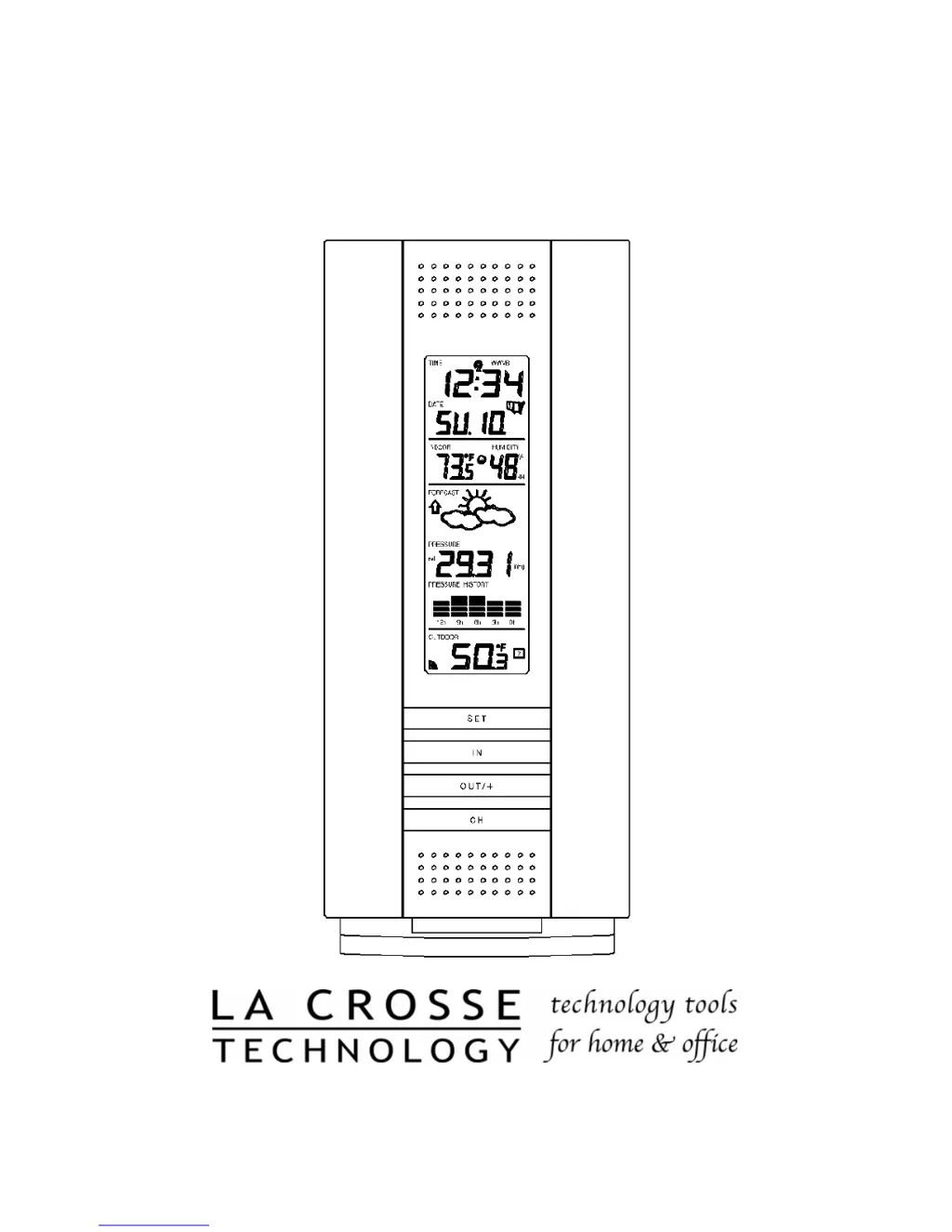
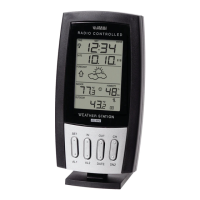
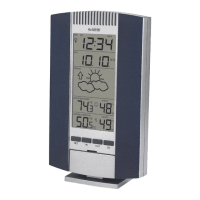
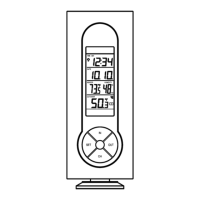
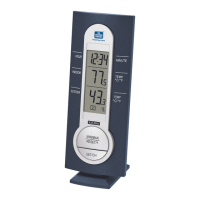
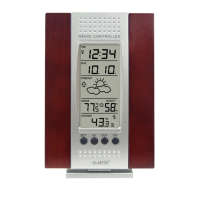
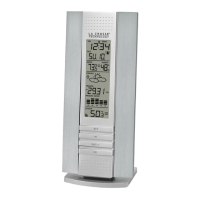
WS-7394U
Wireless 433 MHz
Wireless Weather Station
Instruction Manual

Questions and Answers

  • W
    Whitney HortonAug 11, 2025
    Why is no outdoor temperature displayed on my La Crosse Technology Weather Station?
    • S
      Stacey CarterAug 11, 2025
      If your La Crosse Technology Weather Station isn't showing the outdoor temperature, try these steps: 1. Remove and reinsert batteries, starting with the remote temperature sensor, then the indoor weather station. 2. Move the remote temperature sensor closer to the indoor weather station. 3. Ensure all batteries are fresh. 4. Make sure there are no interfering electronic devices nearby, such as computer monitors, TVs, headphones, or speakers, as these can disrupt the signal.
  • C
    Carly DouglasAug 18, 2025
    What to do if temperature or air pressure is incorrect on La Crosse Technology WS-7394U?
    • H
      Heather BaldwinAug 18, 2025
      If you are experiencing incorrect temperature or air pressure readings on your La Crosse Technology Weather Station, consider the following: * Check and replace the batteries. * If using multiple remote sensors, verify their locations using the corresponding 'boxed numbers'. * Move the station away from heat or cold sources. * Adjust the relative air pressure to match a reliable source like TV or radio. For consistent issues, contact La Crosse Technology.
  • B
    Brian MoralesAug 25, 2025
    How to fix WWVB time and date not setting or updating on La Crosse Technology WS-7394U?
    • W
      Wendy PattersonAug 26, 2025
      If the WWVB time and date on your La Crosse Technology Weather Station aren't setting or updating, here are some things to try: * Wait overnight for the signal to be received. * Move the weather station away from electrical sources. * Place the station in a window facing Colorado. Initial reception requires five continuous minutes of clear signal. After the initial set, it only needs one minute each night.
  • J
    Jason BradySep 1, 2025
    How to fix a faint LCD on La Crosse Technology Weather Station?
    • R
      Rebecca HarperSep 1, 2025
      If the LCD on your La Crosse Technology Weather Station is faint, you can try the following: * Increase the LCD contrast to a higher level. * Replace the batteries.

Summary

Quick Set-Up Guide

Battery Installation Order

Specifies the order for inserting batteries into units.

Initial 15-Minute Wait

Instructions for the initial 15-minute waiting period.

Detailed Set-Up Guide

Remote Sensor Battery Installation

Step-by-step guide for installing batteries in the remote sensor.

Indoor Station Battery Installation

Step-by-step guide for installing batteries in the indoor station.

Start-Up Sequence

Initial LCD and Sensor Search

Describes the initial LCD behavior and sensor signal search.

WWVB Signal Reception

Details the process of receiving and setting the WWVB time signal.

LCD Information Explanation

Function Key Layout

Program Mode

Programming Sequence Overview

Lists the available programming functions and their order.

LCD Contrast Setting

Instructions on how to adjust the LCD contrast.

Time Zone Setting

Steps to select the appropriate time zone.

DST ON;OFF Setting

How to enable or disable Daylight Saving Time.

Features and Operations

Multiple Remote Sensors

Mounting

Troubleshooting

LCD Display Issues

Solutions for a faint or unreadable LCD.

Outdoor Sensor Reading Problems

Troubleshooting no outdoor temperature/humidity display.

Incorrect Readings

How to fix incorrect temp, humidity, or pressure.

WWVB Time;Date Update Issues

Troubleshooting WWVB time and date not setting.

La Crosse Technology WS-7394U Specifications

General IconGeneral
Temperature Range (Outdoor)-40°F to 140°F (-40°C to 60°C)
Temperature Range (Indoor)32°F to 122°F (0°C to 50°C)
Wireless Frequency433MHz
Time Display12/24 hour format
Display TypeLCD
Wireless Range300 feet (91 meters)
Power Requirements (Remote Sensor)2 x AA batteries

Related product manuals