EasyManua.ls Logo

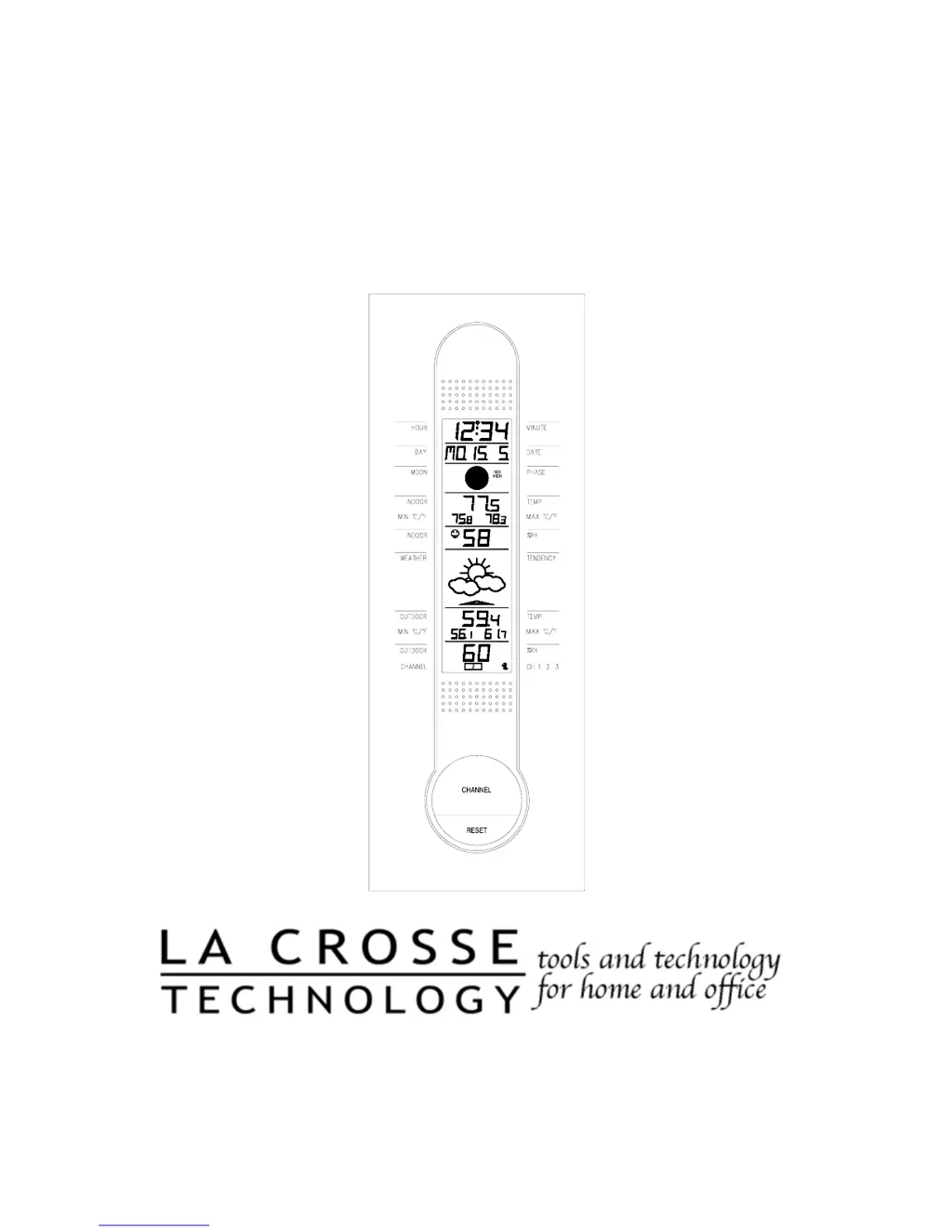
La Crosse Technology WS-7391U - User Manual

La Crosse Technology WS-7391U
26 pages
Print Icon
To Next Page IconTo Next Page
Loading...
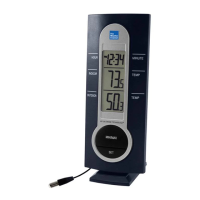
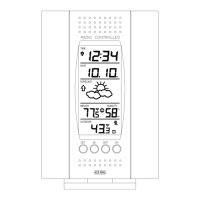
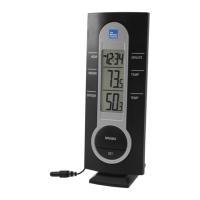
WS-7391U
Wireless 433 MHz
Radio-controlled Weather Station
Instruction Manual

Questions and Answers

  • F
    finleyheatherJul 31, 2025
    Why is the hour incorrect on my La Crosse Technology WS-7391U Weather Station?
    • C
      Christian EdwardsJul 31, 2025
      If the hour is incorrect on your La Crosse Technology Weather Station (but the minute and date are correct), ensure that the correct time zone and daylight saving time settings are selected.
  • L
    Laura GardnerAug 6, 2025
    What to do if my La Crosse Technology WS-7391U Weather Station shows no remote temperature?
    • G
      Gloria BarnesAug 7, 2025
      If your La Crosse Technology Weather Station isn't displaying the remote temperature, try these steps: 1. First, remove all batteries from both the remote sensor(s) and the indoor weather station. Reinsert the batteries into the remote sensor(s) first, and then into the indoor weather station. 2. Make sure to place the remote sensor(s) closer to the indoor weather station. 3. Ensure that all batteries are fresh.
  • J
    Jonathan WilsonAug 13, 2025
    How to fix no WWVB time signal reception on La Crosse Technology Weather Station?
    • C
      Cynthia CookAug 13, 2025
      If your La Crosse Technology Weather Station isn't receiving the WWVB time signal, here's what you can do: 1. Wait overnight for the signal to be received. 2. Ensure the indoor weather station is at least 6 feet away from electrical devices like TVs, computers, or other radio-controlled clocks. 3. Remove the batteries for five minutes, reinsert them, and leave the unit alone overnight without pressing any buttons. 4. If problems persist, contact La Crosse Technology support.
  • D
    Danielle BarryAug 17, 2025
    What to do if the LCD is faint on La Crosse Technology WS-7391U Weather Station?
    • S
      Sean LambAug 17, 2025
      If the LCD screen on your La Crosse Technology Weather Station is faint: 1. Try adjusting the LCD contrast to a higher number. 2. If that doesn't work, replace the batteries.
  • S
    Steven SandersAug 25, 2025
    Why does my La Crosse Technology WS-7391U remote humidity display “- -“?
    • J
      Janice PerkinsAug 25, 2025
      If your La Crosse Technology Weather Station displays "- -" for remote humidity, it could be due to the following reasons: 1. A temperature-only sensor might be in use and displayed. 2. The humidity might be outside the sensor's range of 19-95%.

Summary

WS-7391 U Weather Station Instruction Manual

Product Inventory and Requirements

Inventory of Contents

Lists all items included with the weather station.

Additional Equipment Required

Lists necessary items not included with the weather station, like batteries and tools.

About WWVB Radio Signal

Quick Set-Up Guide

Initial Setup and Unit Pairing

Steps for inserting batteries and pairing the indoor and remote units.

Sensor Placement Recommendations

Guidelines for positioning the remote sensor for optimal performance and durability.

Detailed Set-Up Guide

Battery Installation Procedure

Step-by-step instructions for installing batteries in both the remote sensor and the main unit.

Program Mode and Time Synchronization

Automatic Time Synchronization via WWVB

How the station automatically sets time using the WWVB radio signal.

Manual Time and Date Configuration

Manual Time and Date Setting

Instructions for manually setting time, date, and format if WWVB is not used.

Function Keys Overview

Describes the purpose and location of the control buttons on the weather station.

Time Zone and DST Settings

Time Zone Selection

Steps to set the correct time zone for accurate time display.

Daylight Saving Time (DST) Setting

How to enable or disable automatic adjustments for Daylight Saving Time.

Setting Day, Date, and Year

Manual Date and Year Input

Manual input for the current day of the week, date, and year.

Unit and LCD Contrast Settings

Temperature Unit Selection (°F;°C)

How to select temperature units (°F/°C) for readings.

LCD Contrast Adjustment

How to adjust the brightness and clarity of the LCD display.

Weather Forecast Features

Weather Forecast Icons and Tendency

Interpretation of weather icons and tendency arrows based on air pressure changes.

Indoor Comfort Level Indicator

Outdoor Readings and Min;Max Records

Additional Remote Sensors

Adding and Setting Up Multiple Sensors

Information on purchasing, installing, and configuring additional remote sensors.

Viewing Multiple Sensor Data

How to cycle through and view data from different remote sensors.

Mounting Instructions

Mounting the Remote Thermo;hygro Sensor

Guides for physically attaching the remote sensor using screws or adhesive tape.

Remote Sensor Mounting Methods

Detailed steps for mounting the remote sensor using screws or adhesive tape.

Mounting the Indoor Weather Station

Instructions for wall-mounting the main indoor weather station unit.

Troubleshooting Common Issues

Time Signal and Accuracy Problems

Solutions for problems related to WWVB signal reception and time accuracy.

Display and Sensor Reading Problems

Troubleshooting tips for faint displays, missing sensor readings, or humidity errors.

Maintenance, Specifications, and Warranty

Care, Cleaning, and Handling

Guidelines for preserving the weather station unit through proper maintenance.

Technical Specifications Data

Detailed data on measuring ranges, intervals, power, and dimensions.

Warranty Coverage and Claims

Details about the product's limited warranty, coverage, and claim procedures.

Warranty Limitations and Exclusions

Specifies conditions and damages not covered by the product warranty.

Contact Information and Compliance

Provides contact details for support and warranty, along with FCC compliance statements.

La Crosse Technology WS-7391U Specifications

General IconGeneral
Display TypeLCD
Indoor Temperature Range32°F to 122°F (0°C to 50°C)
Outdoor Temperature Range-40°F to 140°F (-40°C to 60°C)
Power Requirements (Remote Sensor)2 x AA batteries (not included)
CalendarYes
Wireless Range330 feet (100 meters)
Time DisplayYes
Power Source (Indoor)Battery
Power Source (Outdoor)Battery

Related product manuals