Lets Get Started
BBB86088 www.lacrossetechnology.com/support Page | 2
AA
AA
AA
AA
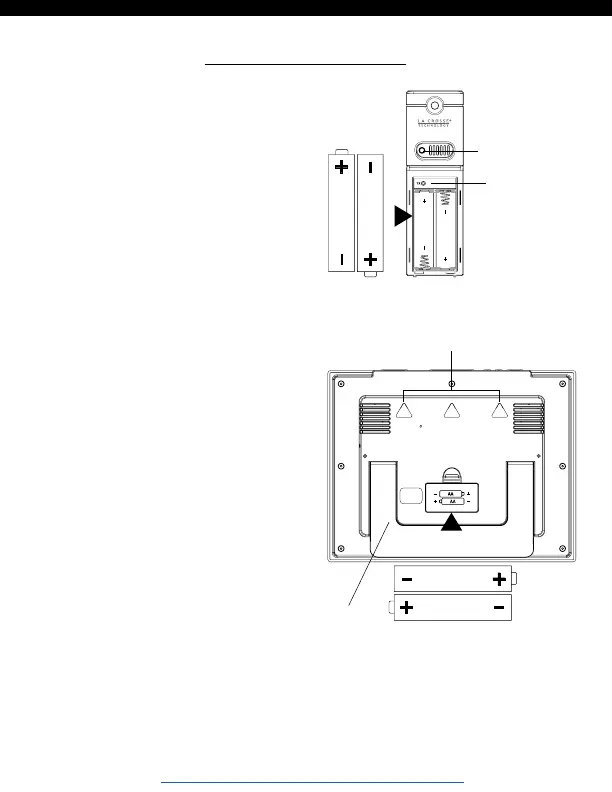
1. Insert 2 AA batteries into
your sensor.
∙The red LED light will flash
when your sensor transmits.
∙The TX button lets you
manually transmit a signal.
LED
TX Button
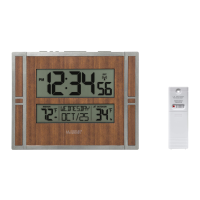
2. Insert 2 AA batteries into
your clock.
3. Configure basic settings.
4. After 5 minutes, place
your sensor outside in a
shaded location.
Wall Hang
Pullout Stand
∙ Mount your clock on the wall with the 3 holes on the back, or
use the pullout stand to place your clock on a desk or
counter.






 To Next Page