Page 1 of 8
La Crosse Technology®
WT-8002U
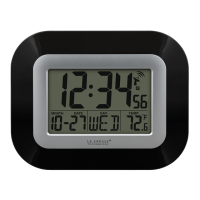
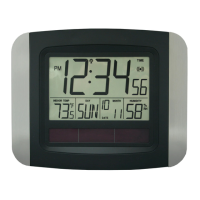
Digital Clock with Indoor Temperature
La Crosse Technology, Ltd.
www.lacrossetechnology.com
2809 Losey Blvd. S
La Crosse, WI 54601
Phone 608-782-1610
Table of Contents
Table of Contents .............................................. 1
Inventory of Contents ........................................ 2
Features and Specifications .............................. 2
Back View .......................................................... 2
Button View ....................................................... 2
Install Battery ..................................................... 3
Set the Time and Date ....................................... 3
To Change the Temperature Unit………………………4
To Set the Time Alarm ....................................... 4
To Use The Alarm ............................................. 4
Battery Replacement Information ...................... 5
Mounting the Unit .............................................. 5
Online Resources .............................................. 5
Care and Maintenance ...................................... 5
Troubleshooting ................................................. 6
Warranty Information ......................................... 6
Page 2 of 8
Inventory of Contents
1. WT-8002 Clock
2. Mounting hardware
3. Instruction manual
Features and Specifications
Digital time and date
12/24 hour time
Indoor temperature (°F or °C) (32°F to 122°F
- 0°C to 50°C)
Time alarm with snooze
Calendar: month, date and weekday
Wall hanging or free standing
Battery: 1 X “AA” size 1.5V (not included)
Battery life: Up to 24 months
Dimensions: 8.62" L x 1.29" W x 6.81" H
(218.9 x 32.7 x 172.9 mm)
Back View
Button View

 Need help?
 General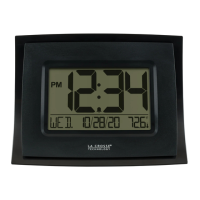




 To Next Page