Atomic Time -WWVB Signal
• Your clock will search for the atomic signal at UTC 7:00, 8:00,
9:00, 10:00, and 11:00.
• If there is no WWVB signal reception, your clock will search
every 2 hours until the WWVB time is received.
• The atomic time signal icon (tower) will flash while searching,
and be solid when connected.
• Hold the MINUS button for 3 seconds to manually search for
the WWVB atomic time signal.
• For information about WWVB visit: http://bit.ly/AtomicTime
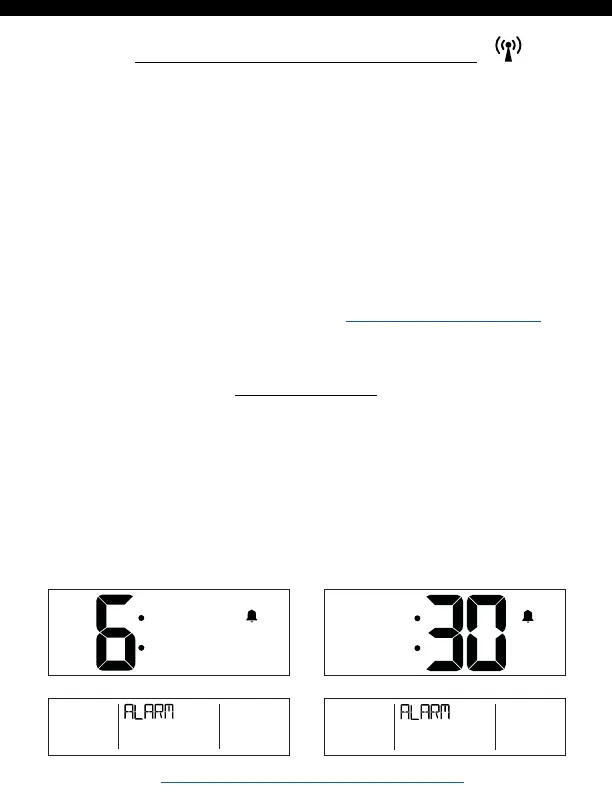
Time Alarm
1. Hold the ALARM button 3 seconds to enter alarm mode.
2. Press the + or - button to adjust the flashing values, hold to
adjust quickly.
3. Press the ALARM button to confirm adjustments and move
to the next item.
4. Press the SNOOZE button at any time to exit.
AM
BBB86088 www.lacrossetechnology.com/support Page | 6






 To Next Page