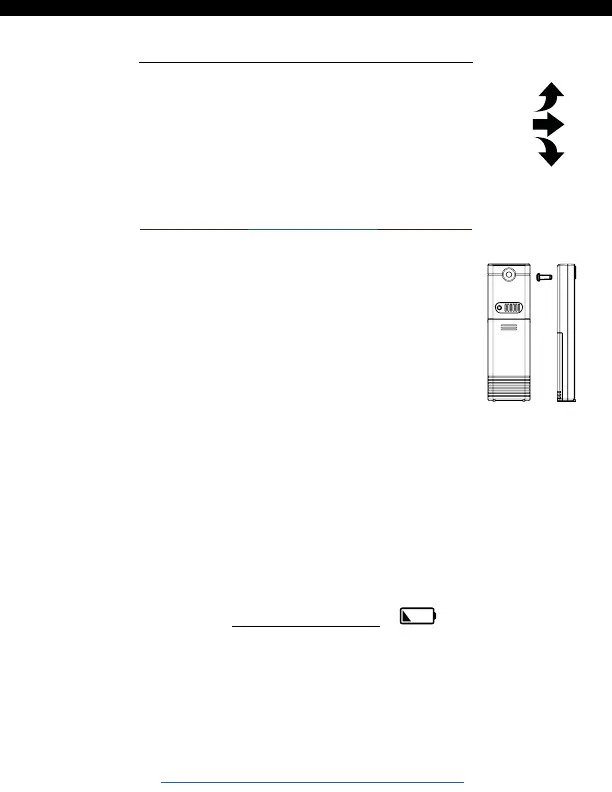
Position TX141-Bv2 Sensor
• Mount your sensor with the hole at the top:
Either hang it from the back using a nail, or
insert one mounting screw through the front.
• Mount your sensor on a north-facing wall or
in any shaded area. Under an eave or deck
rail is preferred.
• The maximum wireless transmission range
to your clock is over 330 feet (100 meters)
in open air, not including walls or floors.
• Be sure the sensor is mounted vertically, to
allow moisture to drain out properly.
• Watch sensor mounting video:
http://bit.ly/TH_SensorMounting
• The trend arrows indicate changes in your
temperature (2°F, 1°C) over the past hour.
• They update every 15 minutes and compare
data from exactly one hour prior.
Temperature Trend Arrows
Low Battery
• When the low battery icon appears by the time, replace
the batteries in your clock.
• When the low battery icon appears by the outdoor
temperature, replace the batteries in your sensor.
BBB86088 www.lacrossetechnology.com/support Page | 8






 To Next Page