03
Connecting to the App
LA CROSSE VIEW
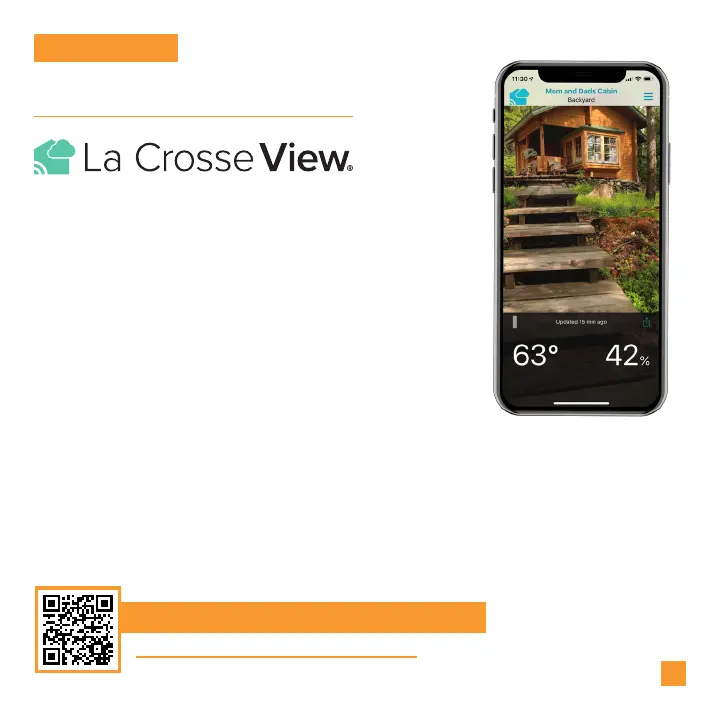
Download the La Crosse View App
Visit the App Store or Google Play Store to download the free La Crosse View
app onto your mobile device.
Stay connected to your home anytime, anywhere
with the La Crosse View app.
Monitor home conditions and set alerts so your home
can get ahold of you when something seems o.
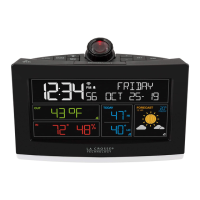
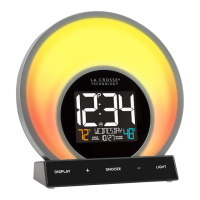
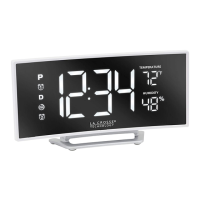
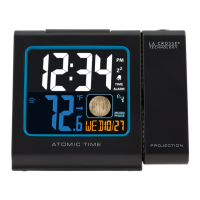
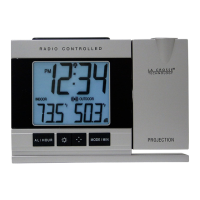
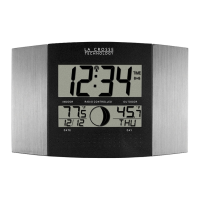
Connecting your alarm clock is optional and the
display will function as a standalone unit without
the Wi-Fi connection. However, we recommend
connecting during the initial setup, as it will save you
time and unlock all of the advanced features right
Launch the App
Open the La Crosse View app and follow the on-screen setup instructions.
Stay Connected to Your Home
Anytime, Anywhere.
For more information, scan the QR code or visit:
www.lacrossetechnology.com/view



 To Next Page