4. Packaged Contents
Before setting up, carefully unpack the contents onto a table or flat
surface and check that the following are complete:
Item: Consisting of: Fittings: Illustration:
Base
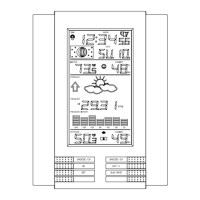
Station
• Main unit
• AD/DC 230V power
Adaptor - optional use
(included)
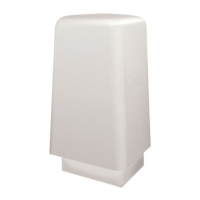
Thermo-
Hygro
Sensor
• Main unit
• Rain protection
cover
• 10 meter cable -
optional connection to
the base station (in-
cluded)
• Wall mounting screws
• Plastic anchors for
screws
Wind
Sensor
• Main unit with
wind vane
• 10 meter cable
(already at-
tached to the
main unit)
• Mast holder
• 2 x U-bolts for mast
holder
• 4 x Washers
• 4 x Nuts
• 1 x screw (to fix main
unit to the mast holder
GB GB
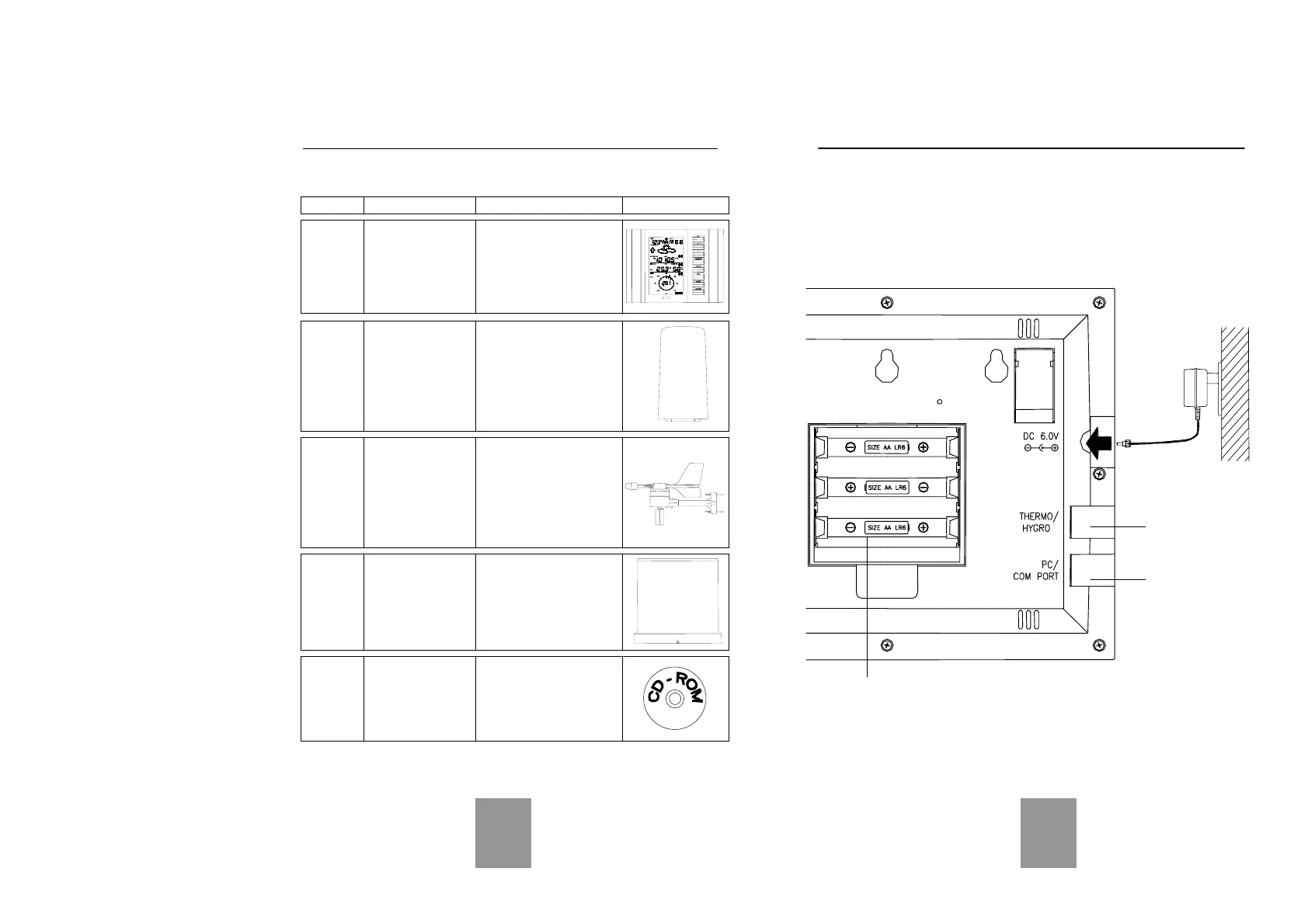
Battery compartment
Socket for
Adaptor
Rain
Sensor
• Main unit (base
and funnel)
• 10 meter cable
(already at-
tached to the
main unit)
Heavy
weather
PC
soft-
ware
CD-Rom format
(English,
German and
French lan-
guages only)
• 2 meter PC cable for
PC connection - op-
tional use (included)
5. Setting up
Firstly, choose to use the adaptor (included in this set) or batteries for
operation. Both these methods allow for operation of using wireless
433MHz transmission or cable connection between the base station
and the sensors and setting up for both methods is as follows:
Base Station:
Socket for
Thermo-Hygro
Sensor
PC COM
Port



 To Next Page