GB GB
However if you wish to make a full reset of the base station and return
to the original factory settings, simultaneously press and hold the
PRESSURE and WIND keys for about 5 seconds. The base station
will beep once and the entire LCD will light up for 5 seconds and go
back to the original factory settings. This process with clear all previ-
ous user defined values and all weather history recordings.
Factory default settings:
The following table shows the factory default values of the weather
station:
Matter: Default Setting:
Time 0:00
Date 01.01.2001
Time zone 0
Alarm time 0:00
Relative air pressure 1013.0 hPa
Weather-picture threshold 3 hPa
LCD contrast level 5 (1-8 levels)
Rainfall per impulse 0.518mm
Storm alarm 5 hPa
Relative air pressure
alarm
960.0 hPa
(low)
1040.0 hPa
(high)
Indoor temperature alarm 10.0ºC (low) 30.0ºC (high)
Outdoor temperature
alarm
0.0ºC (low) 40.0ºC (high)
Indoor humidity alarm 35%RH (low) 65%RH (high)
Outdoor humidity alarm 45%RH (low) 70%RH (high)
Wind chill alarm 10.0ºC (low) 30.0ºC (high)
Dew point alarm 0.0ºC (low) 30.0ºC (high)
Rainfall 24h alarm 50.0mm
Rainfall 1h alarm 1.0mm
Wind Speed 1km/h (low) 100km/h (high)
Wind direction alarm None set
Note:
All alarm default values are deactivated at the start up and any alarm
must be activated by the user otherwise it will not sound.
11. Function Description of the Weather Station
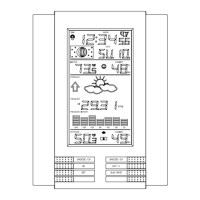
After setting up, the following data will be displayed in different sec-
tions on the LCD. If this is not the case please observe the notes on
“Interferences” below.
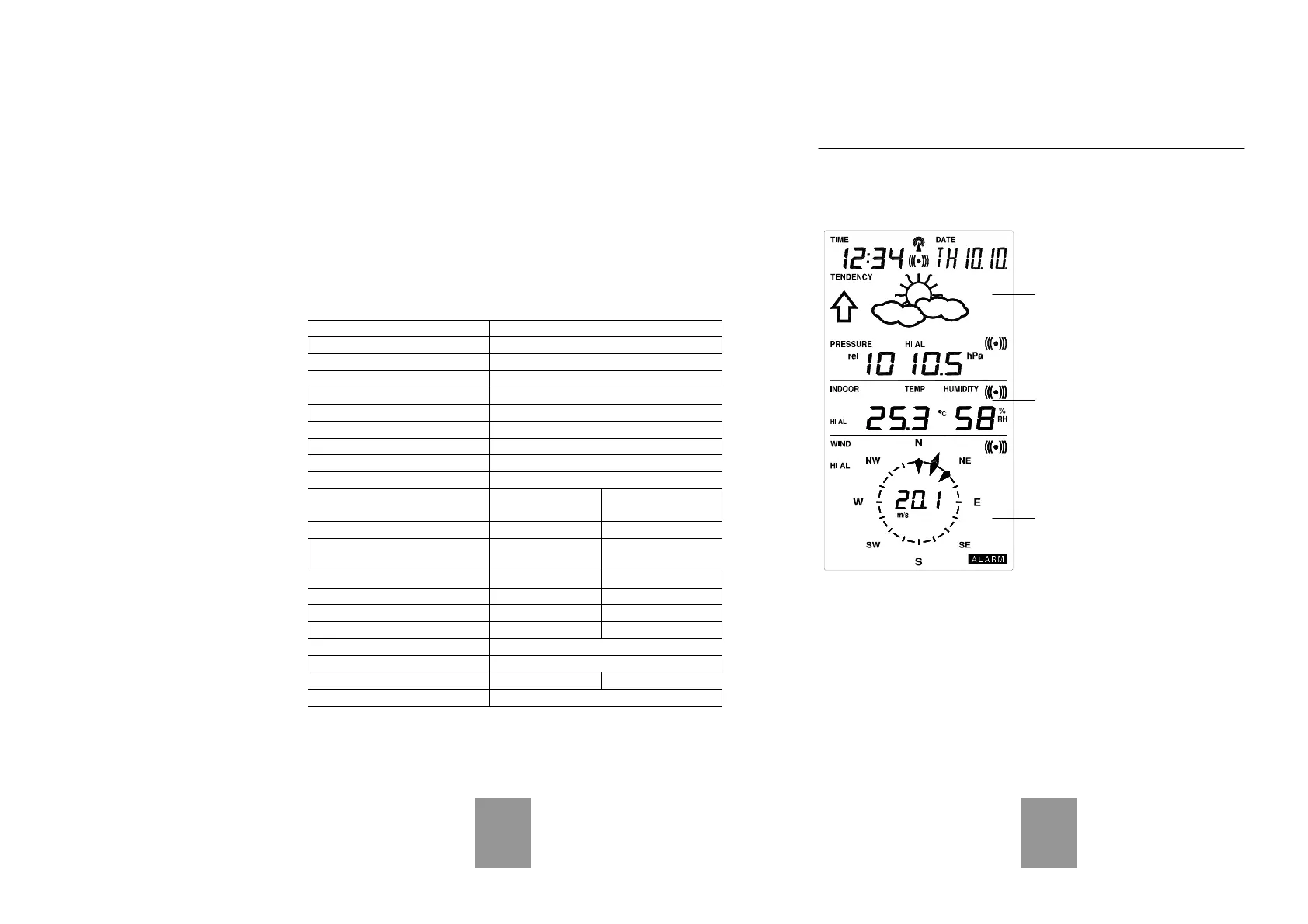
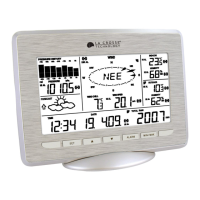
LCD Section 1:
Time, date, seconds, time zone,
weather forecasting icons with
tendency arrows, air pressure,
and respective alarms sections
LCD Section 2:
Indoor and outdoor temperature and
relative humidity, wind chill, dew
point, rainfall, and respective alarms
sections
LCD Section 3:
Wind direction, wind speed, and re-
spective alarms sections
Time & Date (LCD Section 1)
If the DCF77 icon (icon 2) is ON and not flashing, it means that the
DCF77 radio-controlled time and date are has been received. Press
the PLUS(+) key to change the format of date display between
date/month/year, weekday/date/month, seconds, alarm set time and
time zone.



 To Next Page