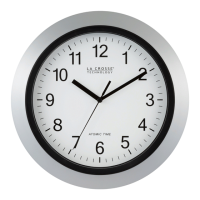
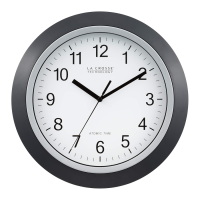
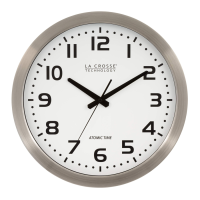
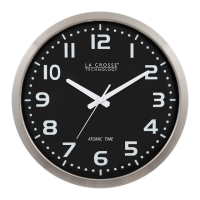
12.5 Inch Atomic Wall Clock
Model: WT-3122A
DC: 052518
For information about WWVB, atomic time signal visit:
http://bit.ly/AtomicTime
• Always purchase the correct size and grade of battery most
suitable for intended use.
• Clean the battery contacts and also those of your clock prior
to battery installation.
• Ensure the battery is installed with correct polarity (+ and -).
• Remove battery from your clock when it is not used for an
extended period of time.
• Promptly remove an expired battery.
CARE AND MAINTENANCE
Battery Requirements: 1 AA (IEC LR6) required in movement
(Alkaline recommended)
Battery life: 1 battery; over 12 months
SPECIFICATIONS
La Crosse Technology, Ltd. provides a 1-year limited time
warranty (from date of purchase) on this product relating to
manufacturing defects in materials & workmanship.
Before returning a product, please contact our friendly
customer support with questions or visit our online help.
Phone: 1-608-782-1610
Online: www.lacrossetechnology.com/support/
WARRANTY AND SUPPORT
Page | 1Page | 4
WARNING: This product can expose you to chemicals including
styrene, which is known in the State of California to cause cancer.
For more information go to: https://www.p65warnings.ca.gov/

 Need help?
 General






 To Next Page