EasyManua.ls Logo

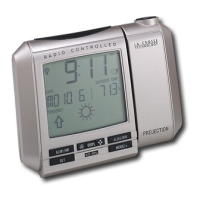
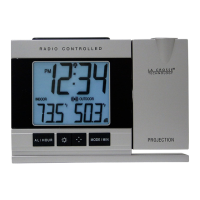
La Crosse Technology WT-5360U - User Manual

La Crosse Technology WT-5360U
13 pages
Print Icon
To Next Page IconTo Next Page
Loading...
WT-5360U
433 MHz
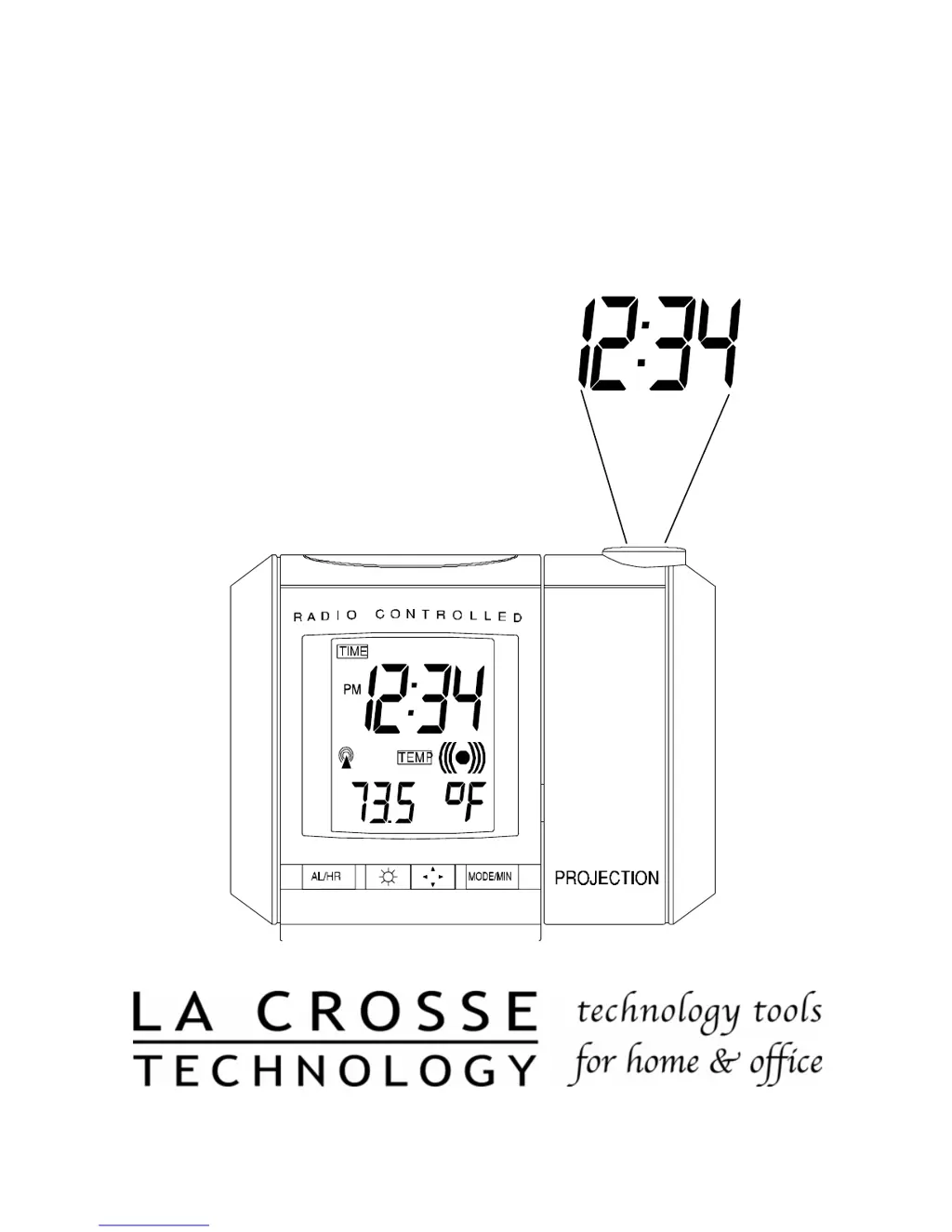
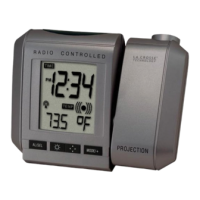
Radio Controlled Alarm Clock
With Projection Time
Instruction Manual

Questions and Answers

  • J
    jessicasantiagoJul 30, 2025
    What to do if my La Crosse Technology WT-5360U doesn't receive the WWVB signal?
    • L
      Lindsay LynchJul 30, 2025
      If your La Crosse Technology Alarm Clock isn't receiving the WWVB signal, try these steps: 1) Face the front of the alarm clock towards Ft. Collins, Colorado. 2) Allow the device to attempt signal reception overnight. 3) Ensure the alarm clock is at least 6 feet away from electrical devices like TVs or computers. 4) Remove the batteries for five minutes, reinsert them, and leave the unit alone overnight without pressing any buttons.
  • F
    Frank AguirreAug 5, 2025
    How to fix a faint projection on my La Crosse Technology WT-5360U?
    • D
      dcoleAug 5, 2025
      If the projection on your La Crosse Technology Alarm Clock is faint, you can try the following: 1) Adjust the intensity setting. 2) Use the AC adapter. 3) Darken the surrounding environment. 4) If not using the AC adapter, try using fresh batteries.
  • K
    Kendra NewtonAug 11, 2025
    Why is the hour incorrect on my La Crosse Technology Alarm Clock, but the minute is correct?
    • E
      ethan13Aug 11, 2025
      If the hour is incorrect but the minute is correct on your La Crosse Technology Alarm Clock, ensure that the correct time zone and daylight saving time settings are selected.
  • M
    Michelle KelleyAug 17, 2025
    What to do if the LCD screen on my La Crosse Technology WT-5360U Alarm Clock is faint?
    • K
      Kristen ReedAug 17, 2025
      If the LCD screen on your La Crosse Technology Alarm Clock is faint, replace the batteries.
  • S
    Sharon HarrisAug 23, 2025
    What to do if “OFL” appears on my La Crosse Technology WT-5360U Alarm Clock's indoor temperature LCD?
    • T
      Timothy ChristianAug 23, 2025
      If “OFL” is displayed on the indoor temperature LCD of your La Crosse Technology Alarm Clock, it means the current surrounding temperature is outside the measuring range. Move the unit to an area with a warmer or cooler surrounding temperature.

Summary

QUICK SET-UP GUIDE

DETAILED SET-UP GUIDE

BATTERY INSTALLATION

Details the process of installing batteries and using the AC adapter for the projection alarm clock.

PROGRAM MODE

PROGRAMMING SEQUENCE

Outlines the order of functions to program, from time zone to DST.

FUNCTION BUTTONS

Identifies and describes the function buttons on the alarm clock for operation and settings.

TIME ZONE SETTING

Explains how to select the correct time zone relative to GMT for accurate time display.

MANUAL TIME SETTING

Guides users on manually setting the clock's hours and minutes using the function buttons.

YEAR AND DATE SETTING

Details the steps to input the current year, month, day, and day of the week.

12;24-HOUR CLOCK SETTING

Instructions for choosing between a 12-hour or 24-hour display format for the clock.

INDOOR TEMPERATURE DISPLAY

How to set the display for indoor temperature, choosing between Fahrenheit or Celsius.

DST (DAYLIGHT SAVING TIME) SETTING

Explains how to enable or disable Daylight Saving Time for automatic time adjustments.

FEATURES & OPERATIONS

RADIO CONTROLLED TIME

Describes how the clock receives and displays time signals from the WWVB broadcast.

TIME PROJECTION

Details how the time is projected, including auto-focus and rotation options.

LED BACKLIGHT

Explains the function of the LED backlight for night viewing and its limitations.

INDOOR TEMPERATURE

Information about the internal sensor measuring and displaying indoor temperature in Fahrenheit.

TIME ALARM

Instructions for setting, activating, deactivating, and silencing the alarm.

CALENDAR

How to set the LCD to display the day of the week and the current date.

SECOND DISPLAY

Instructions for setting the LCD to display the current seconds.

MAINTENANCE & CARE

TROUBLESHOOTING

SPECIFICATIONS FOR WT-5360

WARRANTY INFORMATION

FCC DISCLAIMER

La Crosse Technology WT-5360U Specifications

General IconGeneral
Display TypeLCD
Atomic TimeYes
Time ZonesMultiple
CalendarYes
Temperature SensorYes
Temperature Units°F / °C
Humidity SensorYes
Alarm FunctionYes
AlarmYes
Snooze FunctionYes
Power SourceAC Adapter
TypeAlarm Clock
Time Display12/24 hour format
Alarm TypeAudible
Battery BackupYes

Related product manuals