EasyManua.ls Logo

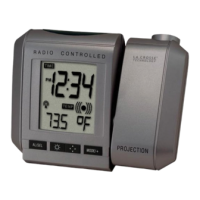
La Crosse Technology WT-5720 - User Manual

La Crosse Technology WT-5720
18 pages
Print Icon
To Next Page IconTo Next Page
Loading...
WT-5720
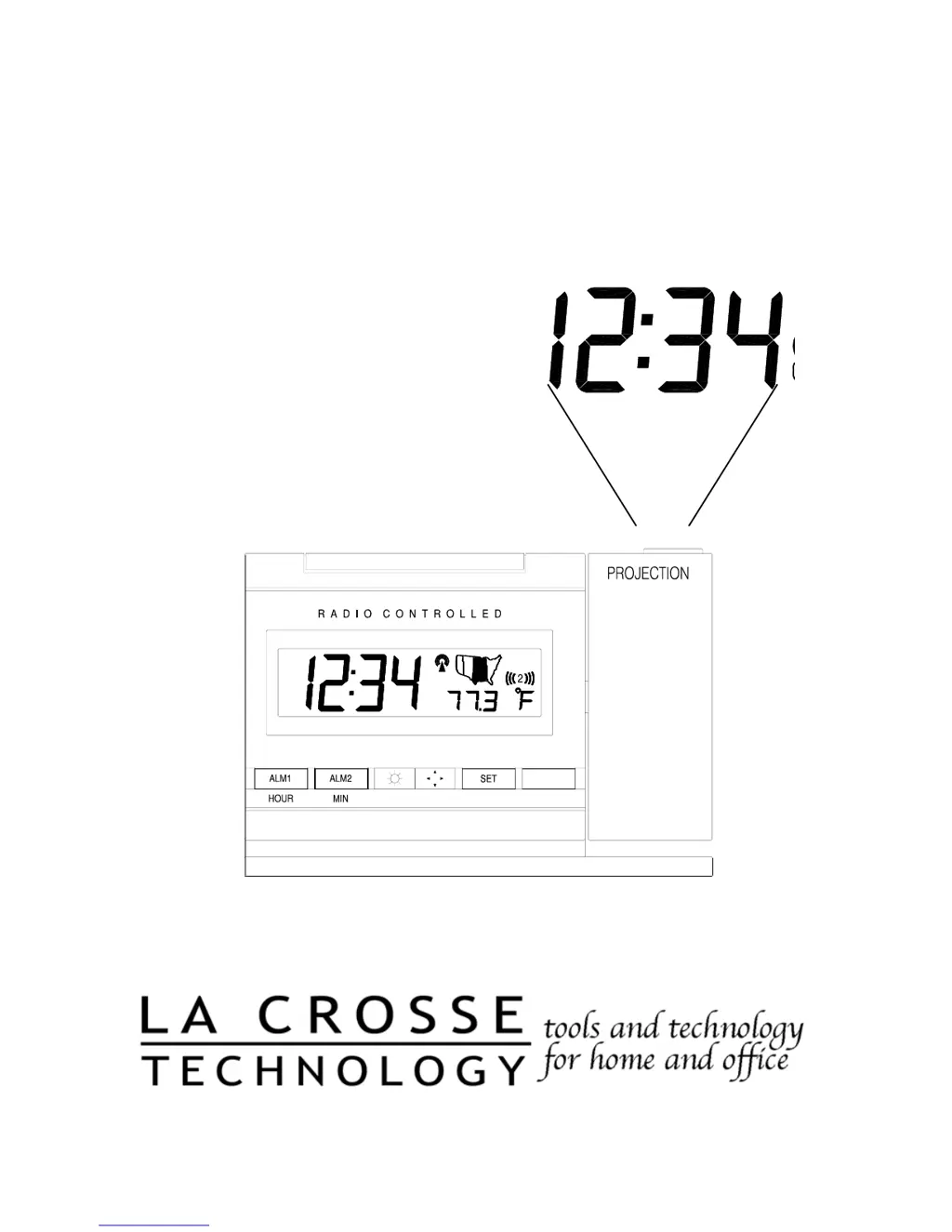
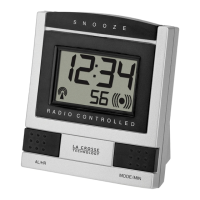
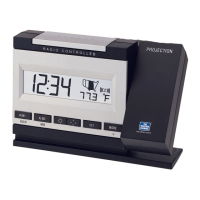
Radio Controlled Projection Alarm
Instruction Manual
02' (

Questions and Answers

  • K
    Kyle HarmonJul 31, 2025
    How to fix faint projection on La Crosse Technology WT-5720?
    • T
      Travis KaiserJul 31, 2025
      To improve the faint projection on your La Crosse Technology Alarm Clock, try the following: * Adjust the intensity setting. * Use the AC adapter. * Darken the surrounding environment. * If you're not using the AC adapter, try using fresh batteries.
  • T
    Taylor GreenAug 7, 2025
    What to do if my La Crosse Technology WT-5720 has no WWVB signal?
    • J
      Jessica DominguezAug 7, 2025
      If your La Crosse Technology Alarm Clock is not receiving the WWVB signal, here are some things you can try: 1. Position the front of the alarm clock towards Ft. Collins, Colorado, as this may improve reception. 2. Allow the device to attempt signal acquisition overnight. 3. Ensure the alarm clock is at least 6 feet away from electronic devices like TVs, computers, or other radio-controlled clocks. 4. Remove the batteries for 5 minutes, reinsert them, and leave the unit alone overnight without pressing any buttons. 5. If the problem continues, contact La Crosse Technology.
  • D
    durhamkathrynAug 14, 2025
    Why is the hour incorrect on my La Crosse Technology WT-5720?
    • J
      janemooreAug 14, 2025
      If the hour is incorrect on your La Crosse Technology Alarm Clock, but the minute and date are correct, ensure that you have selected the correct time zone and daylight saving time settings.
  • C
    Christopher SmithAug 22, 2025
    What to do if LCD is faint on La Crosse Technology Alarm Clock?
    • S
      Sheila JacksonAug 22, 2025
      If the LCD on your La Crosse Technology Alarm Clock is faint, replacing the batteries should resolve the issue.

Summary

About WWVB

Quick Set-Up Guide

Detailed Set-Up Guide

Battery Installation

Instructions for installing batteries and connecting the AC adapter for power.

Program Mode

Programming Sequence

Lists the order of settings to be programmed in the device.

Function Buttons

Identifies and labels the various function buttons on the projection alarm.

Time Zone Setting

Guide to setting the correct time zone for accurate time display.

DST (Daylight Saving Time) Setting

Instructions for enabling or disabling Daylight Saving Time.

Adjustable Snooze Time

How to set the duration for the snooze function of the alarm.

Time Setting

Manual procedure for setting the hour and minute of the alarm clock.

Date Setting

Steps to manually set the year, month, date, and weekday.

12;24-Hour Setting

How to switch between 12-hour and 24-hour time display formats.

Selecting °F or °C

Guide to choosing Fahrenheit or Celsius for temperature display.

Features & Operations

Features

Lists the main features and capabilities of the projection alarm.

Radio-Controlled Time and Date

Explains how the clock receives time signals from WWVB for automatic updates.

Projection of Time

Details on how to use and adjust the time projection feature.

LCD Light

Information about the LCD backlight and its operation.

Indoor Temperature

How the alarm clock displays and measures indoor temperature.

Time Alarm

Instructions for setting, activating, deactivating, and managing alarms.

Changing Display Mode

How to cycle through different display modes for time, date, and temperature.

Maintenance & Care

Troubleshooting

Specifications

Warranty Information

Contact Information

FCC Compliance

La Crosse Technology WT-5720 Specifications

General IconGeneral
Display TypeLCD
Time Format12/24 Hour
Power SourceAC Adapter
AlarmYes
CalendarYes
Temperature DisplayYes
Alarm TypeBeep
Weight0.5 lbs
Backup BatteryYes
Alarm FeaturesDual Alarm

Related product manuals