
 Need help?
Do you have a question about the Lab.gruppen IPX Series and is the answer not in the manual?
Ensures adequate airflow for the amplifiers by maintaining clear front and rear spaces.
Details the universal power supply range and standby operation of the amplifiers.
Explains the automatic grounding mechanism and the importance of the AC power cord's earth pin.
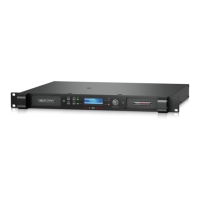
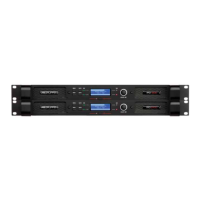
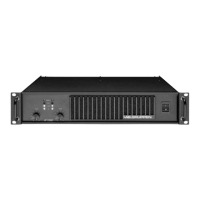
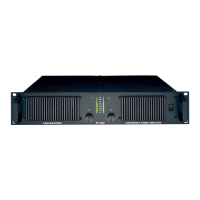
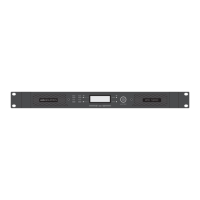
Overview of the front panel elements including menu, mute, signal indicators, and adjustment controls.
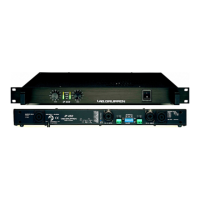
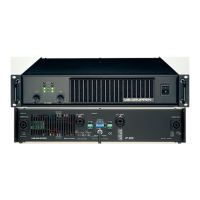
Lists and describes the various input, output, and network connectors found on the rear panel.
Details the female XLR connectors for balanced audio signals, including impedance and polarity.
Describes the paralleled male XLR connectors used for sending unprocessed analog signals to other units.
Explains the female XLR connector for AES3 digital audio signals and the stereo format.
Details the male XLR connector for sending unprocessed AES3 loop-thru signals to additional IPX units.
Describes the fully enclosed binding posts for loudspeaker connections, observing signal polarity.
Details the four-pole speakON connectors for channel 1 and 2 outputs, and two-pole for channel 2 only.
Outlines the out-of-the-box DSP settings for immediate stereo program use with full-range loudspeakers.
Illustrates the path of audio signals from input through processing to output stages.
Information on downloading and installing the IPX Controller software for Mac, PC, and iPad.
Details setting up a network of IPX amplifiers using Ethernet and Cat-5 cabling for control.
Overview of the Global view in IPX Controller, showing network devices and functions like naming and grouping.
Describes the device header panel in IPX Controller, providing access to device-specific functions and information.
Details the functions within the Input Mixer view for setting up device mode, input mixing, and failover.
Explains the Levels view for monitoring input mix bus levels, output levels, and output limiters.
Describes the Input EQ view for adjusting parametric equalization and input delay per channel.
Lists the maximum output power ratings for the IPX Series amplifiers at different impedance loads.
Details the front panel controls including power switch, rotary encoder, and buttons.
Provides details on system parameters such as number of channels, output voltage, and input sensitivity.
Describes the status indicators on the front panel, including Power, Limit, and Signal/Mute LEDs.
Details the DSP functions available, including equalizers, filters, delays, and crossovers.
Lists and specifies all available connectors for analog, digital, speaker, and network interfaces.
Provides essential information in multiple languages regarding registration, malfunctions, and power connections.
Details compliance with FCC rules for Class A digital devices, including operational conditions and warnings.
Covers modifications, CE marking, EU directives compliance, and representative contact information.
 General
| Amplifier Class | Class D |
|---|---|
| Power Output | Varies by model (e.g., IPX 3000: 3000W, IPX 5000: 5000W) |
| Channels | 2 or 4 |
| Input Type | Analog |
| Weight | Varies by model |
| Protection Features | short-circuit |
| Output Power (per channel) | Varies by model and load impedance. Examples: IPX1200: 600W @ 2 ohms, 600W @ 4 ohms, 300W @ 8 ohms. IPX2400: 1200W @ 2 ohms, 1200W @ 4 ohms, 600W @ 8 ohms. IPX4800: 2400W @ 2 ohms, 2400W @ 4 ohms, 1200W @ 8 ohms. |
| Network Control | Ethernet (for control and monitoring) |
| DSP | Yes, integrated |
| Load Verification | Yes |
| Power Supply | Switching power supply |
| Frequency Response | 20 Hz - 20 kHz |
| Total Harmonic Distortion | < 0.1% |
| Input Impedance | 20 kOhms balanced |
| Damping Factor | > 500 |
| Connectors | XLR |
| Operating Voltage | 100-240 V |



 To Next Page