-08-
Function
6. Pairing (Grouping)
Below pairing procedure should be done to establish communication group.
STEP 1
Pairing is made between a master device and rest devices.
Each device needs to be set to a different user number than others
STEP 2
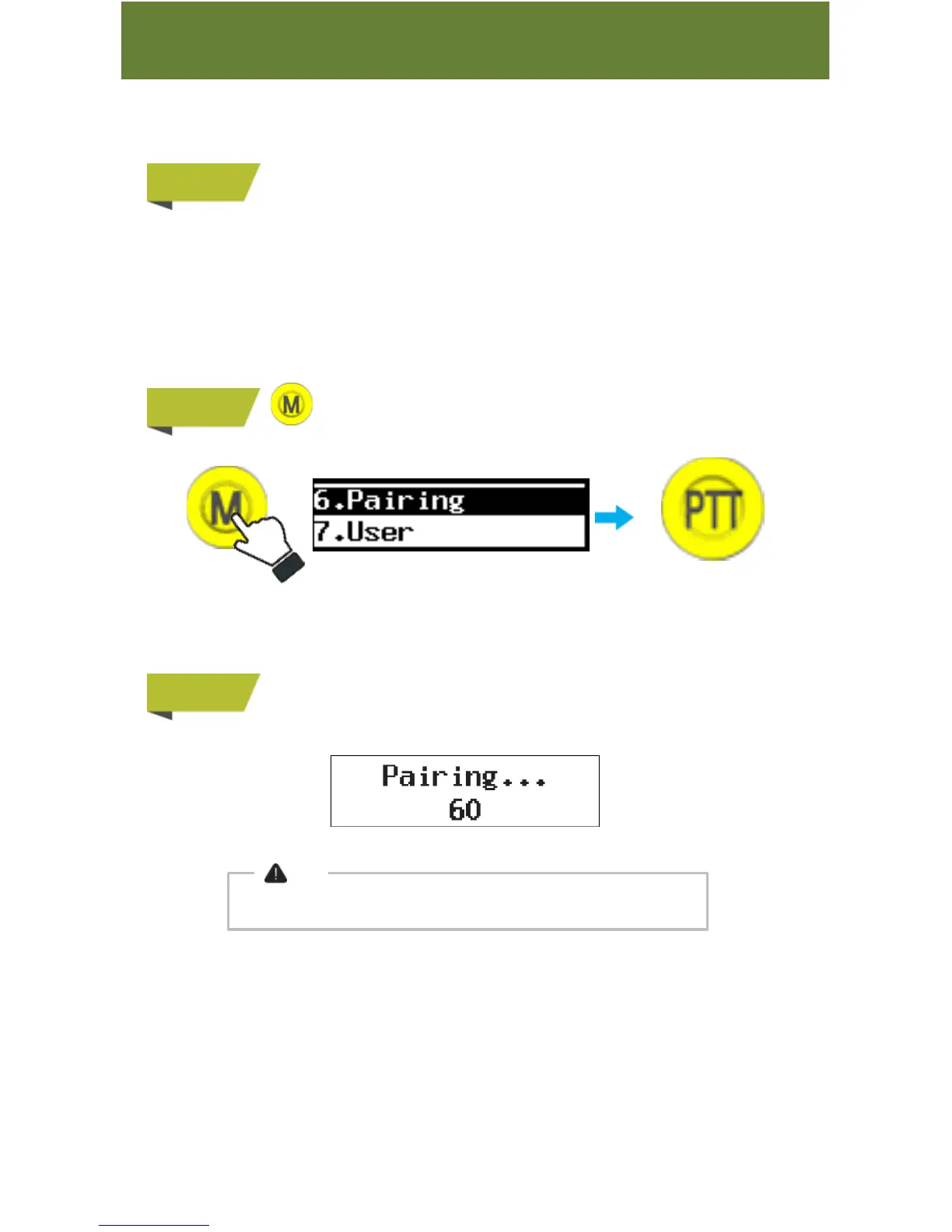
Press&hold ‘M’ button to go to Menu and then select “6. Pairing”.
STEP 3
Once pairing is done, paired devices go to stand-by display.
If you press ‘M’ button while pairing is being processed, the pairing
is canceled and these devices go to stand-by display.
Note
Pairing is cancelled if not done within 60 seconds.
Push PTT button
to select



 To Next Page