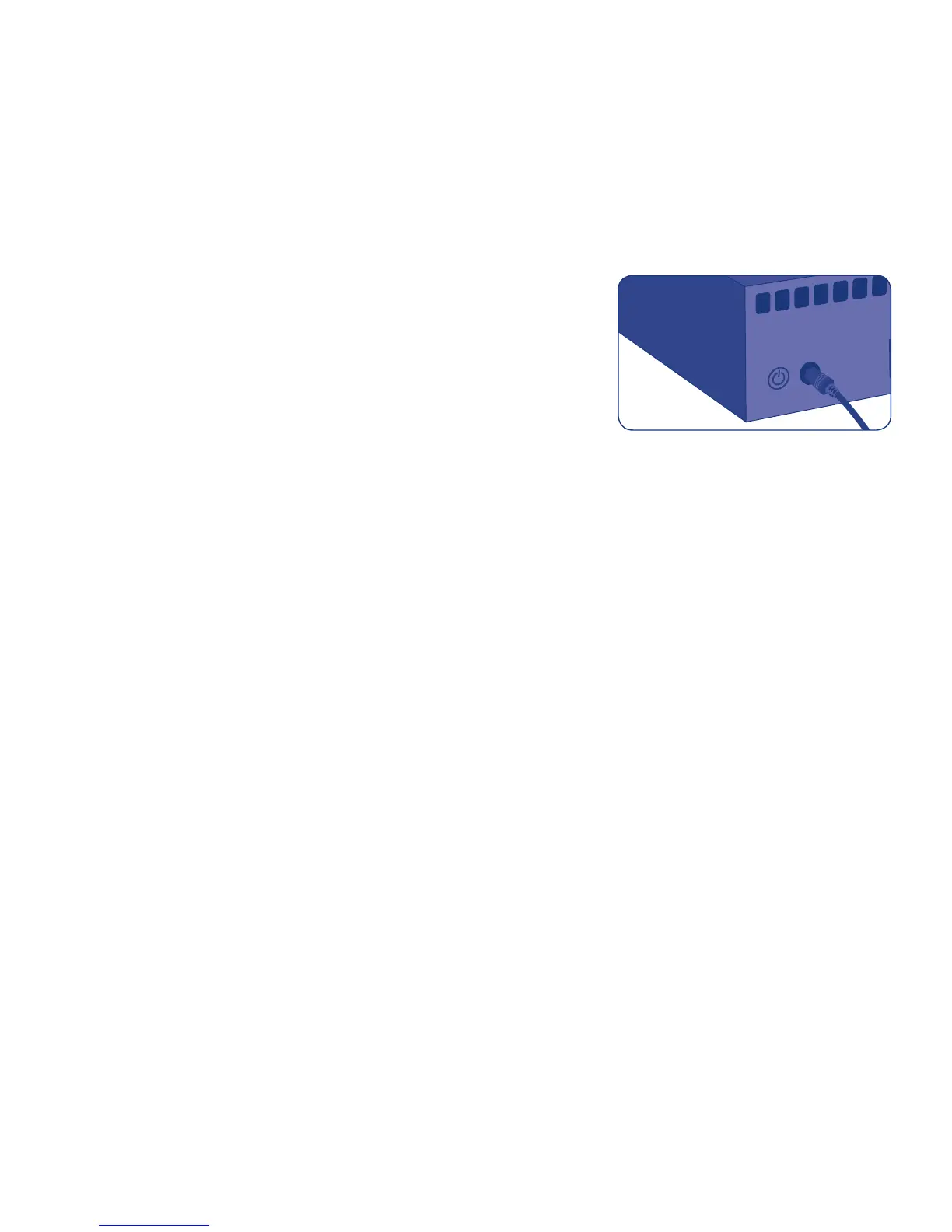
Fig. 4
3. Turn on the CloudBox by pushing
and holding the power button
for 2 seconds. When the front light
stops blinking, the CloudBox is ready for use.
Note: If you want to turn off the drive, press and hold the power button for 5 seconds
until the LED blinks. When the LED turns off, the drive has shut down.















 To Next Page