LaCie hard disk • DESIGN BY NEIL POULTON Getting Connected
User Manual page 11
TECHNICAL NOTE: If two interfaces are connected at the same
time, the first one connected remains active and the second will
not work.
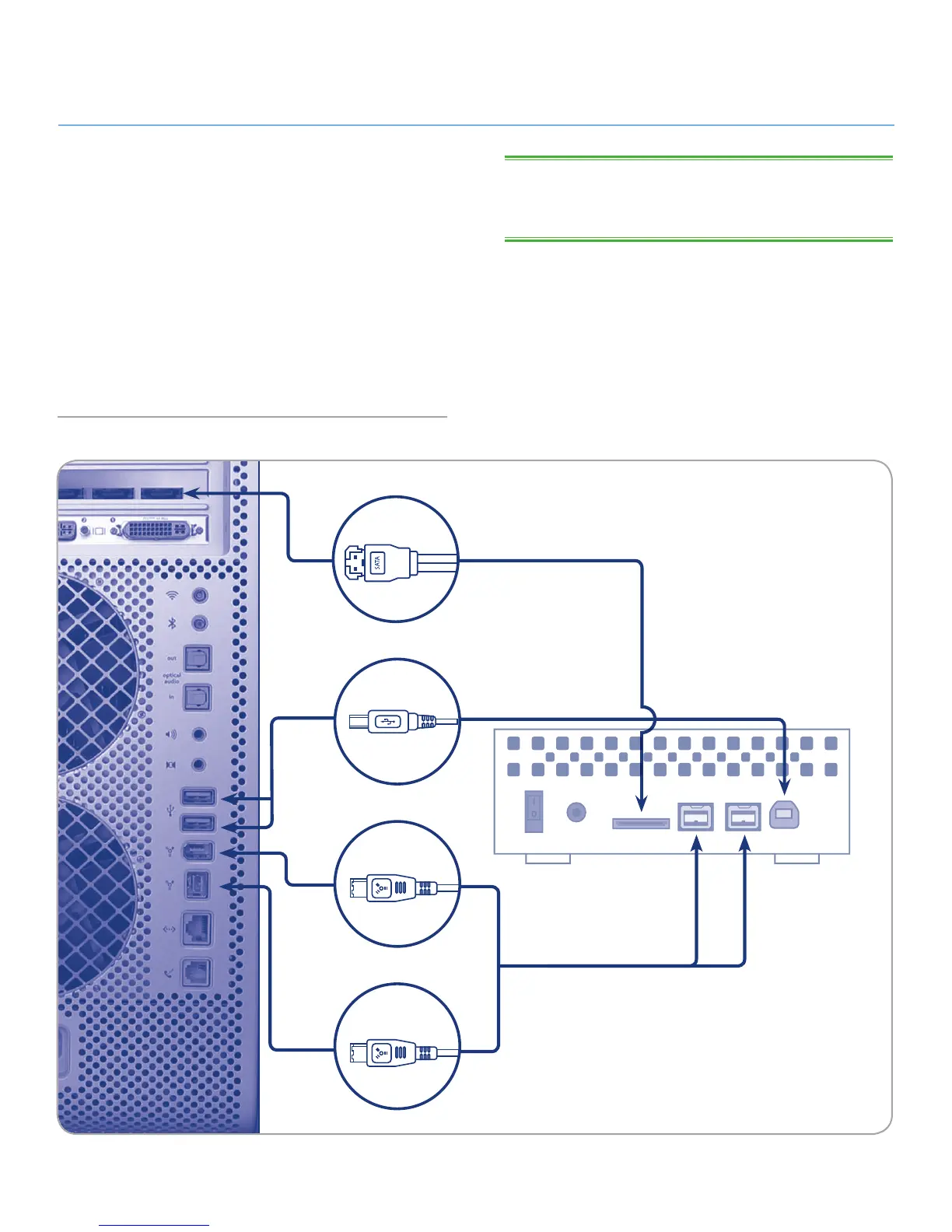
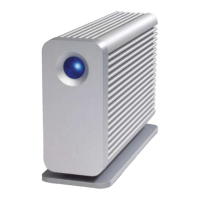
Fig. 04
2.2. Connecting the Interface cable
1. Attach one end of any of the interface cables to an available
interface port on your computer (Fig. 04).
2. Connect the other end of the cable to the corresponding
interface port on the back of the hard disk.
3. After a few seconds, the hard disk will mount on your com-
puter and appear in My Computer/Computer (Windows us-
ers) or on your desktop (Mac users).
4. Proceed to section 2.3. Launching LaCie Setup Assistant.
USB 2.0
eSATA
FireWire 800
FireWire 400








 To Next Page