LaCie hard disk • DESIGN BY NEIL POULTON Introduction
User Manual page 8
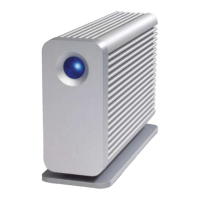
1.3. Views of the Drive
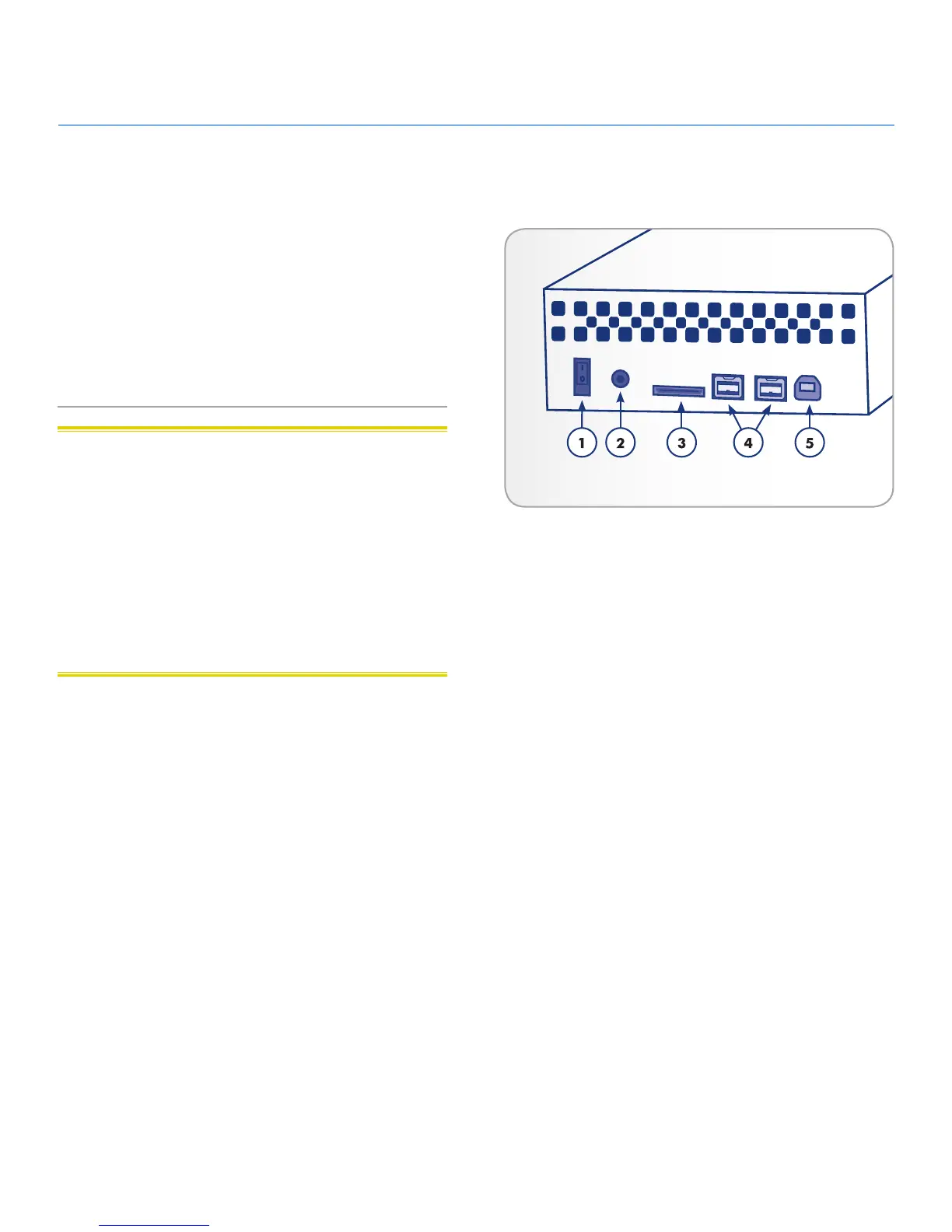
1.3.1. Rear View
1. OFF/ON power switch
2. Power supply connection
3. eSATA port
4. FireWire 800 ports
5. USB 2.0 port
CAUTION: To avoid overheating, the LaCie hard disk should
be installed in a well-ventilated area and in such a way as to
maintain sufficient airflow across the controller chips. Also ensure
that the Ventilation Fan is not obstructed. Please use the included
plastic stands and rubber feet which elevate the hard disk and al-
low for better heat dissipation.
Environmental Requirements:
Temperature: 5 – 35° C (41 – 95° F)
Operation Humidity: 5 – 80%, non-condensing
Storage Humidity: 10 – 90%, non-condensing
Fig. 01








 To Next Page