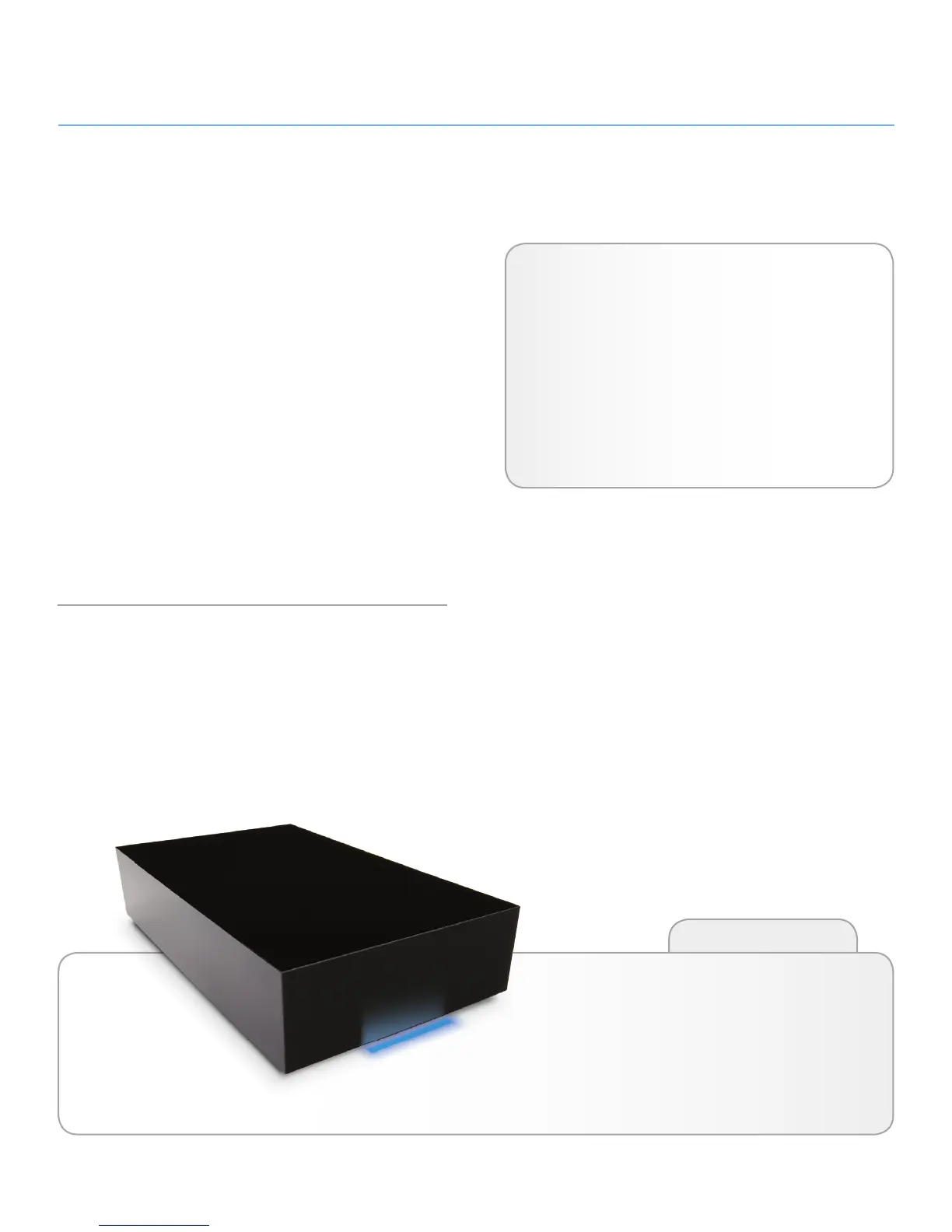
LaCie hard disk • DESIGN BY NEIL POULTON Introduction
User Manual page 5
1. Introduction
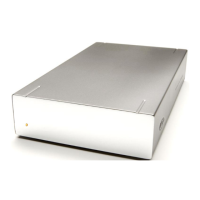
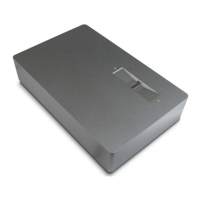
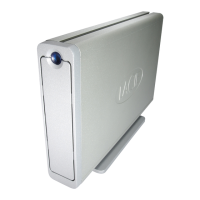
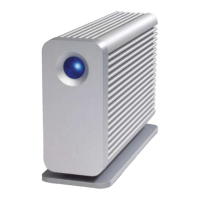
Building on over a decade of design excellence, LaCie has cre-
ated a new line of drives that are timeless and crafted to blend
functionality with high-technology. These latest drives are perfor-
mance-based solutions that will power you through your specific
applications.
Ideal for speed intensive applications, the LaCie Hard Disk han-
dles the curves of your demanding data needs. Secure and stable,
the LaCie Hard Disk is an ideal way to add space to your com-
puter.
This quadruple interface hard disk combines portability with com-
patibility, convenience and a generous storage capacity to help
you manage your data. Your LaCie external hard disk is cross-
platform, which enables you to use it with Windows and Mac OS;
it can be connected via FireWire 400, FireWire 800, Hi-Speed
USB 2.0 or eSATA interfaces; and you can customize the format
and partitions of your LaCie drive to match your exact needs.
Click a topic:
✦ Getting Connected
✦ Optional Formatting & Partitioning
✦ Troubleshooting
Quick Links
Features
✦ USB 2.0, FireWire 400, FireWire 800, and eSATA
✦ Throughput of up to 3 Gbits/s via eSATA
✦ Daisy-chain LaCie disc burners, other LaCie hard
disks or digital video cameras directly to the drive
✦ Connects to all FireWire, eSATA and USB standard
interfaces
✦ Back up your computer’s internal hard drive
✦ Store and exchange data between several computers




 To Next Page