LaCie hard disk • DESIGN BY NEIL POULTON Getting Connected
User Manual page 9
2. Getting Connected
IMPORTANT INFO: Please follow the setup steps in the order
they are given to ensure that the LaCie hard disk volume mounts
correctly on your computer.
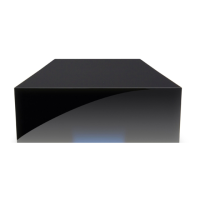
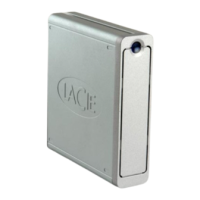
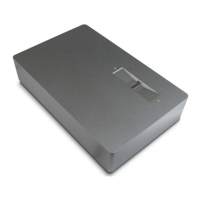
Step 1 — 2.1. Turning the Drive On
Step 2 — 2.2. Connecting the Interface cable
Step 3 — 2.3. Launching LaCie Setup Assistant








 To Next Page