Installing Arduino (Mac OS X)
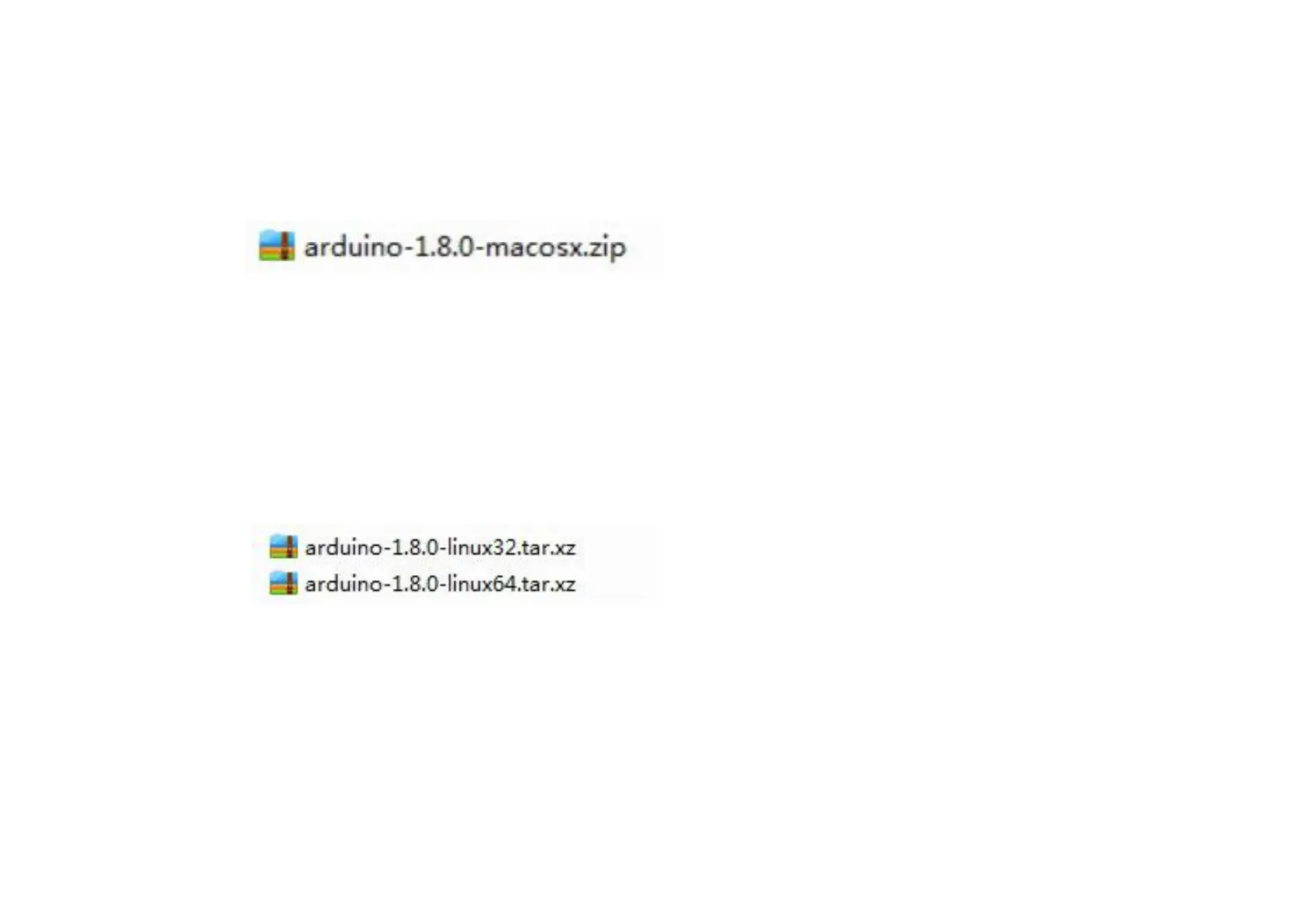
Download and Unzip the zip file, double click the Arduino.app to enter Arduino IDE; the system will ask you to install Java runtime
library if you don’t have it in your computer. Once the installation is complete you can run the Arduino IDE.
Installing Arduino (Linux)
You will have to use the make install command. If you are using the Ubuntu system, it is
recommended to install Arduino IDE from the software center of Ubuntu.



 To Next Page