Lesson 3 Blink
About this lesson:
In this lesson, you will learn how to program your UNO R3 controller board to blink the Arduino’s built-in LED, and how to download
programs by basic steps.
Principle
Fistly,you need to download and intall UNO
CH340G driver.
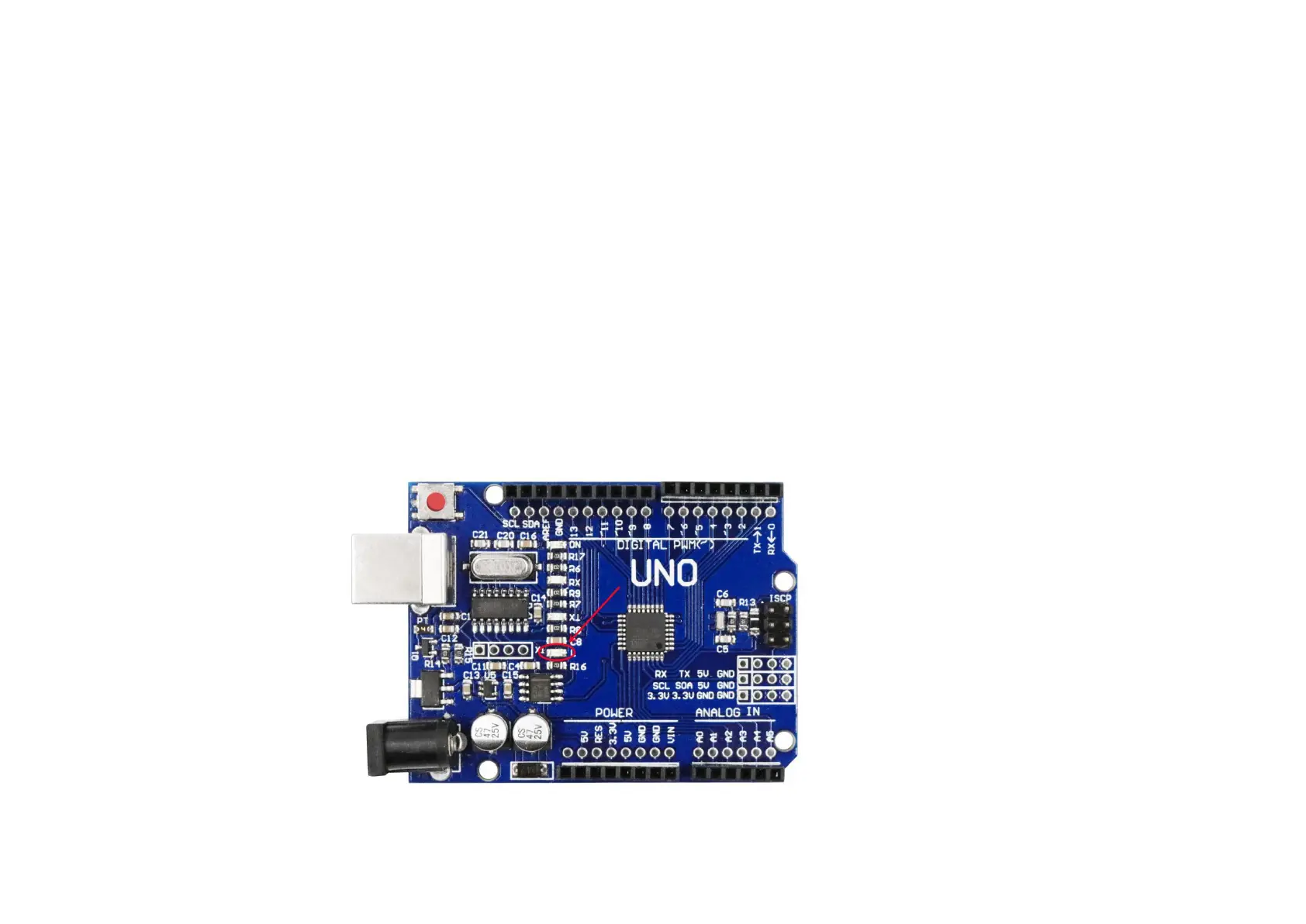
The UNO R3 board has rows of connectors along both sides that are used to
connect to several electronic devices and plug-in 'shields' that extends its capability.
It also has a single LED that you can control from your sketches. This LED is built onto the UNO R3 board and is often referred to as the
'L' LED as this is how it is labeled on the board.


 To Next Page