Lesson 1 Installing IDE
Introduction
The Arduino Integrated Development Environment (IDE) is the software side of the Arduino platform.
In this lesson, you will learn how to setup your computer to use Arduino and how to set about the lessons that follow.
The Arduino software that you will use to program your Arduino is available for Windows, Mac and Linux. The installation process is
different for all three platforms and unfortunately there is a certain amount of manual work to install the software.
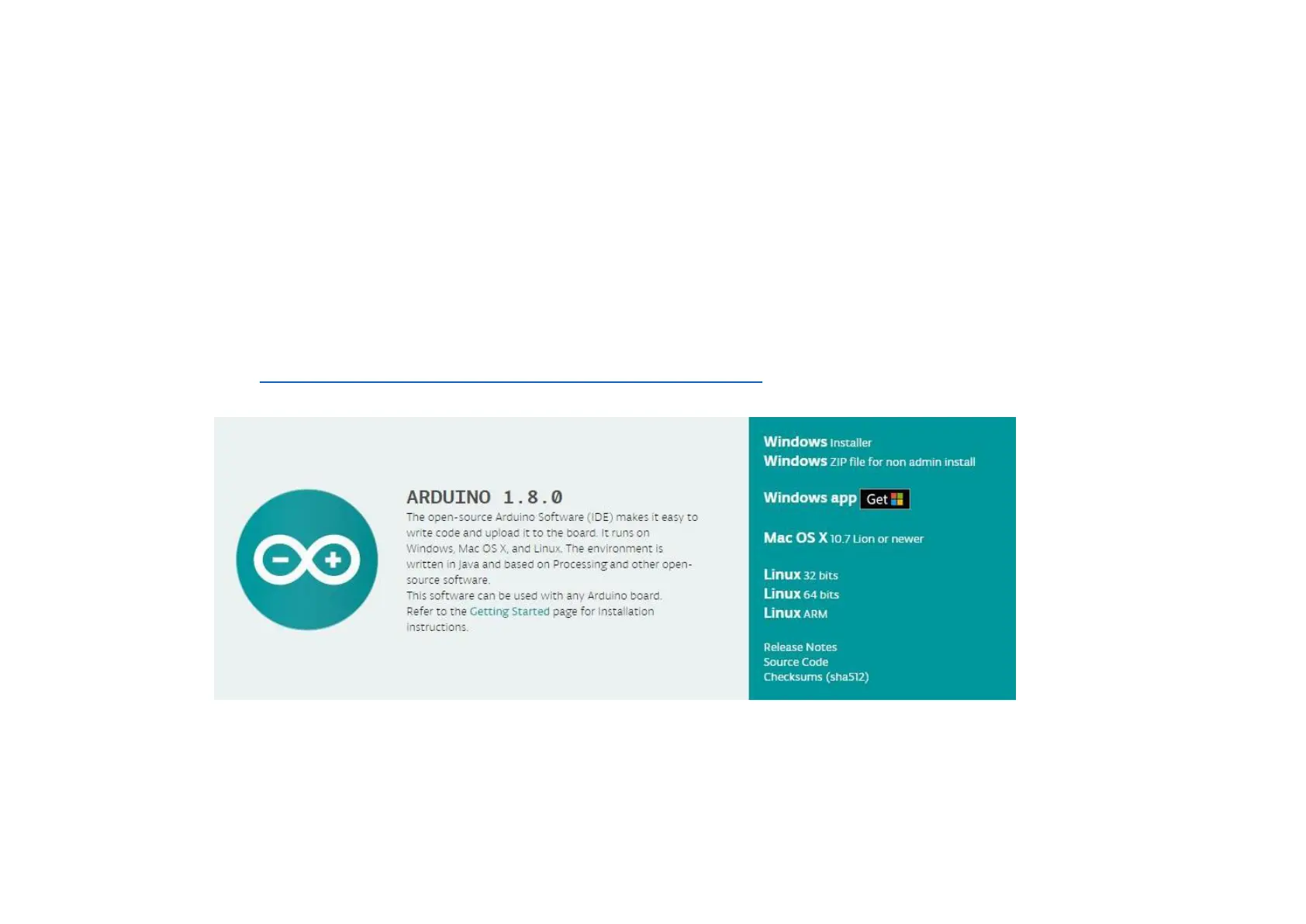
STEP 1: Go to https://www.arduino.cc/en/Main/Software and find below page.
The version available at this website is usually the latest version, and the actual version may be newer than the version in the
picture.


 To Next Page