Code
After wiring, please open the program in the code folder- Lesson 7 IR Receiver Module and click UPLOAD to upload the program. See Lesson3
for details about program uploading if there are any errors.
Before you can run this, make sure that you have installed the < IRremote > library or re-install it, if necessary. Otherwise, your code won't
work.
For details about loading the library file, see Lesson 3.
In this lessson, we need to use a IR remote control which has 17 functional key and its launching distance is 8 meters at most, proper to control
various devices indoors. This project is actually to decode remote control signal. After connection and uploading codes, aim at IR receiving
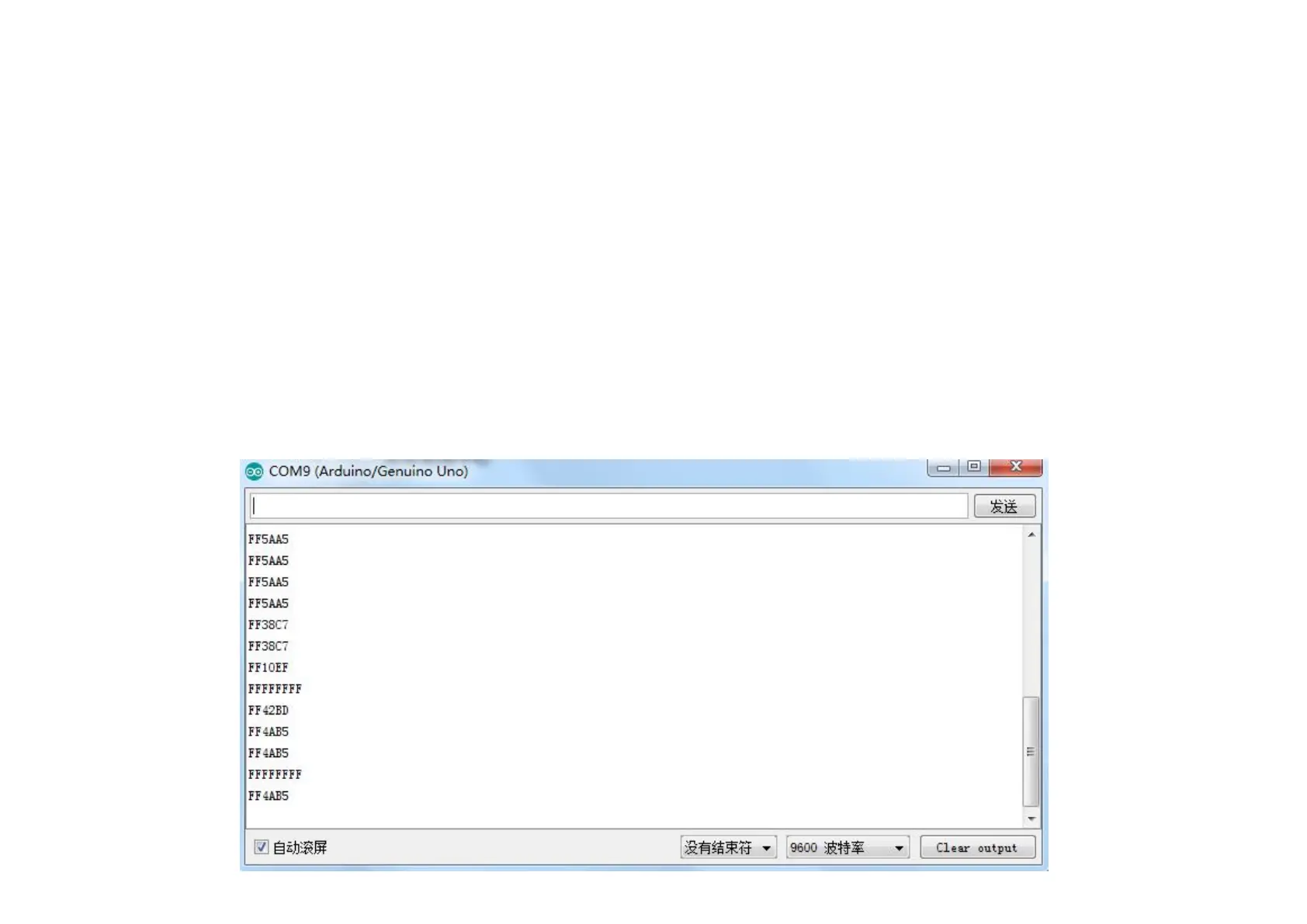
module and press the key, finally you can see corresponding codes. If you press the key too long, it will show messy codes easily as shown in
bellow figure.


 To Next Page