48
UNDERSTANDING WORK COORDINATE SYSTEMS
• Machine Coordinates (Workpiece 0).
The origin is based off the home switches.
Tool positions and TTO switch location are set relative to machine coordinates.
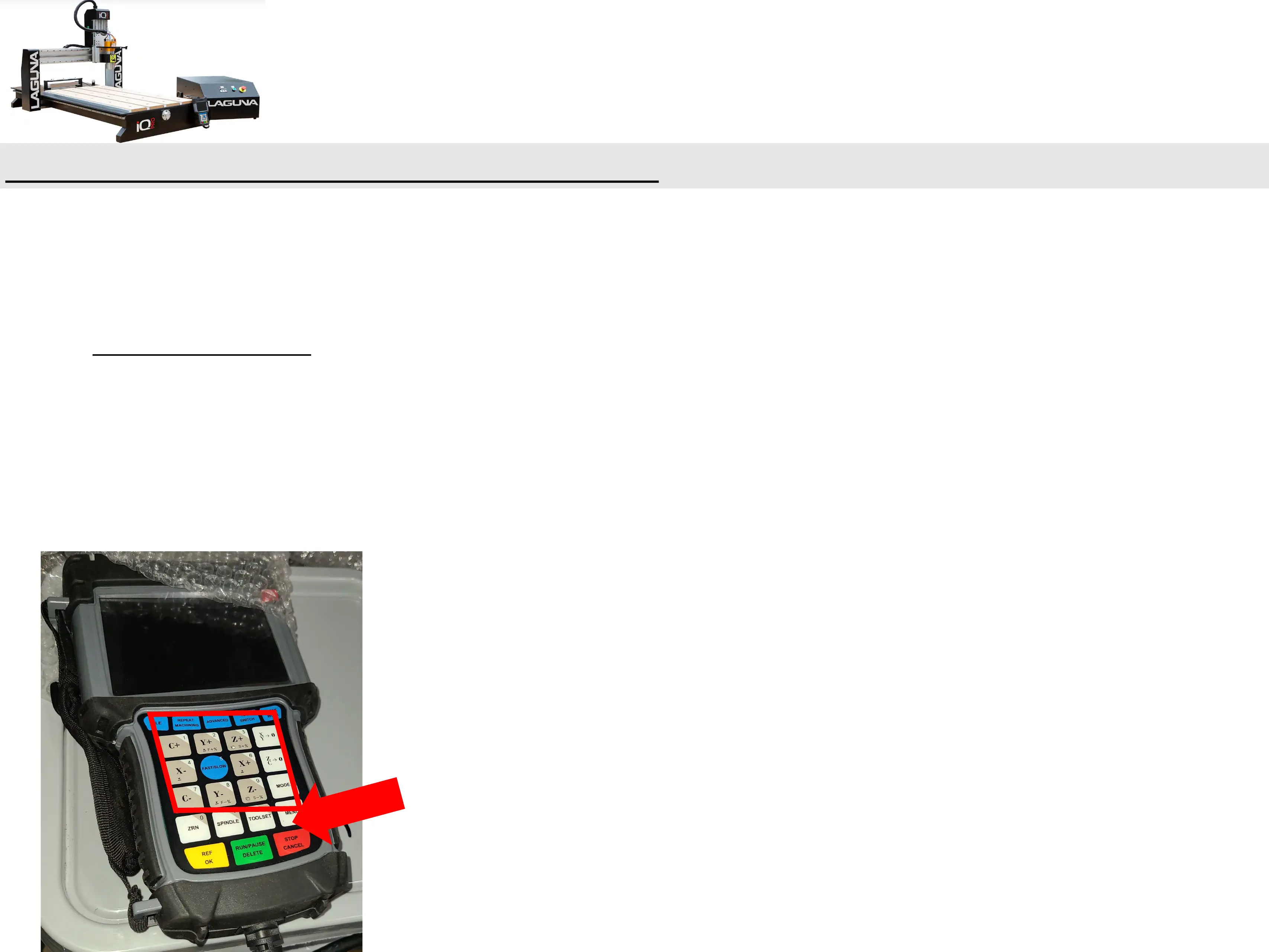
Press “MENU + ZRN/0” to switch to “Workpiece 0”.
• Hold down the MENU + 1-9 Buttons to move between different origin points.(This Machine can
have up to 9 Origin Points on the Handheld at the same time).


 To Next Page