5
ESTABLISHING HOME POSITION OF IQ PRO
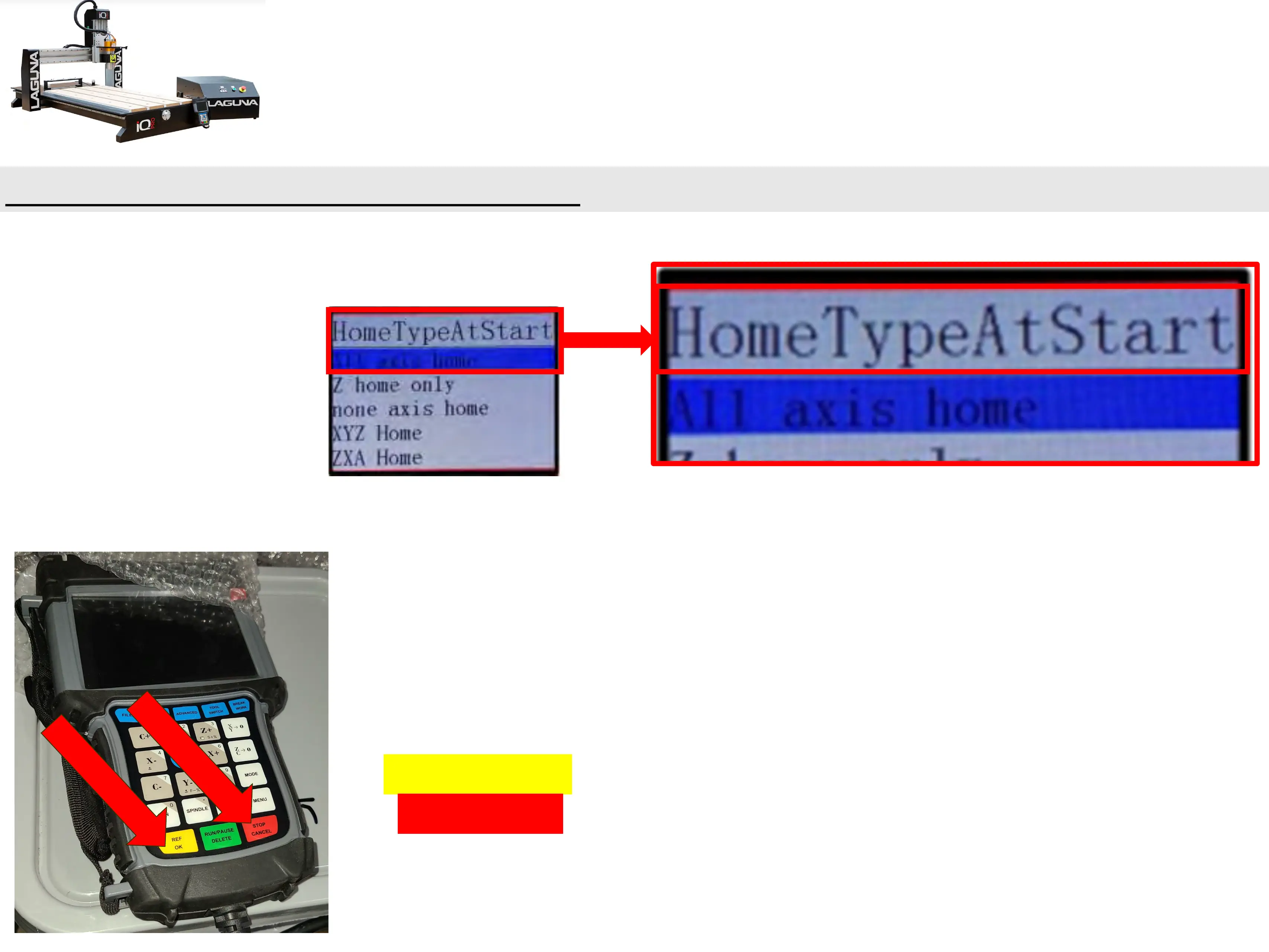
1.) When the B57E controller is first powered on, the user will be prompted with the
“HomeTypeAtStart” window.
2.) The machine needs to be homed each time the machine is
powered.
• The tool locations are relative to the Machine Home Position
0, 0 relatives to flags on X, Y, Z Axis’s.
3.)The default selection is All Axis Home.
• Press REF/OK to begin homing all axes or press
“Stop/Cancel”, if one wishes not to.


 To Next Page