Page A - 32
A
LW 225 E / LW 245 B
Version: 19.11.2015
Check turning direction - LW 225 E
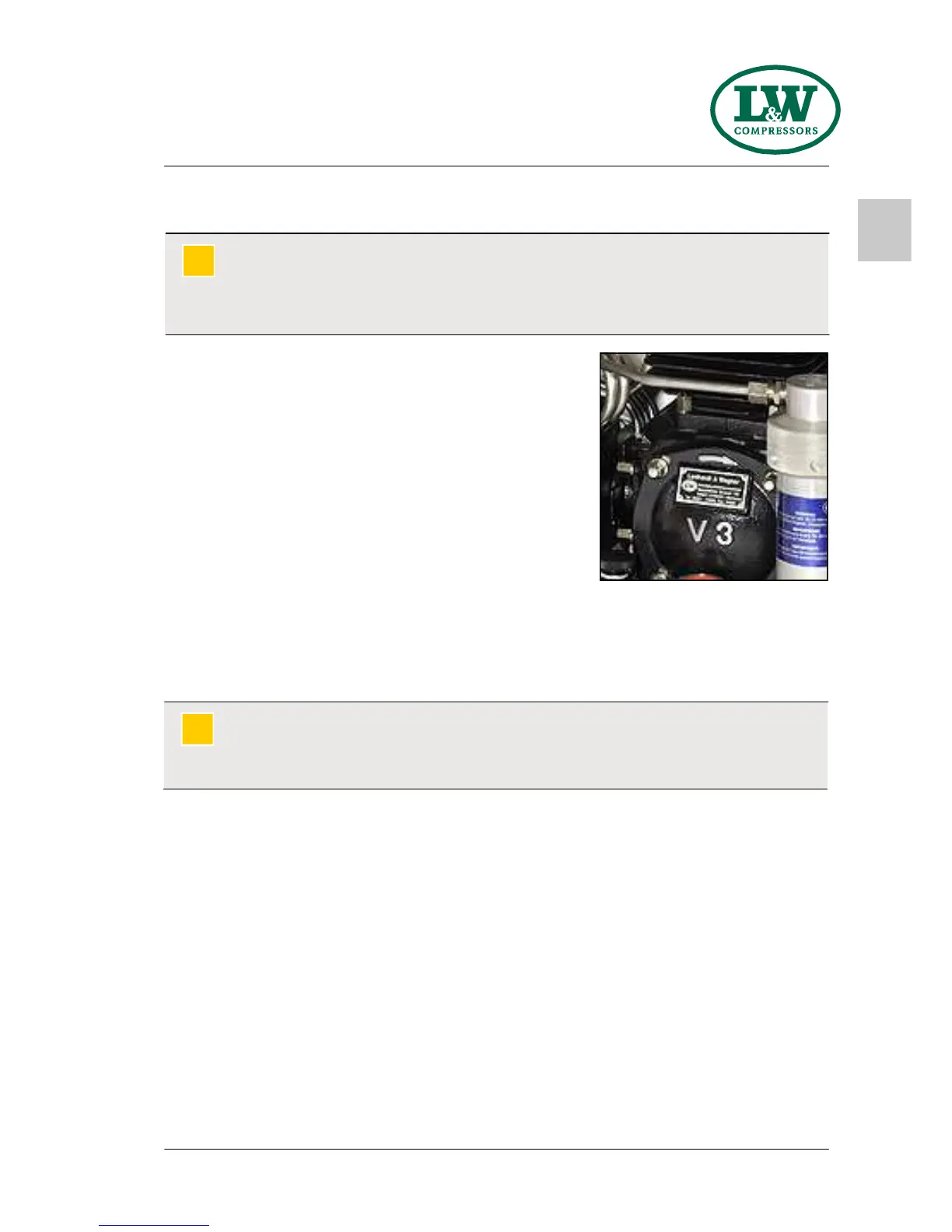
Before starting the compressor for the first time, check
rotation direction (see the rotary direction arrow on the
compressor block).
If the direction of rotation is wrong, the guide pistons of the
2nd and 3rd stages can not be sufficiently lubricated, with
the consequence that the pistons will be damaged.
Furthermore, cooling air flow will not be sufficient.
Rotation direction arrow on the
compressor block
Warning
Wrong rotation direction!
Immediately after switching the compressor on, check rotation direction. Depending on
the place of installation, the phase sequence can influence the rotation direction.
!
Rotation direction change - LW 225 E
In case of a wrong rotation direction there is the possibility to change the switching position of the
phase selector switch. In case of wrong rotation direction in switching position 1, start the
compressor in switching position 2. In case of wrong rotation direction in switching position 2, start
the compressor in switching position 1.
Warning
Work on the electrical equipment on / with the machine / unit may only be carried out by
qualified electricians.
!
F I R S T C O M M I S S I O N I N G - L W 2 2 5 E


 To Next Page