26
PROGRAMMING GCCO-PT CONT’D
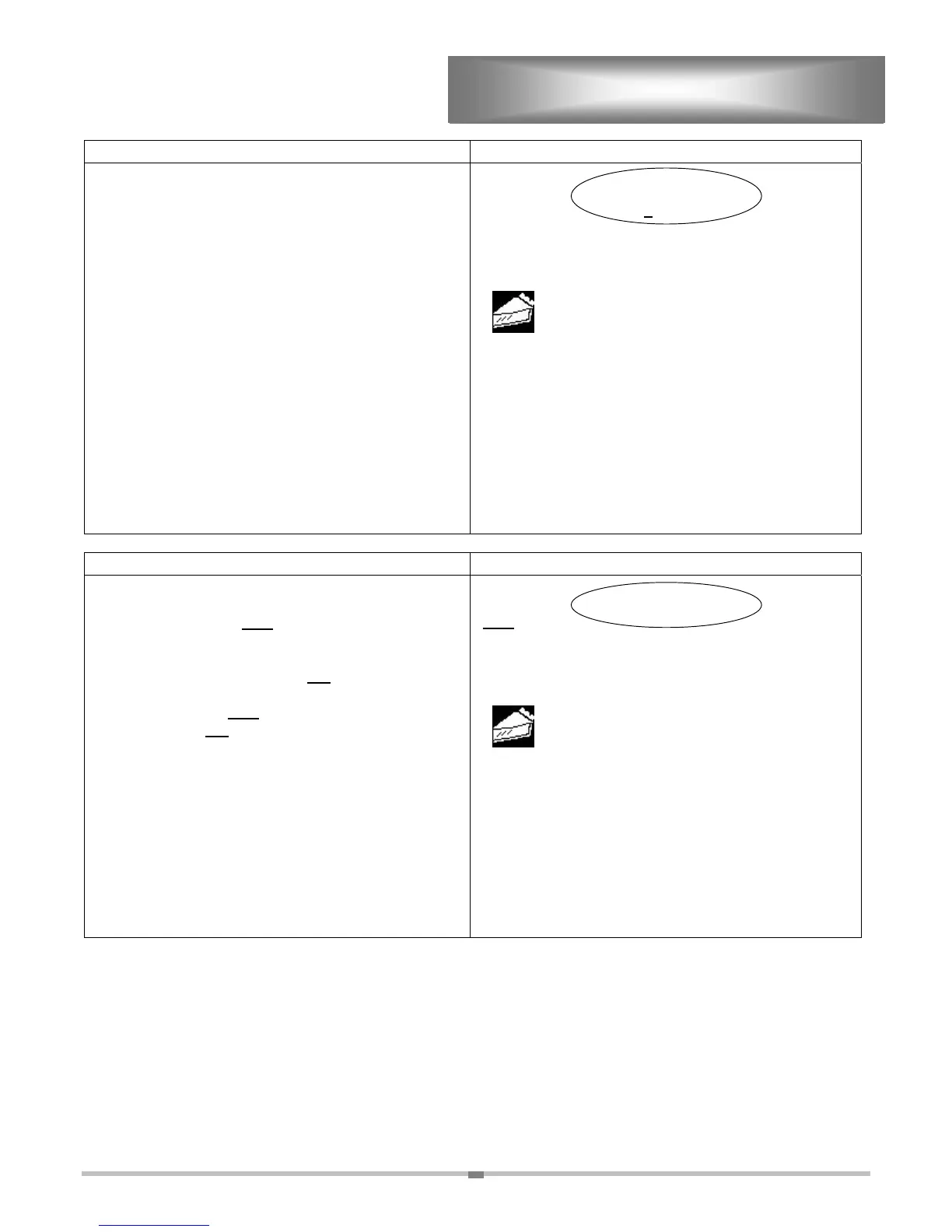
ACTION DISPLAY
SELECT PULE RATE
1
00 %
USE KEYS TO SELECT
APPLE
TIER 1
TEMP: 320F TIME: 00:45:00
FAN: HI
COOKING CURVE:
80 %
Step 13. “SELECT PULSE RATE”. Press or to
select numbers, select “ENTER” to move the
cursor to the next space. 100% is the
default. If this okay, select “ENTER” three
times or “ACCEPT” once to advance to the
next screen.
EXAMPLE: (80
%
) Press the
once for “0”. Select
“ENTER” once to advance the cursor one
space, then press
eight times for a “8”.
Select “ENTER to advance the cursor.
Since “0” is the next number, select
“ENTER” to advance to the next screen.
ACCEPT
ENTER
ACTION DISPLAY
CORRECT?
YES
NO
USE KEYS TO SELECT
APPLE
TIER 1
TEMP: 320F TIME: 00:45:00
FAN: HI RATE:
100 %
COOKING CURVE:
80 %
Step 14. “CORRECT”. The cursor automatically
appears on “YES”. The computer is asking
if the program displayed is correct. If any
part of that program is incorrect, press or
till the cursor is on “NO
”. Select “ENTER”
or “ACCEPT”. This will return you to step 7.
Selecting “YES
” will advance the
sceen.“NO”.
ACCEPT
ENTER


 To Next Page
 Loading...