25
Bios Settings
Chapter 4
Network Application Platforms
Option Description
Disabled Set this value to prevent the parallel port from
accessing any system resources. When the value
of this option is set to Disabled, the printer port
becomes unavailable.
378 Set this value to allow the parallel port to use 378
as its I/O port address. This is the default setting.
The majority of parallel ports on computer
systems use IRQ7 and I/O Port 378H as the
standard setting.
278 Set this value to allow the parallel port to use 278
as its I/O port address.
3BC Set this value to allow the parallel port to use 3BC
as its I/O port address.
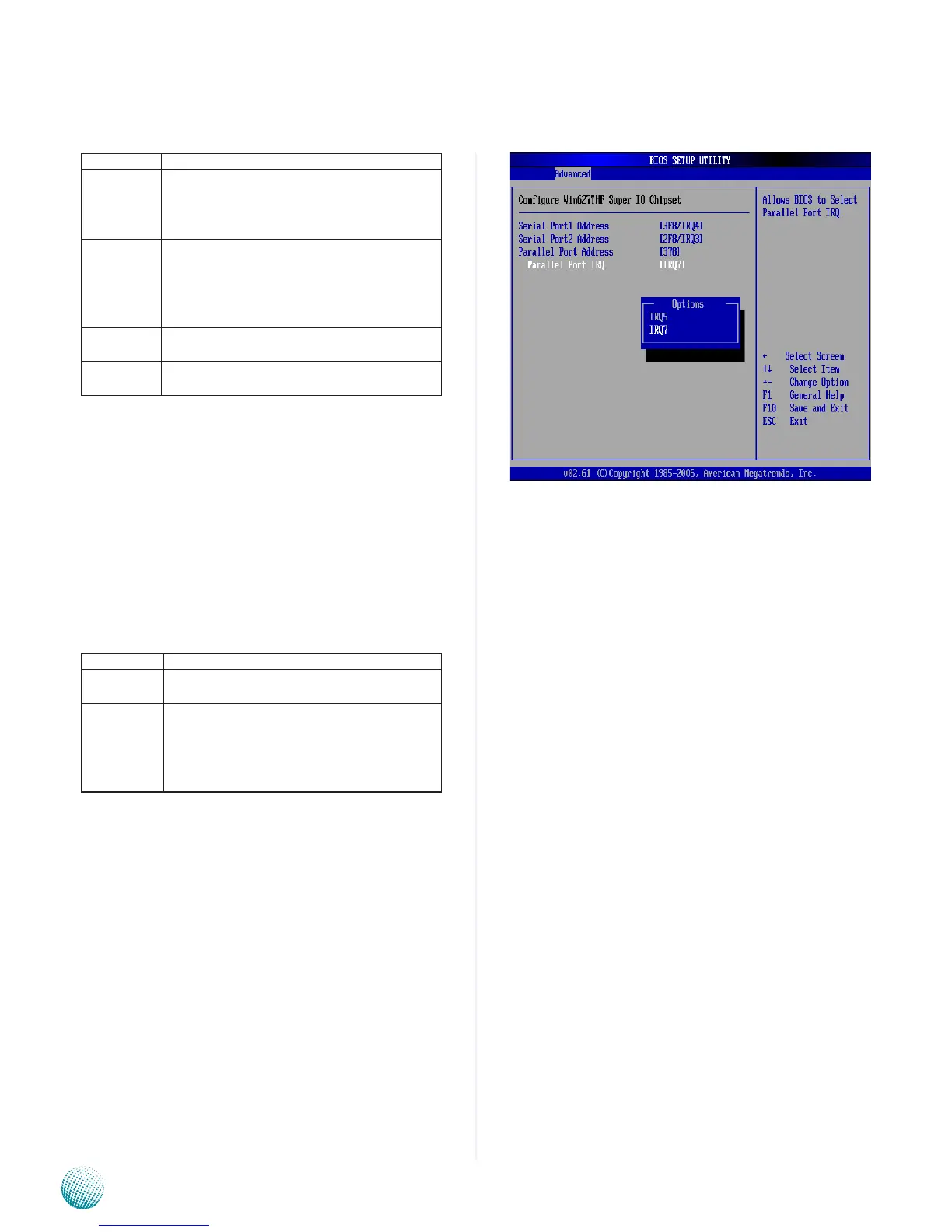
Parallel Port IRQ
This option specifies the IRQ used by the parallel port.
Option Description
5 Set this value to allow the serial port to use
Interrupt 5.
7 Set this value to allow the serial port to use
Interrupt 7. This is the default setting. The
majority of parallel ports on computer systems
use IRQ7 and I/O Port 378H as the standard
setting.



 To Next Page