26
Bios Settings
Chapter 4
Network Application Platforms
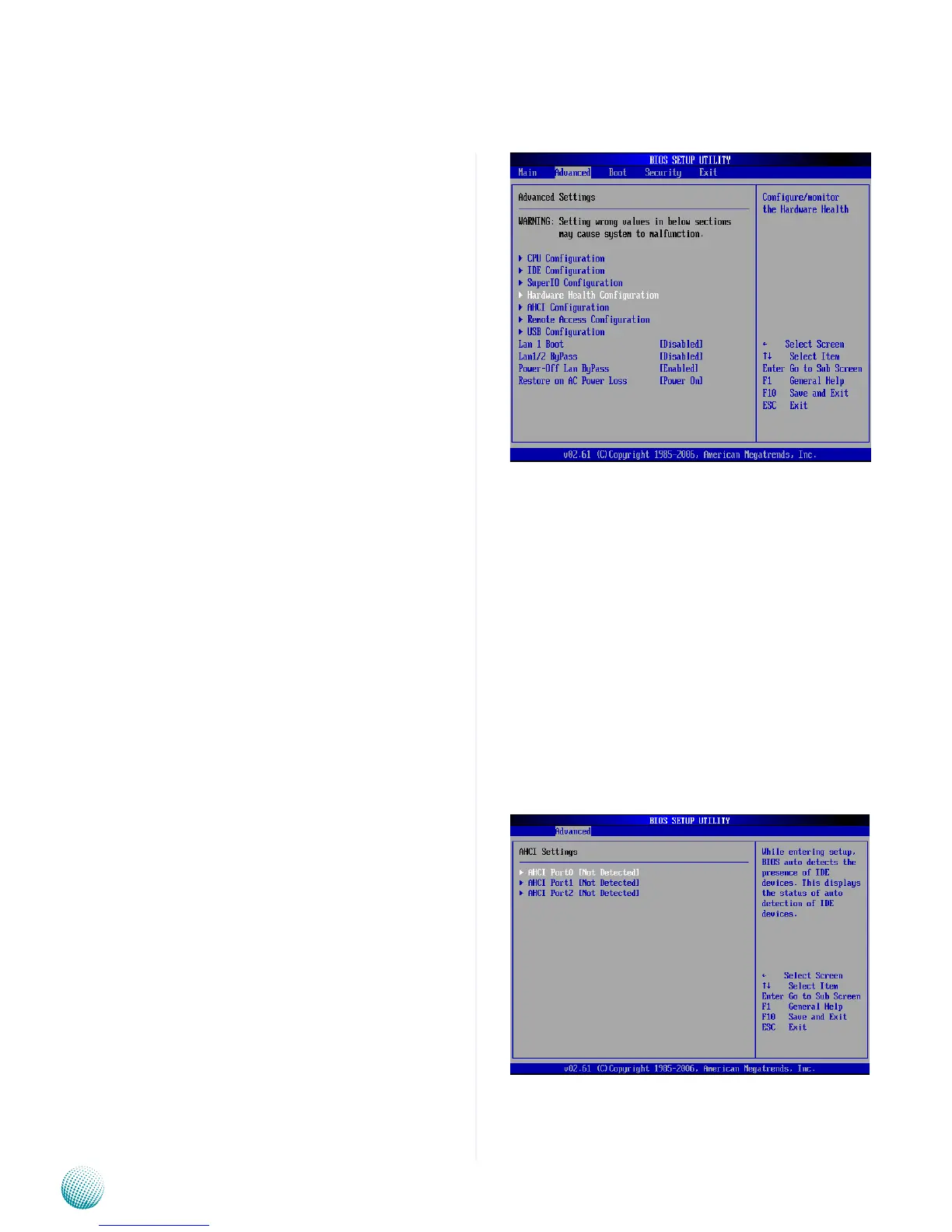
Hardware Health Configuration
This menu shows the hardware monitor configuration
settings. Select an item then press <Enter> to display the
configuration options.
Fan1/Fan2 Smart Fan Function
It allows you to configure the smart fan feature. You can
manually turn on the system fan or set the target system
temperature at which the system fan will start running
if the fan is not yet turned on. And the system fan can
also be turned off automatically if the temperature for
the system is at or below the specified value. Refer to
Motherboard Layout on Chapter 3 Block Diagram for
system fan connectors.
AHCI Configuration
If you have configured and enabled your SATA disc
with an AHCI (Advanced Host Controller Interface)
functionality, use this menu to verify whether the system
has detected your SATA disc as an AHCI-capable hard disk.
Instead of relying on the legacy IDE detection, the AHCI
provides advanced features and support for SATA disc
management.



 To Next Page