EasyManua.ls Logo

Lanzar VIBE211 - Troubleshooting Guide; Power and Protection Faults; Audio Quality Issues

Lanzar VIBE211
20 pages
Print Icon
To Next Page IconTo Next Page
To Previous Page IconTo Previous Page
Loading...
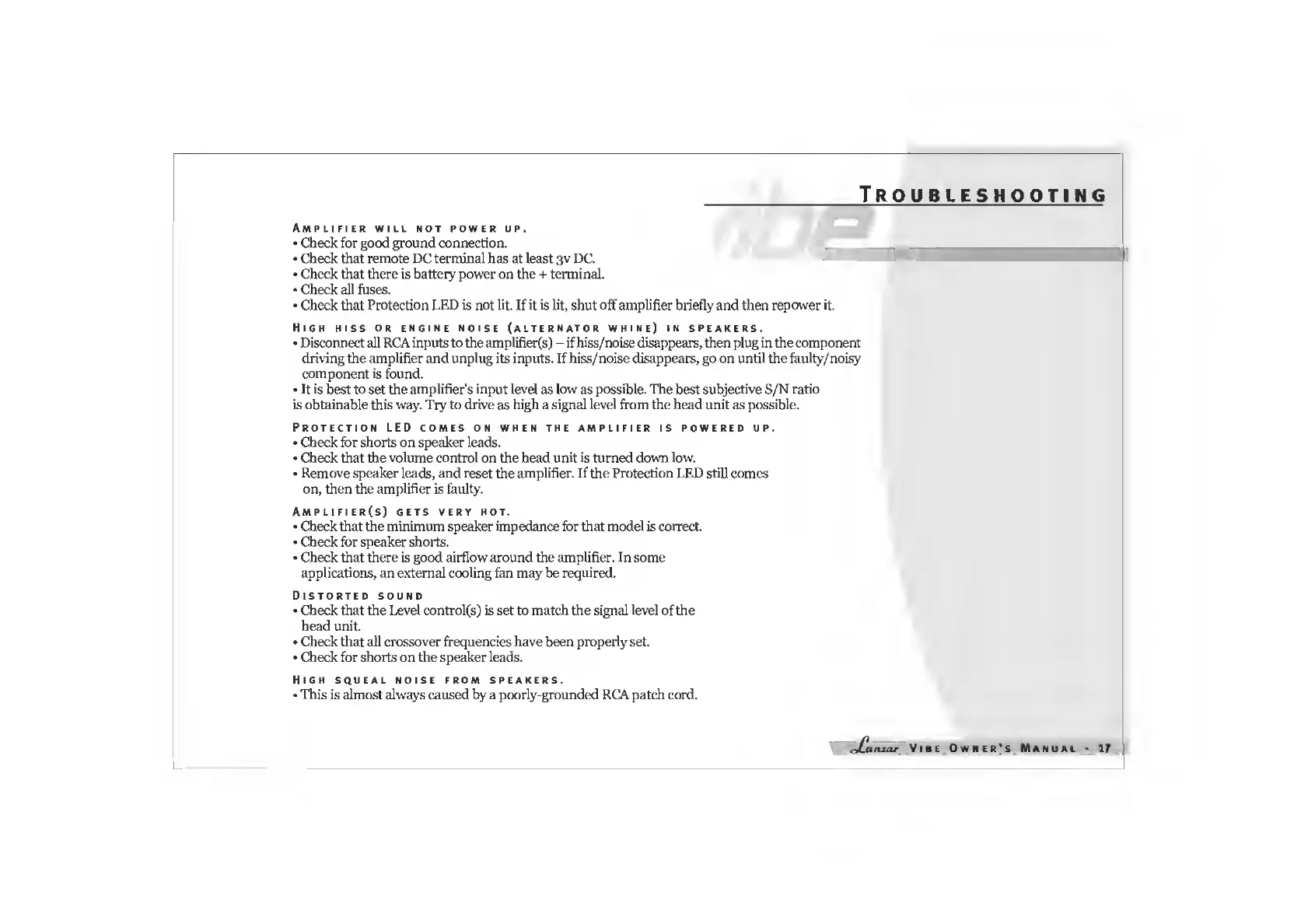
Troubleshooting
Amplifier
will
not
power
up.
Check
for
good
ground
connection.
Check
that
remote
DC
terminal
has
at
least
3v
DC.
Check
that
there
is
battery
power
on
the
+
terminal.
Check
all
fuses.
Check
that
Protection
LED
is
not
lit.
If
it
is
lit,
shut
off
amplifier
briefly
and
then
repower
it.
High
hiss
or
engine
noise
(alternator
whine)
in
speakers.
Disconnect
all
RCA
inputs
to
the
amplifier(s)
-
if
hiss/noise
disappears,
then
plug
in
the
component
driving
the
amplifier
and
unplug
its
inputs.
If
hiss/noise
disappears,
go
on
until
the
faulty/noisy
component
is
found.
It
is
best
to
set
the
amplifier's
input
level
as
low
as
possible.
The
best
subjective
S/N
ratio
is
obtainable
this
way.
Try
to
drive
as
high
a
signal
level
from
the
head
unit
as
possible.
Protection
LED
comes
on
when
the
amplifier
is
powered
up.
Check
for
shorts
on
speaker
leads.
Check
that
the
volume
control
on
the
head
unit
is
turned
down
low.
Remove
speaker
leads,
and
reset
the
amplifier.
If
the
Protection
LED
still
comes
on,
then
the
amplifier
is
faulty.
Amplifier(s)
gets
very
hot.
Check
that
the
minimum
speaker
impedance
for
that
model
is
correct.
Check
for
speaker
shorts.
Check
that
there
is
good
airflow
around
the
amplifier.
In
some
applications,
an
external
cooling
fan
may
be
required.
Distorted
sound
Check
that
the
Level
controls)
is
set
to
match
the
signal
level
of
the
head
unit.
Check
that
all
crossover
frequencies
have
been
properly
set.
Check
for
shorts
on
the
speaker
leads.
High
squeal
noise
from
speakers.
This
is
almost
always
caused
by
a
poorly-grounded
RCA
patch
cord.
dCanzar
VlBE
Owner’s
MANUAL
17

Related product manuals