EasyManua.ls Logo

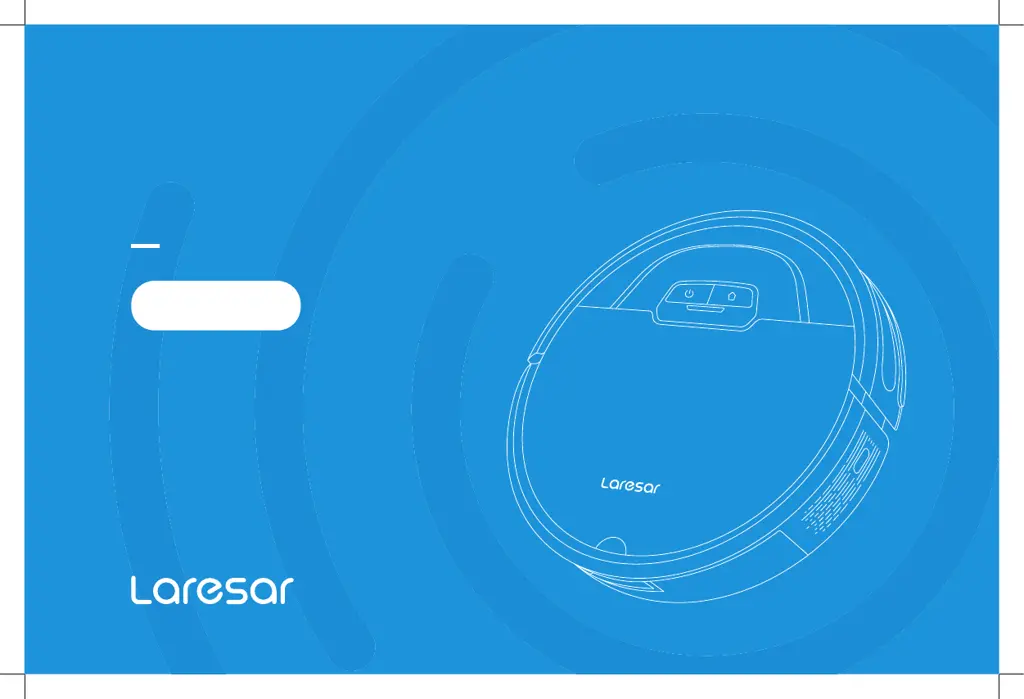
Laresar Evol 3 - User Manual

Default Icon
88 pages
Print Icon
To Next Page IconTo Next Page
Loading...
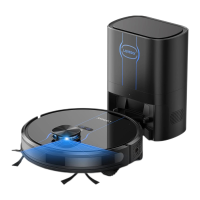
ROBOT VACUUM CLEANER
USER MANUAL
Evol 3

Questions and Answers

  • L
    Linda FreemanSep 10, 2025
    What to do if Laresar Vacuum Cleaner displays 'Error 4: Front bumper is stuck'?
    • C
      Cheryl HopkinsSep 10, 2025
      If your Laresar Vacuum Cleaner displays 'Error 4: Front bumper is stuck', the edge or anti-collision sensor is stuck. Push the bumper left and right to ensure it moves freely.
  • K
    Kimberly MckinneySep 12, 2025
    What to do if Laresar Vacuum Cleaner displays 'Error 2: Put the vacuum on the floor before starting'?
    • A
      Amber ChenSep 12, 2025
      If your Laresar Vacuum Cleaner displays 'Error 2: Put the vacuum on the floor before starting', it means that the machine was picked up. Move the machine to a level surface and start it again.
  • W
    Wayne MejiaSep 14, 2025
    What to do if Laresar Evol 3 displays 'Error 3: Put the machine flat on the ground before starting'?
    • K
      Kevin SmithSep 14, 2025
      If your Laresar Vacuum Cleaner displays 'Error 3: Put the machine flat on the ground before starting', the machine is tilted. Place the machine on a level surface before starting.
  • D
    Danielle MooreSep 16, 2025
    Why scheduled cleaning cannot be carried out on Laresar Evol 3?
    • M
      Mr. Brett WilliamsSep 16, 2025
      If your Laresar Vacuum Cleaner isn't starting scheduled cleanings, it's likely because the battery is below 15%. Scheduled cleaning will only begin if the remaining power is at least 15%.

Summary

Safety Instructions

Use Restrictions

General guidelines and limitations for using the robot vacuum cleaner.

Battery and Charging

Information on battery usage, charging, and maintenance.

Preparation

Use Instructions

Routine Maintenance

Dust Box and Filter Cleaning

Procedures for cleaning the dust box and filters.

Common Problems

Failed to power on the machine

Troubleshooting steps for when the machine does not power on.

Failed to charge the machine

Troubleshooting steps for charging issues.

Failed to return to the docking station

Troubleshooting steps for when the robot cannot find the dock.

Troubleshooting

Laresar Evol 3 Specifications

General IconGeneral
Dustbin Capacity600 ml
Navigation SystemLaser Navigation
Noise Level65 dB
TypeRobot Vacuum
Dust CollectionBagless
FeaturesApp Control

Related product manuals