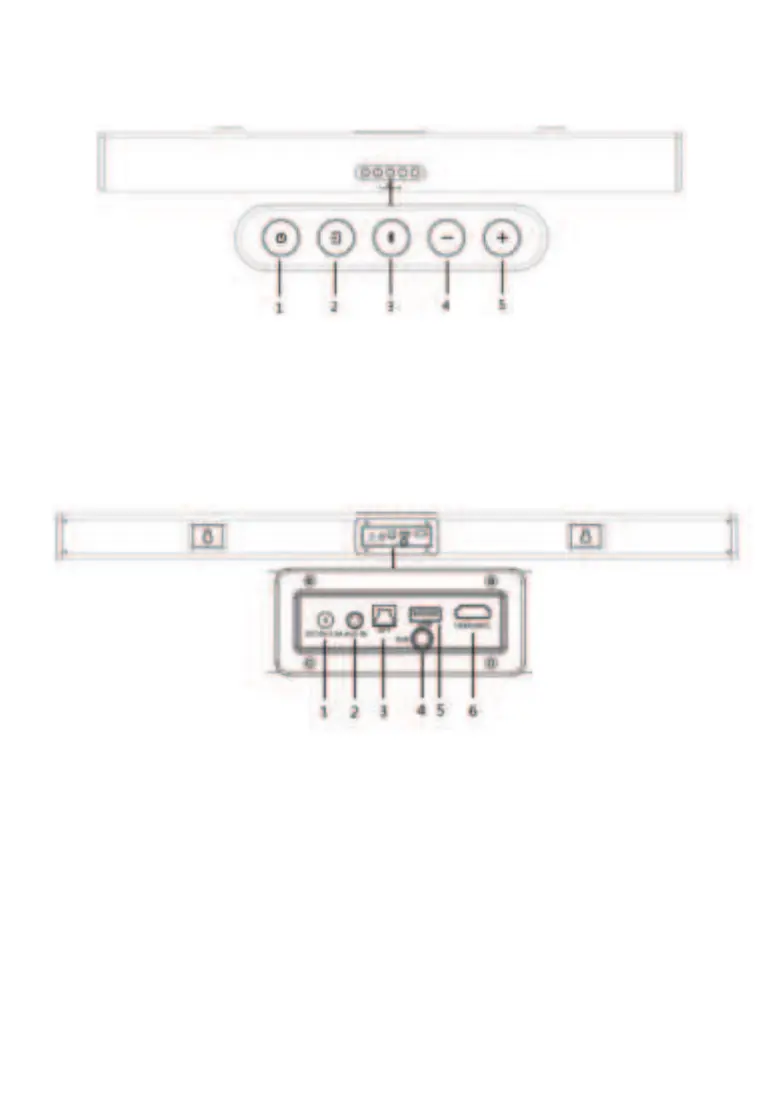
1.Standby: standby mode for power ON or OFF;
2.Input: choose input mode(HDMI ARC/OPT/AUX/USB/BT)
3.Bluetooth: short press for Play/Pause (Only work under
USB & BT mode of smartphone), long press for
connect/unconnected device;
4.VOL-: master volumn down
5.VOL+: master volumn up
Product Diagram
- 5 -
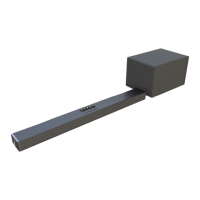
1. DC IN
2. AUX IN
3. Optical
4. Subwoofer out: connected with subwoofer by RCA cable
5. USB
6. HDMI(ARC)


 To Next Page