- 6 -
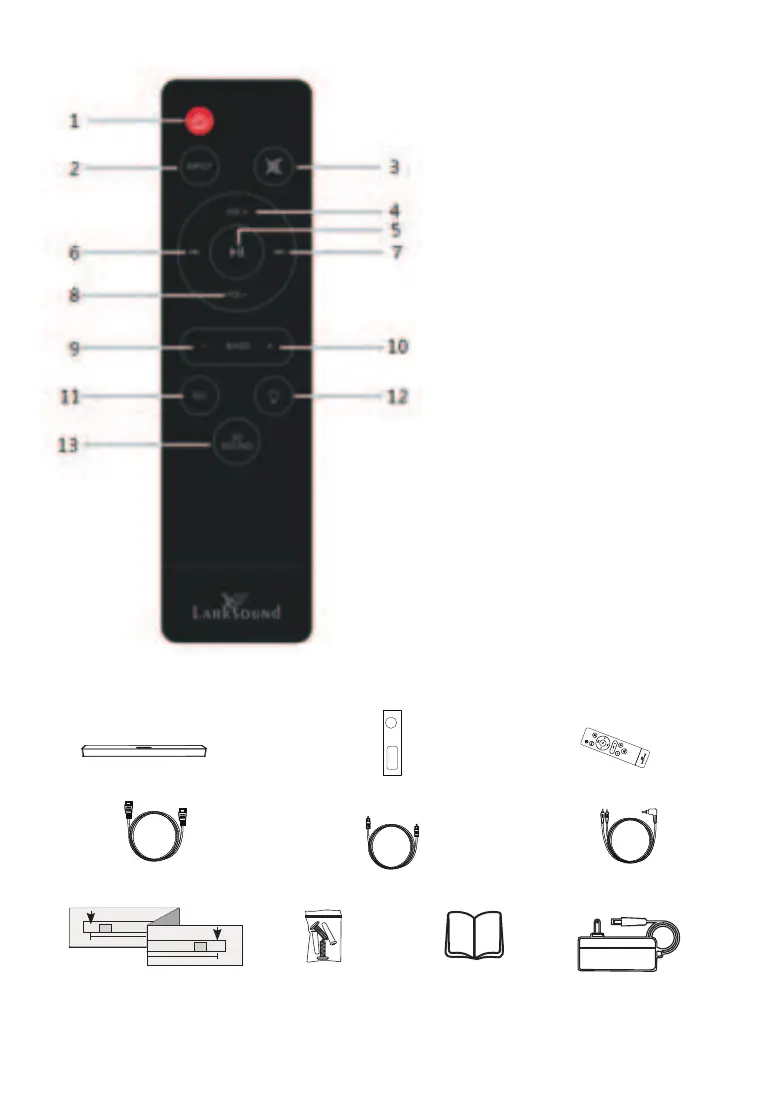
1. Standby mode for power on/off.
2. INPUT: input
mode(AUX/USB/HDMI
ARC/OPT/BT)
3. MUTE: mute/unmute the
soundbar
4. VOL+: master volumn up
5. Play/Pause (Only work under
USB & BT mode of smartphone).
6. Pre button: Previous program
(Only work under USB & BT
mode of smartphone).
7. Next button: Next program.
(Only work under USB & BT
mode of smartphone).
8. VOL-: master volumn down
9. BASS-: To decrease the bass.
10
. BASS+: to increase the bass.
11. EQ: select EQ mode
(Movie/Music/ Dialoge/Norma
12. Dimmer: total have 3 levels,
low, middle, and high;
13. 3D Sound: select the 3D sound
effect.
PACKAGE CONTENTS
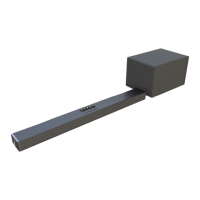
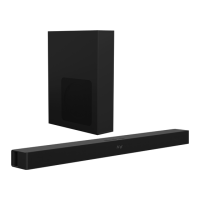
Subwoofer(1)Soundbar (1) Remote Control(1)
Optical cable(1x4.92ft)HDMI(ARC) cable(1x4.92ft) AUX cable(1x4.92ft)
Screw bag(1) User Manual(1) Power AdapterWall Mount Template


 To Next Page