6
PLAYER & DISC CARE
PLAYER & DISC CARE
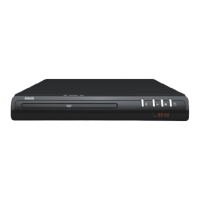
Cleaning the BLU-BD2000 Player
Always turn the player off and unplug the power cord before cleaning.
Never use alcohol, paint thinner or benzene to clean this unit.
Before using chemically treated cloth, carefully read the instructions that came with the cloth.
Please use a damp soft cloth. Wring out any excess liquid and gently wipe the external case of the player.
Let the player dry before using again.
Lens Cleaning
Use a commercially available CD/DVD/BD lens cleaner (not supplied) to periodically clean the lens in this
player. Please read the instructions supplied with the lens cleaner carefully before use.
Handling Discs
•Handlediscsbytheedgestoavoidinadvertentscratchesorfingerprintsonthe
disc.
•Donotattachlabelsorstickerstodiscs.
•Donotuserecordcleaningsprays,benzene,thinner,staticelectricityprevention
liquids or any other solvent.
•Donotusethefollowingdiscs
•Discswithexposedadhesivefromremovedstickersor
•Labels(renteddiscsetc)thatareliftingortorn.
•Discsthatarewarpedorcracked.
•Irregularlyshapeddiscs,suchasheartshapes.
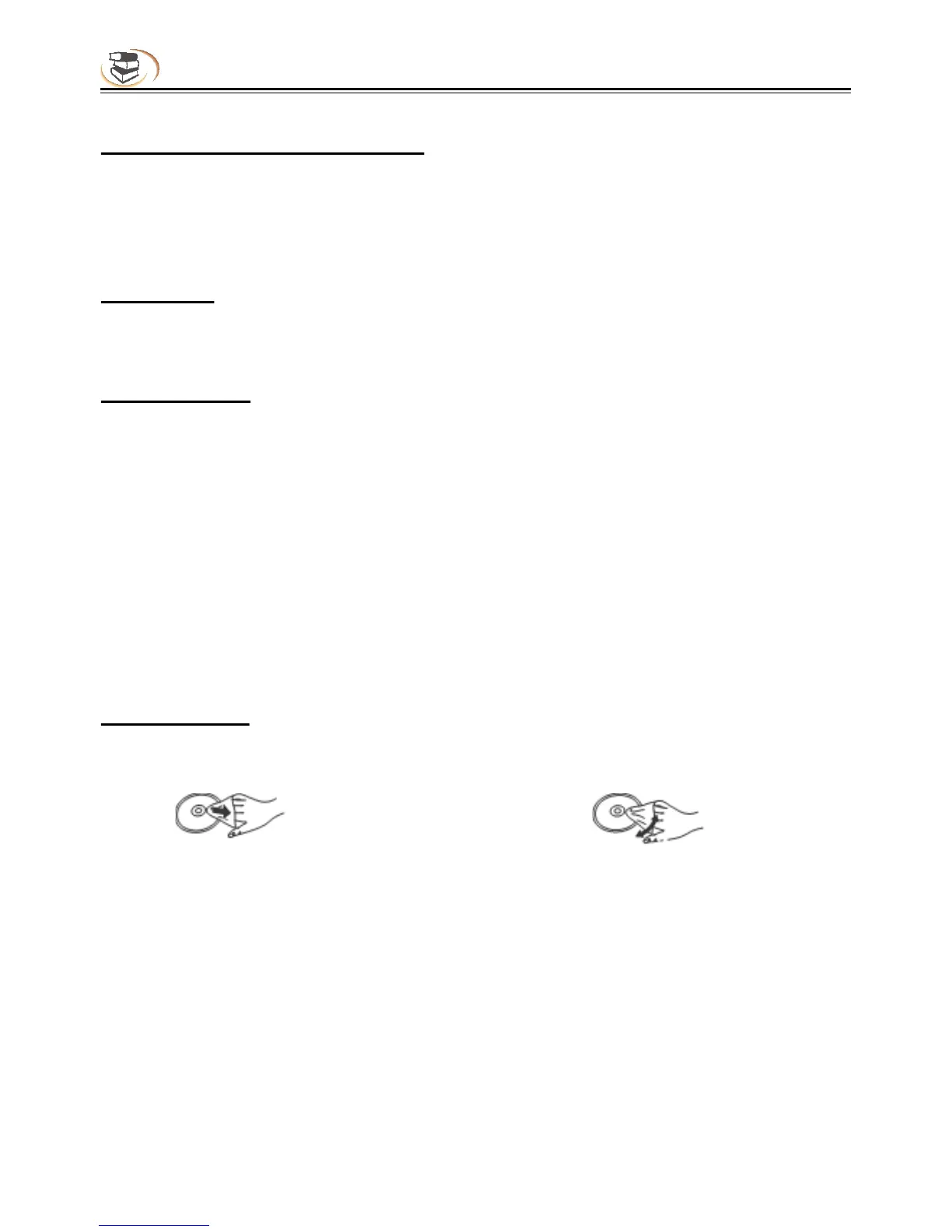
Cleaning Discs
Wipe discs with a soft damp cloth and allow to dry before placing disc in the players tray.
Never use alcohol, paint thinner or benzene to clean discs.
DO Don’t



 To Next Page