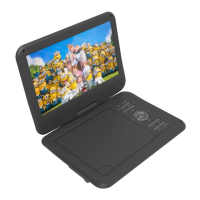
USER MANUAL DVD-HD008
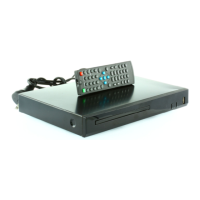
REMOTE CONTROL
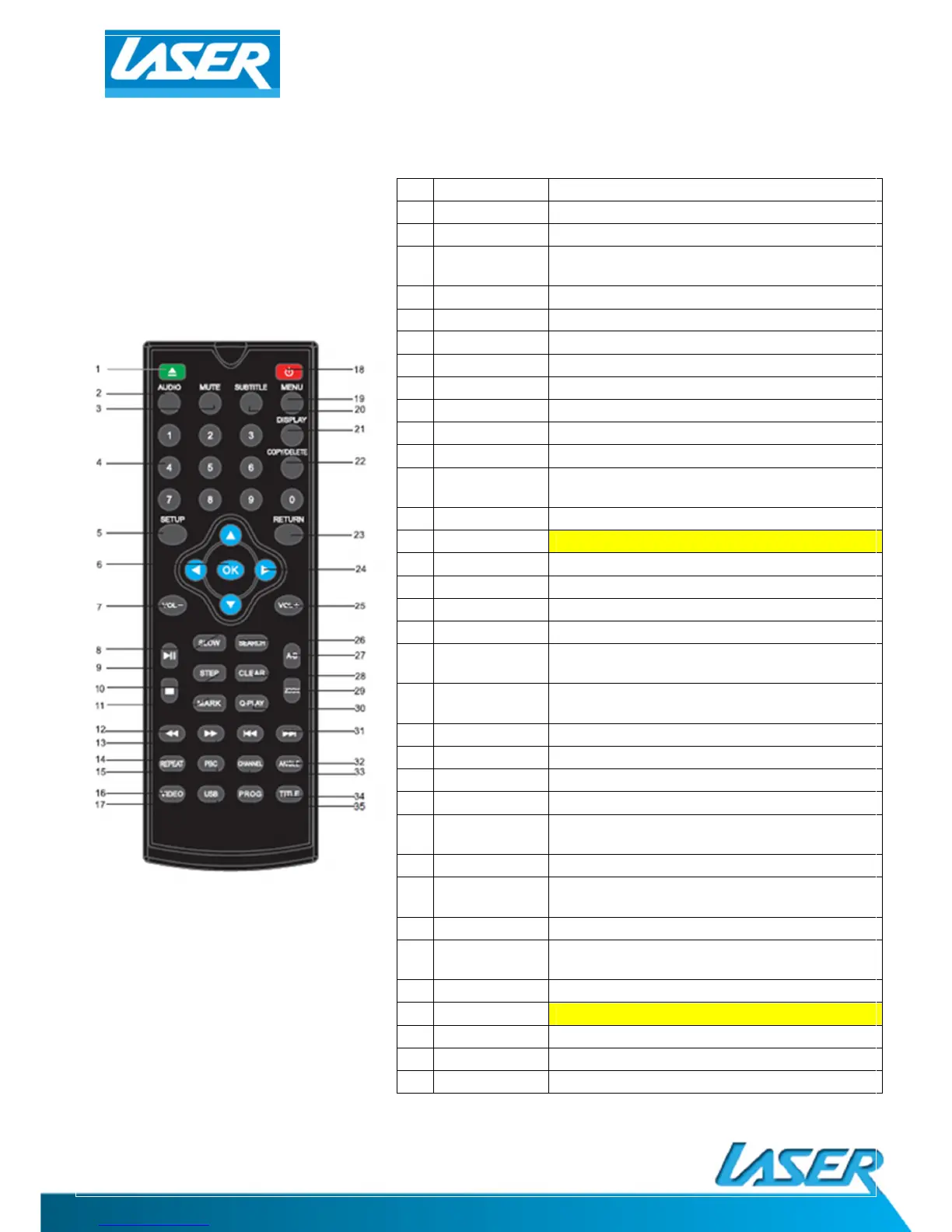
1. OPEN/CLOSE Open and close disc tray
2. AUDIO Select a different language
3. MUTE Turn sound ON/OFF
4.
KEYS] Select files and chapters of videos
5. SETUP Enter menu settings
6. ENTER Use to select on option or feature
7. VOLUME Increase or decrease volume
8. SLOW Reduce the speed of video playback
9. PLAY/PAUSE Press to pause and again to play
10.
STOP Stop playback of files
11.
MARK Create playback point
12.
REWIND Rewind video or music
13.
FORWARD Fast-forward video or music
14.
REPEAT Repeat the current track
15.
PBC (not available on this model)
16.
VIDEO Select video output mode
17.
USB Switch between USB and disc playback
18.
STANDBY Turn ON/OFF from power saving mode
19.
MENU Enter MENU settings screen
20.
Turn ON/OFF subtitles as supported by your file
Turn ON/OFF time, title and chapter
COPY/DELETE Use to manage USB files
23.
RETURN Go to the DISC menu screen
24.
Used to move cursor around screen
25.
VOLUME Turn UP/DOWN volume
26.
Search by video chapter and time (Some options
different for USB/DVD)
27.
A-B Select segment of video or music for reply
28.
Clear previously selected data and search
ZOOM Zoom IN/OUT from an image
30.
Quick play/Direct Play (Go direct to movie and
SKIP Skip forwards/backwards
32.
ANGLE (not available on this model)
33.
CHANNEL Switch between 2.1 and 5.1 sound output
34.
TITLE Return to title screen
35.
PROG Program the Title and Chapter order of playback


 To Next Page