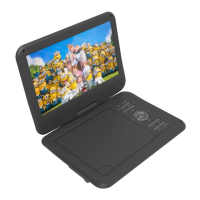
USER MANUAL DVD-HD008
SYSTEM SETTINGS (LAYOUT)
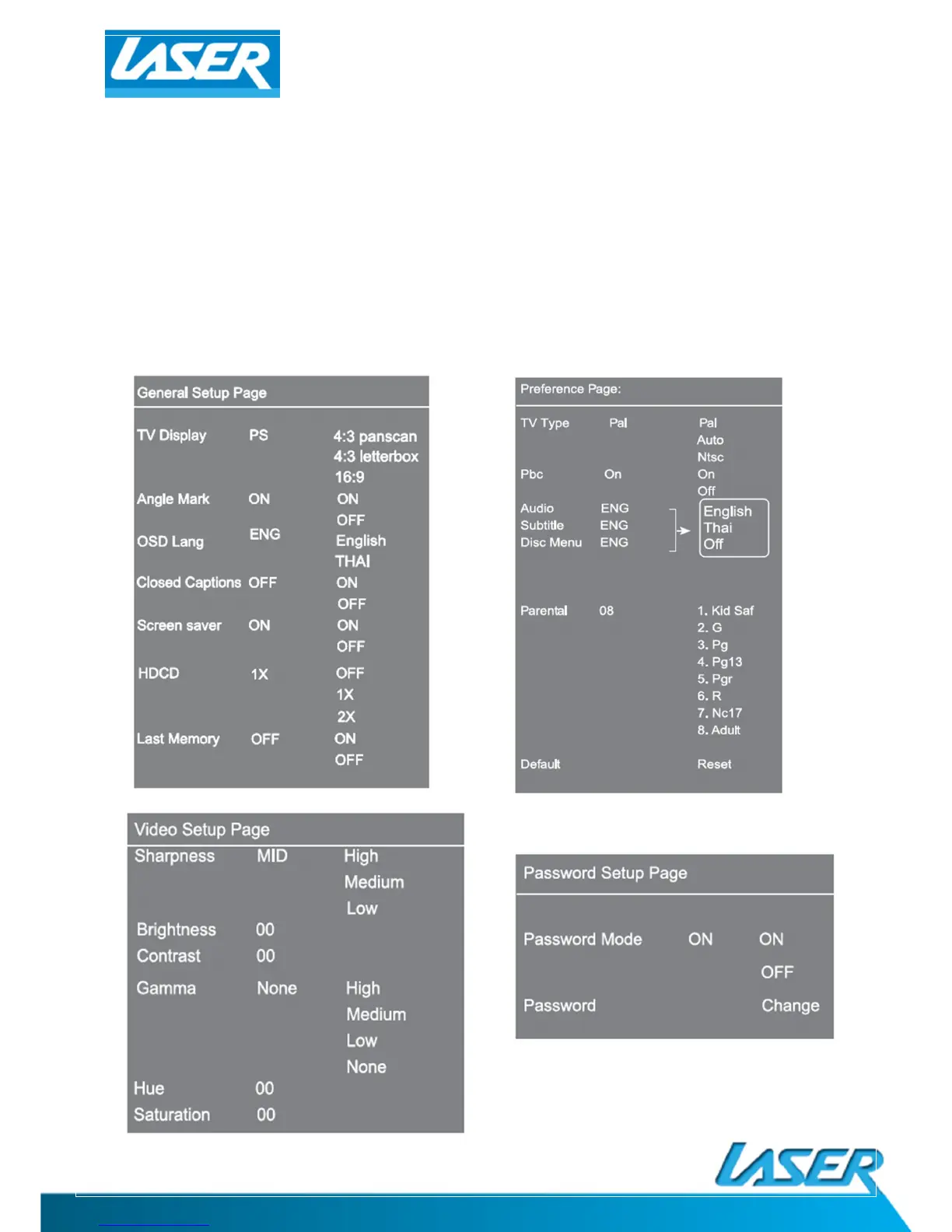
Press the SETUP button to enter the SETUP menu. Scroll down and left using the ARROW buttons and
the OK button to confirm your selections.
When you have finished, repeatedly press the LEFT arrow until the cursor returns to the top MENU
tab, otherwise press SETUP again to exit.
(Some of the menu screens have been displayed below for your convenience.)


 To Next Page