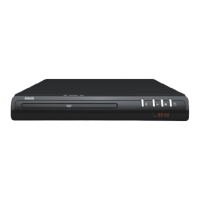
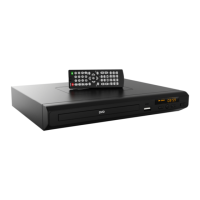
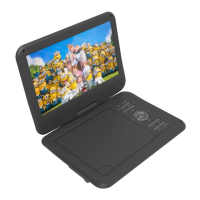
USER MANUAL DVD-HD008
FAQS
No Video displayed on TV
• Make sure TV is turned on.
• Check the cable connections.
• Check the input selection on the TV is correct. Eg. HDMI1, HDMI2, AV1 or AV2 etc
Player does not respond to remote
• Clear any obstacle between the remote and the player.
• Try moving closer or reduce the angle to the player
• Check the condition of the batteries and replace if necessary.
• Clean the sensor panel on the player.
No audio during DVD/file
• Check the audio output of the player is set correctly.
• If using external amplifier/speakers, ensure connections are correct and amp is turned on.
• Check input on TV/Monitor.
• Check files audio track is supported by this player.
Disc playback is jerky
• Check the condition of the disc. If surface is damaged or scratched repair or replace if
necessary.
Video file playback is jerky and stops
• Check the file is compatible with player.
• Check resolution of file. High Definition files may cause intermittent playback issues.
Reduce resolution and bit rate of file to improve playback.
Abnormal Player operations
• Turn the player off and unplug the player from wall. Wait for 1 or 2 minutes and plug back
in. Player should now function normally.
Disc is locked in player
• If the player will not eject disc. Turn the power OFF and then ON again. Immediately
press the OPEN/CLOSE button (32) to open the tray.
Some files do not play back. What files are supported?
The supported files are; Video-AVI (Xvid), VOB; Audio-MP3 and Image-JPG


 To Next Page