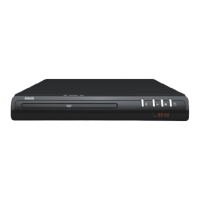
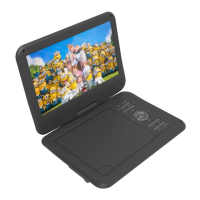
QUICK USER GUIDE DVD-HD010
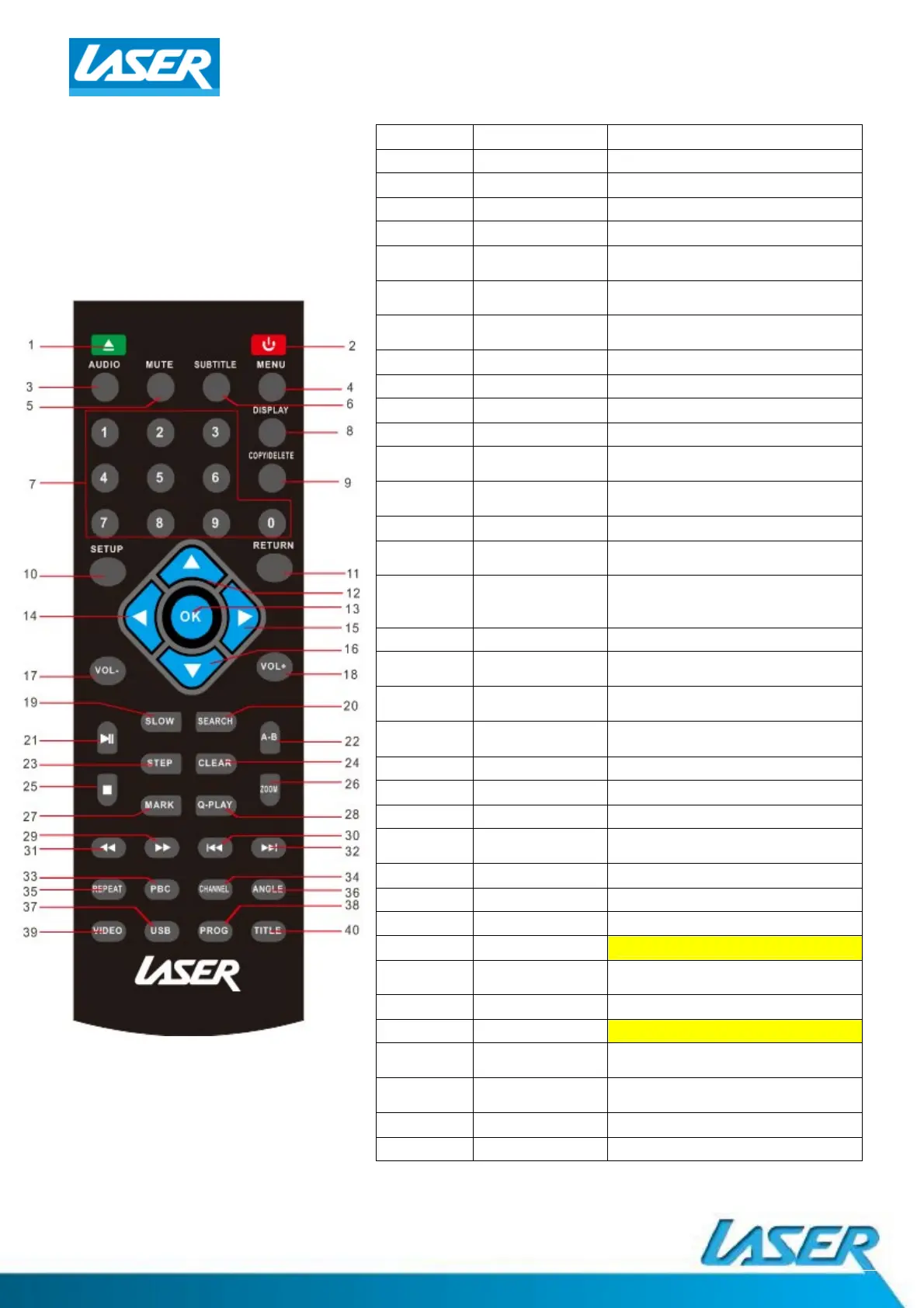
REMOTE CONTROL
1. OPEN/CLOSE Open and close disc tray
2. POWER Turn player ON or OFF
3. AUDIO Select a different language
4. MENU Enter MENU sengs screen
5. MUTE Turn sound ON/OFF
6. SUBTITLE
Turn ON/OFF subtles as
supported by your file or disc
7. [NUMBER KEYS]
Select files and chapters of
videos
8. DISPLAY
Turn ON/OFF me, tle and
chapter informaon
9. COPY/DELETE Use to manage USB files
10. SETUP Enter menu sengs
11. RETURN Go to the DISC menu screen
12/16. VOLUME Turn UP/DOWN volume
12/14
/15/16.
DIRECTION KEY
Used to move cursor around
screen
13. ENTER
Use to select on opon or
feature
17/18. VOLUME Increase or decrease volume
19. SLOW
Reduce the speed of video
playback
20. SEARCH
Search by video chapter and me
(Some opons different for
USB/DVD)
21. PLAY/PAUSE Press to pause and again to play
22. A-B
Select segment of video or music
for reply
23. STEP
View playback one frame at a
me
24. CLEAR
Clear previously selected data
and search informaon
25. STOP Stop playback of files
26. ZOOM Zoom IN/OUT from an image
27. MARK Create playback point
28. Q-PLAY
Quick play/Direct Play (Go direct
to movie and bypass previews)
29. FAST FORWARD Fast-forward video or music
30/32. PREVIOUS/NEXT Skip forwards/backwards
31. REWIND Rewind video or music
33. PBC (not available on this model)
34. CHANNEL
Switch between 2.1 and 5.1
sound output
35. REPEAT Repeat the current track
36. ANGLE (not available on this model)
37. USB
Switch between USB and disc
playback
38. PROG
Program the Title and Chapter
order of playback
39. VIDEO Select video output mode
40. TITLE Return to tle screen



 To Next Page