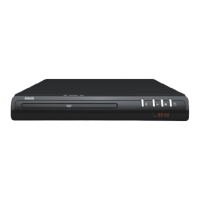
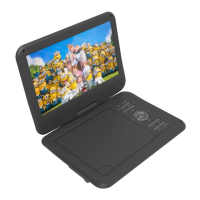
QUICK USER GUIDE DVD-HD009
SUGGESTED CONNECTIONS
CONNECTING THE HDMI CABLE TO A HOME THEATRE SYSTEM
1. Plug the first HDMI cable into
the
HDMI OUTPUT
on
the player and into
the HDMI input on the
Home
Theatre System
.
2. Plug the second HDMI cable into
the
HDMI OUTPUT
on
the Home
Theatre System and into the HDMI
input on the
t
elevision.
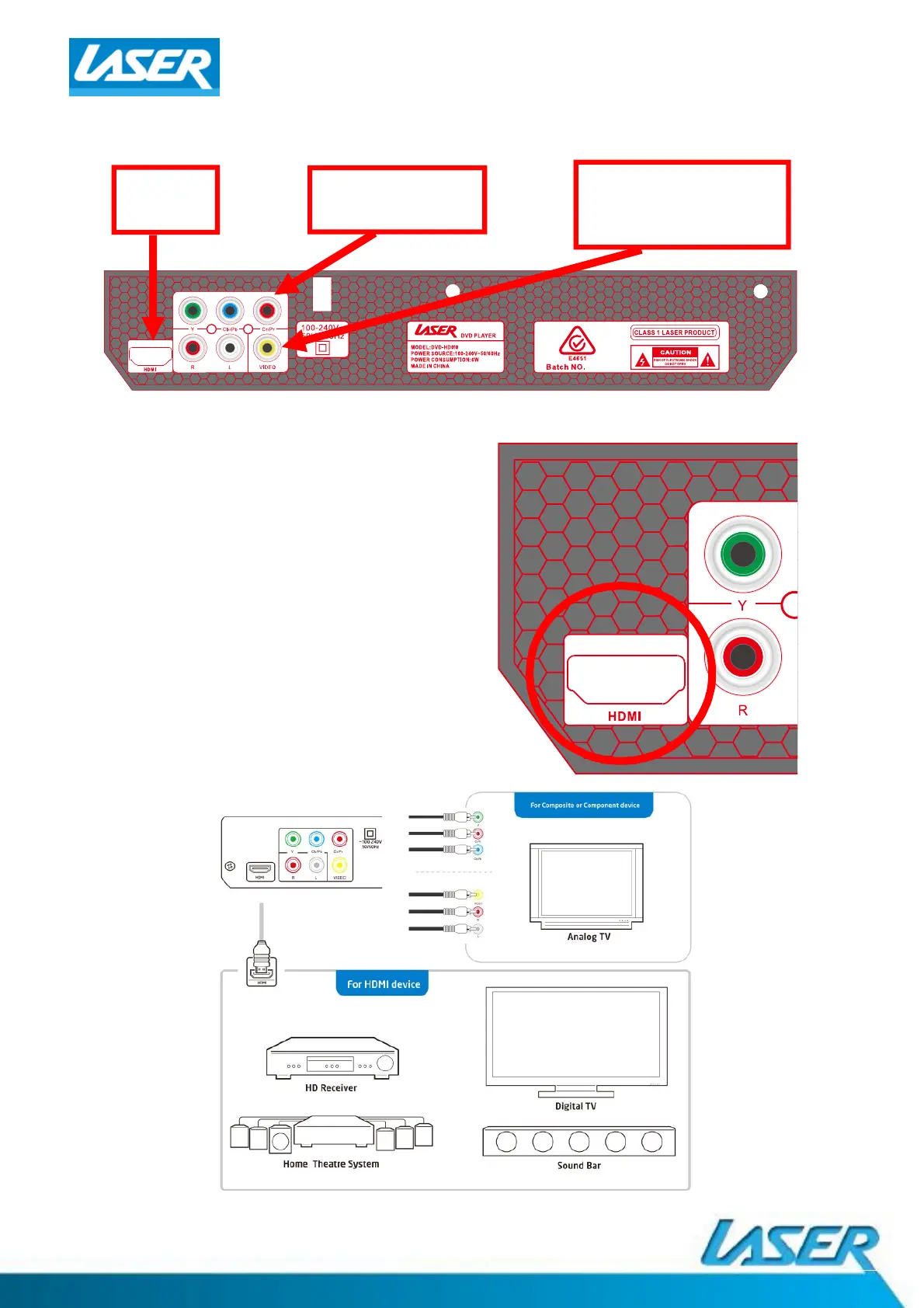
OTHER CONNECTION EXAMPLES
HDMI
(EASIEST)
COMPOSITE
Red, White, Yellow RCA
(EASY)
COMPONENT
(EASY)



 To Next Page