26
10
10.1
11
Zero
μm
DIR
Fe
NO
AVG
100
101.0
1
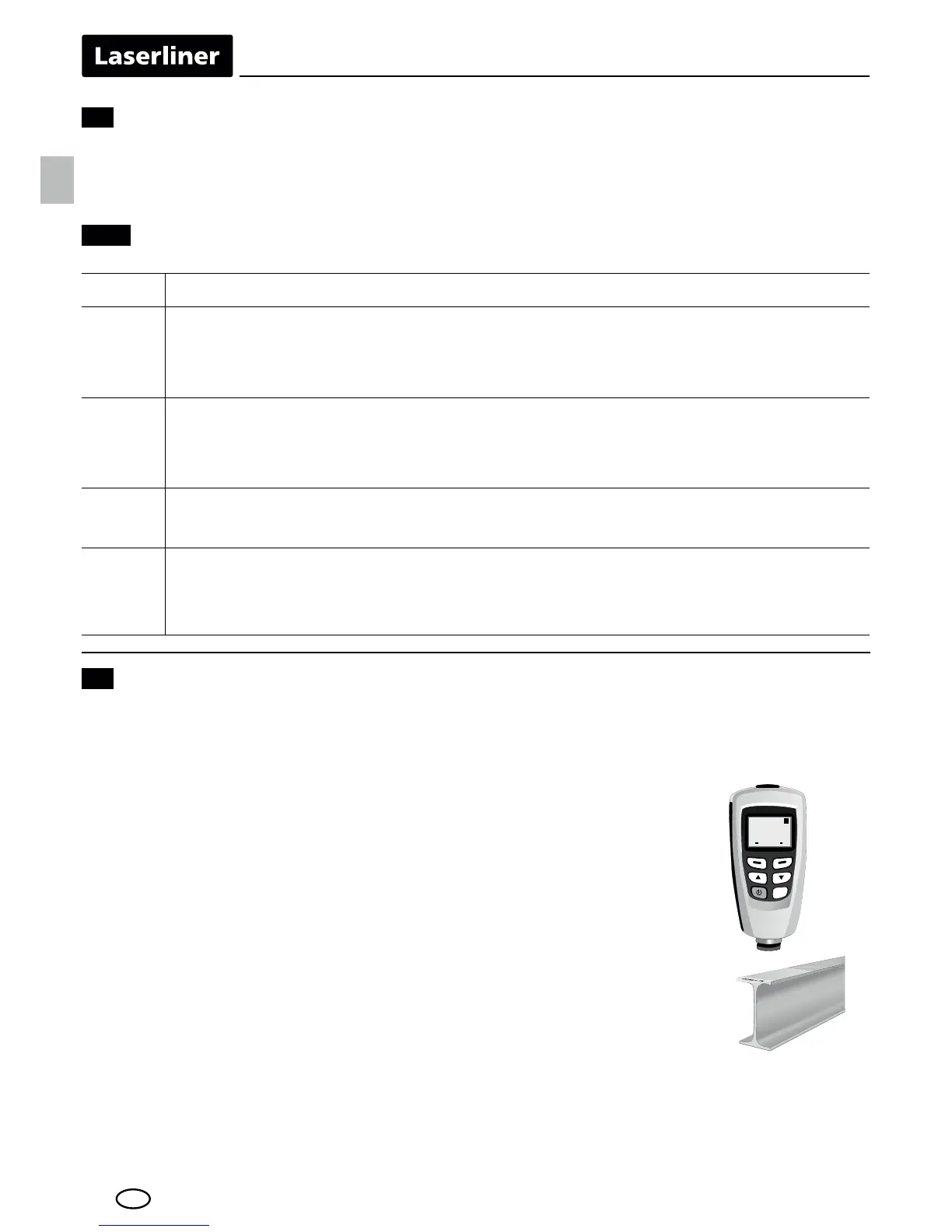
The zero point setting should be checked and, if necessary, corrected before
each measurement.
Zero calibration
Checking/Calibrating the zero point
1 Turn the device off/on
2 Set the measuring mode:
Menu > Options > Measure mode > Single mode
Exit the menu: press key 1 twice
3 Perform measurement (see item 12):
measurement on uncoated material
(original material or reference material)
Value within tolerance (see technical data):
check complete; no calibration necessary
Value outside tolerance (see technical data):
Calibration required: press and hold the ZERO key (3);
repeat steps 1-3 to check
One-point calibration calibrates a coating thickness as close
to the expected measured value as possible.
One-point and two-point calibration
3VNONHMSB@KHAQ@SHNMCDÖMDR@RDBNMCBN@SHMFSGHBJMDRR
in order to increase the measuring accuracy. The expected
measured value should be as close as possible to the mid-
point between the calibration points (cal 1 and cal 2).
,TKSHOKDÖKLRL@XADBNLAHMDCENQFQD@SDQBN@SHMF
thicknesses.
Example: expected coating thickness: 75 μm
Calibration point 1:
,D@RTQDLDMSVHSGQDEDQDMBDÖKL50 μm ± 1%
Calibration point 2:
,D@RTQDLDMSVHSGQDEDQDMBDÖKL101 μm ± 1%
EN





 To Next Page