22
EN
2 sec
Language
ENGLISH
DRY limit
100
– +
WET limit
400
– +
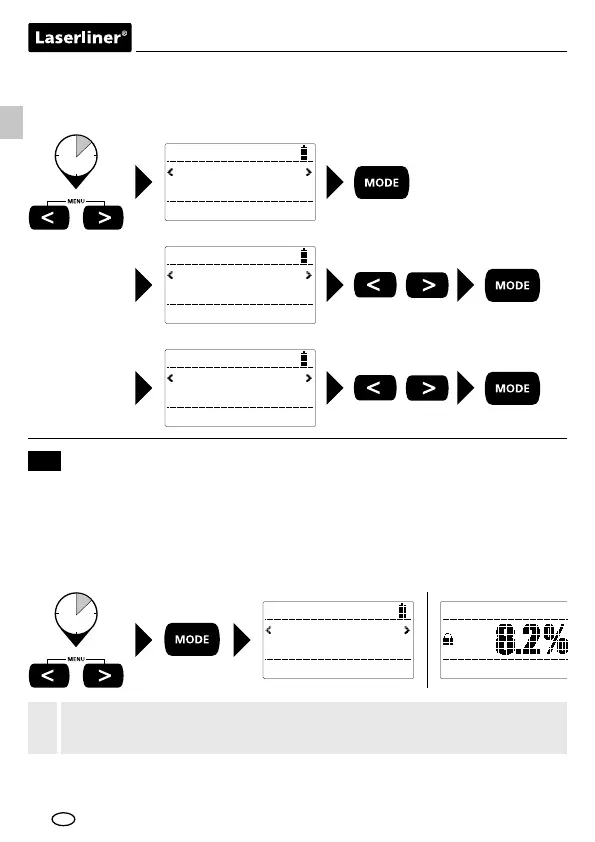
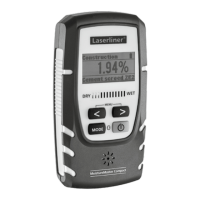
To access the menu, simultaneously press and hold the two arrow buttons in
the "measured value" display. Press the "MODE" button to set the value for
"dry" (Dry Limit). Press "MODE" again to set the value for "wet" (Wet Limit).
2 sec
3x
AutoHold
Ein
Wood
Teak
The AutoHold function is activated as standard and can be deactivated in
the menu. With AutoHold activated, as soon as the measured value is stable
it is automatically held on the display. This status is signalled acoustically
and indicated by a symbol on the display. With AutoHold deactivated, the
measured value is continuously updated on the display.
AutoHold
12
Tip: The AutoHold function is suitable for measurements with no
movement. Switch off the AutoHold function for scanning walls.
!




 To Next Page