18
8.Machine Maintenance
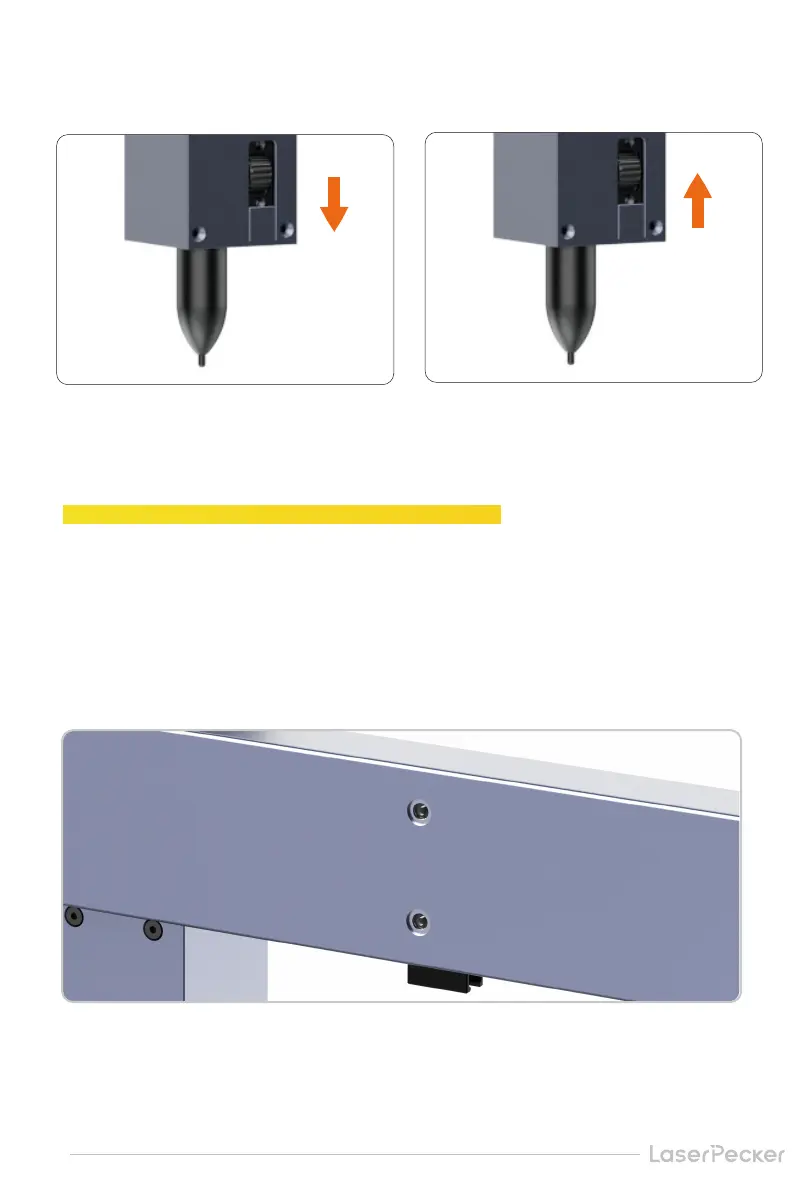
2. Change Pen in Artist Module
Fill the back and bottom of the X axis with lubricant when
the machine is stuck in operation.
Slide down the regulator to tighten up the pen
* Please refer to in-APP calibration for more calibration
Slide up the regulator to change the pen
The grease fitting is behind the X axis and at the bottom of the Y axis. Move the laser head to
the grease fitting and align it with two to three drops of lubricant (it is recommended to add
lubricating oil once every 3 months).


 To Next Page