16
6.Software Connection
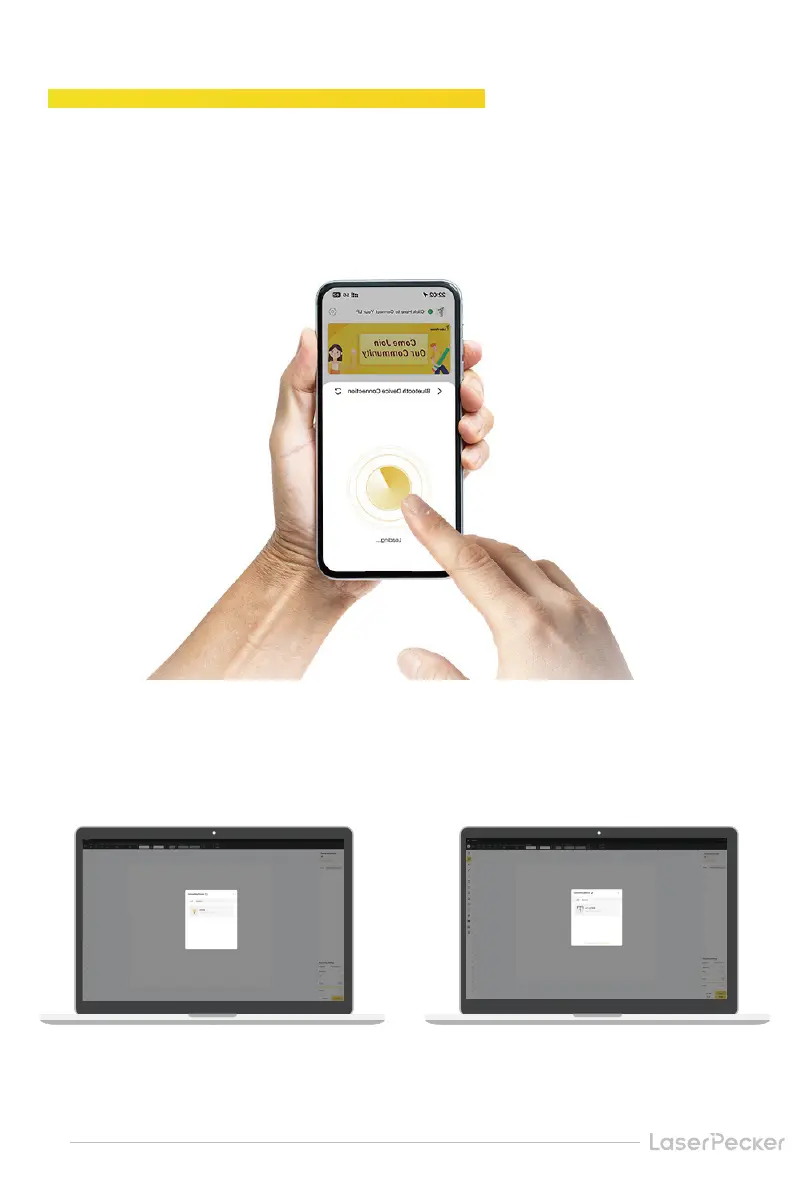
After assembling the device and power on, open the official application LaserPecker Design
Space(LDS) and connect the device in the APP.
After assembling the device and powering it on, open the official PC Software LaserPecker
Design Space(LDS). Connect the device to the PC software via USB cable or official Bluetooth
dongle.
Mobile APP Connection
PC Software Connection
USB connection via data cable Connected via Bluetooth dongle


 To Next Page