18
Camera
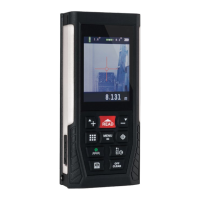
The camera function assists with targeting the laser diode
in long range measurements and in bright sunlight.
Single measurement with camera
a) Press the camera button to view the target area through
the camera.
b) Target the desired area and press the read button. Press
the camera button to exit.
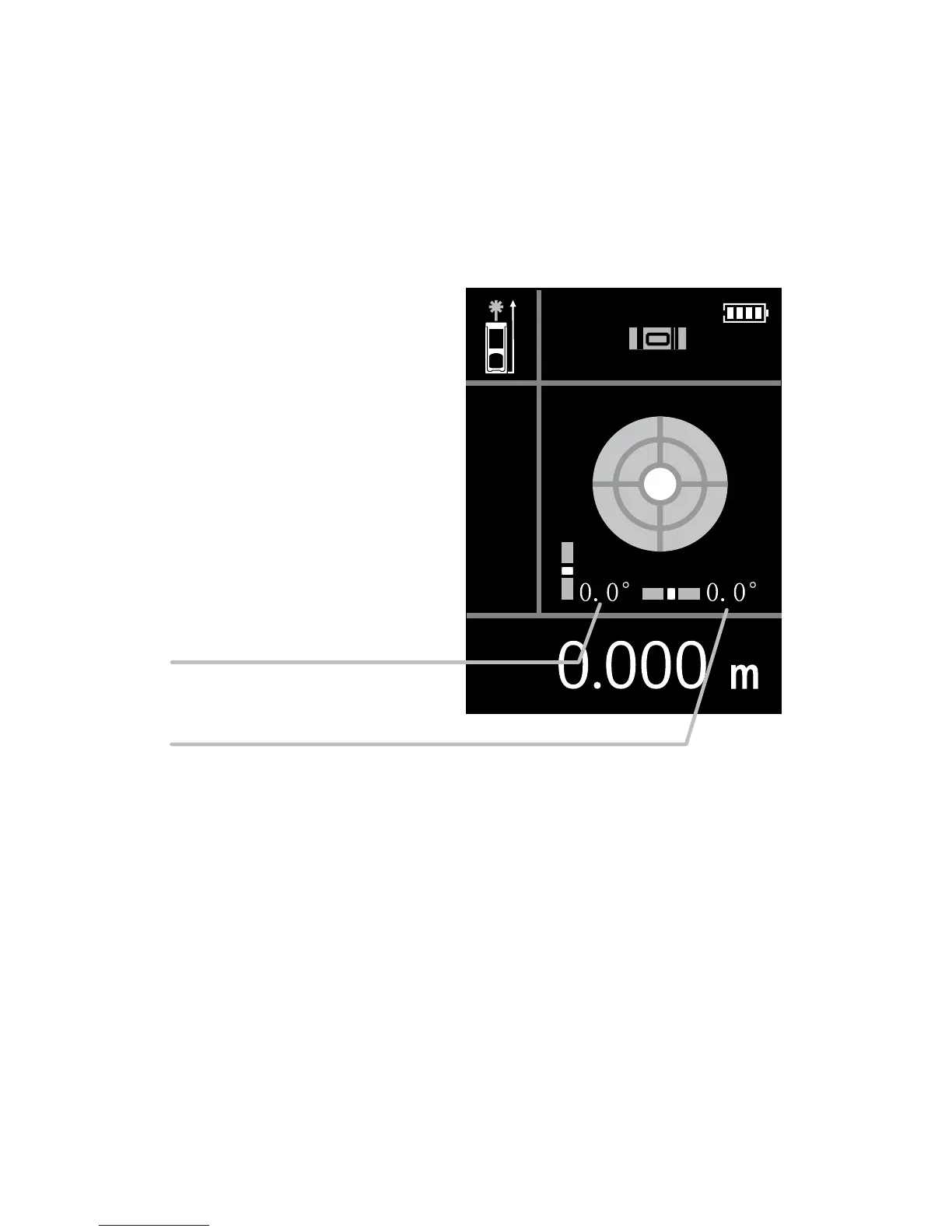
Multi-directional electronic bubble vial
a) Press and hold the staking out / digital bubble vial
button.
b) Press the off / clear button to exit.
Horizontal angle axis
Vertical angle axis


 To Next Page