SET PRINT POSITION ON TIME CARD
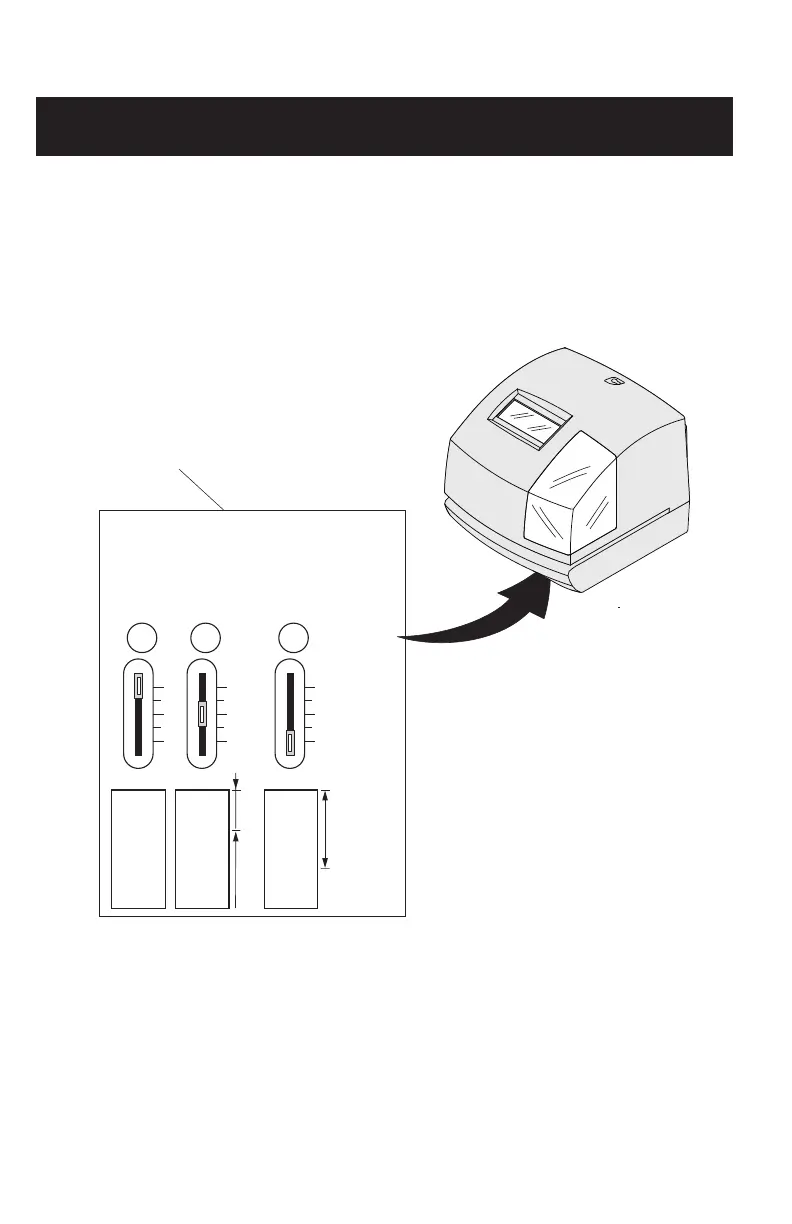
The print position from the card edge is adjustable by pressing and sliding the print position
button located on the right outside bottom of the recorder.
ADJUST PRINT POSITION
JAN 31
AM12:00
JAN 31
AM12:00
JAN31
A
15mm
30mm
Print position adjuster
Located on the bottom
of the 100E.
The print position from the card edge is
adjustable by pressing and sliding the
print position button on outside bottom.



 To Next Page