Example: Change the print order to "Month, Date, Year, Hour, Minute".
Press the SELECT button and position the
" " mark at the "PRINT ORDER".
At that moment, the flashing digits indicate
"Order Options" of the print order. (The
flashing means it can be changed.)
Step 1
PRINT
ORDER
SELECT CHANGE SET
PRINT
ORDER
SELECT CHANGE SET
In case of the example, press the CHANGE
button to set at "3". And then press the SET
button.
After you finish setting the print order,
press the SET button once again.
Now the print order setting has been
completed. Replace the cover and lock.
IMPORTANT: If you do not complete
Step 2, the clock will not print.
Step 2
1.
2.
3.
4.
5.
6.
7.
8.
9.
10.
11.
12.
13.
14.
15.
16.
17.
18.
Order Option
M, D, H, Min
D, M, H, Min
M, D, Y, H, Min
D, M, Y, H, Min
Y, M, D, H, Min
D, H, Min
DOW, D, H, Min
Y, M, D
M, D
DOW, D, M, Y
C, M, D, Y
C, D, M, Y
C, Y, M, D
M, D, Y, C
D, M, Y, C
Y, M, D, C
C, D, H, Min
DOW, M, D, Y, H, Min
Print Example
JAN 31 AM10:00
31 JAN AM10:00
JAN 31 '17 AM10:00
31 JAN '17 AM10:00
'17 JAN 31 AM10:00
31 AM10:00
TU, 31 AM10:00
'17 JAN 31
JAN 31
TU, 31 JAN '17
SENT JAN 31 '17
SENT 31 JAN '17
SENT '17 JAN 31
JAN 31 '17 SENT
31 JAN '17 SENT
'17 JAN 31 SENT
SENT 31 AM10:00
TU, JAN 31 '17 AM10:00
SETTING THE PRINT ORDER
Y=Year, M=Month, D=Date, DOW=Day of the week, H=Hour, Min=Minute
C=Comment
TU WE TH FR SA SUMO
15
12
SETTING THE PRINT STYLE
SETTING THE YEAR DIGIT
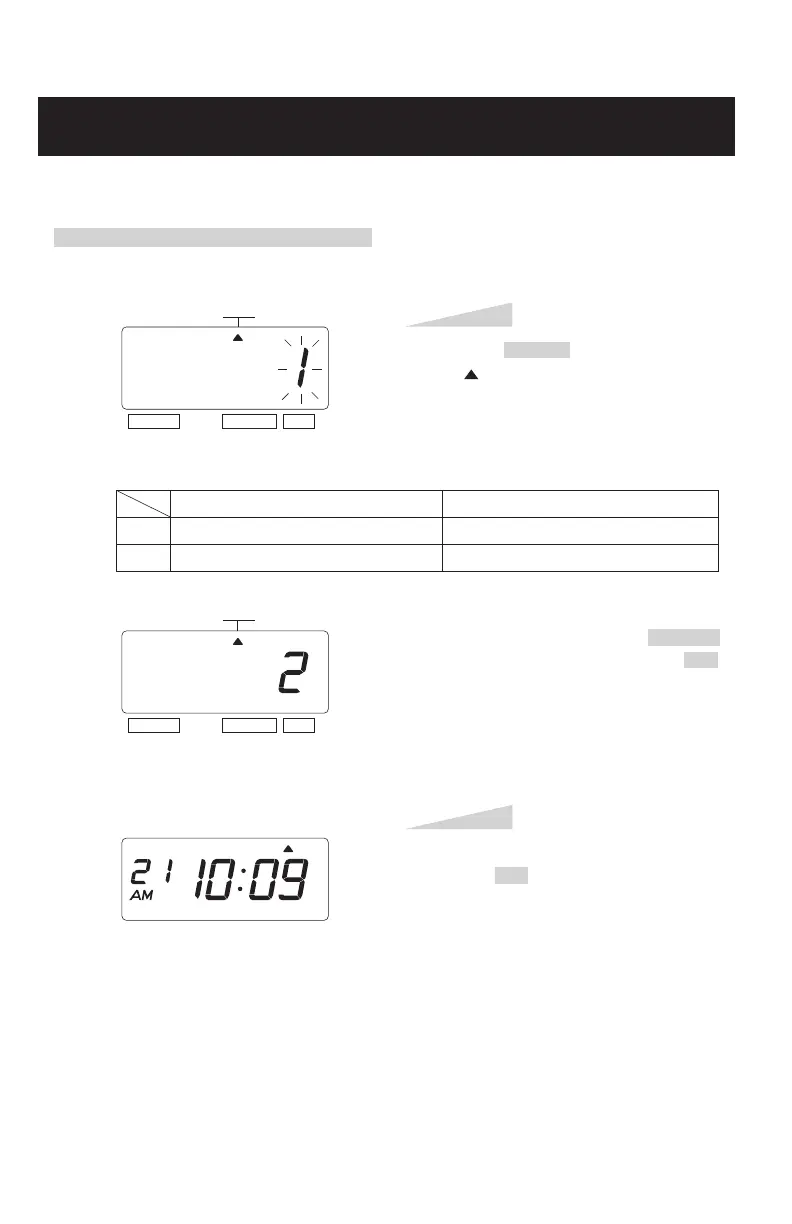
Example: Change the year imprint to 4 digits.
Press the SELECT button and position
the " "mark at the "YEAR DIGIT".
At that moment, the flashing digit
indicates "Order Options" of the year
imprint. (The flashing means it can be
changed.)
Step 1
YEAR
DIGIT
SELECT CHANGE SET
YEAR
DIGIT
SELECT CHANGE SET
After you finish setting the year digit,
press the SET button once again.
Now the year digit setting has been
completed. Replace the cover and lock.
IMPORTANT: If you do not complete
Step 2, the clock will not print.
Step 2
1.
2.
Order Options
2 Digits
4 Digits
Print Example
JAN 31 '17 AM10:00
JAN 31 2017 AM10:00
In case of the example, press the CHANGE
button to set at "2", and then press the SET
button.
TU WE TH FR SA SUMO
ENGLISH



 To Next Page